Kituwa IT · Field guide
Design a 3-2-1 backup plan
3-2-1 is a simple starting rule: at least three copies of important data, on two different media, with one copy off-… Practical checks and official referen…
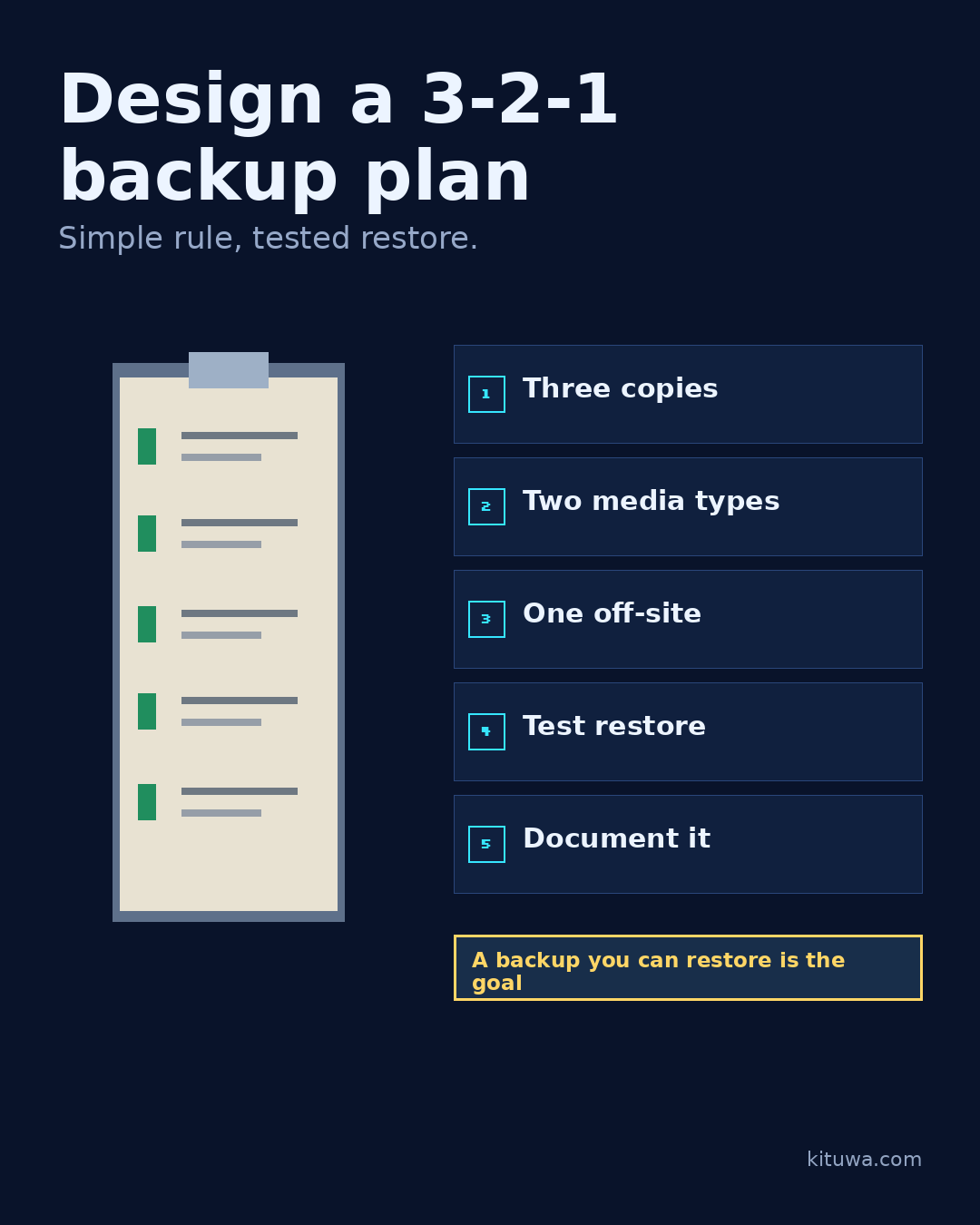
3-2-1 is a simple starting rule: at least three copies of important data, on two different media, with one copy off-site.
This guide expands the Facebook post into a practical workflow for beginners, home-lab users, and small-business owners who want to understand the trade-offs before changing a working system.
What this guide covers
- Design a 3-2-1 backup plan
- Simple rule, tested restore.
- 1 Three copies
- 2 Two media types
- 3 One off-site
- 4 Test restore
Why it matters
The goal is not to memorize a product name or copy a command blindly. It is to understand what the change affects, verify it against an official reference, test it on spare hardware or a virtual machine when possible, and keep a rollback path.
A practical walkthrough
Protect the data first
Example: the working copy on your laptop, a backup on an external drive, and an off-site copy at a trusted location or cloud service. The off-site copy is what survives a fire, theft, or a local disaster.
Protect the data first
The rule is not a guarantee. It does not tell you how often to copy, how long to keep versions, or whether the backup is restorable. Add a schedule and a restore test. Encrypt sensitive backups and protect the keys.
Prove the restore
Keep at least one copy offline or immutable where ransomware is a concern; a synced copy can be encrypted too. For a small business, write down what is backed up, who runs it, where the copies live, and how a restore is approved. For a home lab, start with the data you cannot recreate.
Your turn
What is your third copy?
What to verify
- Use the official documentation for the exact version you run.
- Test on a spare device or virtual machine before changing a working system.
- Keep a backup and a rollback path.
- Record what changed and how you verified it.
Common mistakes
- Treating RAID, sync, or a cloud gallery as a complete backup.
- Never testing a restore of a real file.
- Keeping the only copy on the same device or in the same location.
Quick checklist
- ☐ Simple rule, tested restore.
- ☐ 1 Three copies
- ☐ 2 Two media types
- ☐ 3 One off-site
- ☐ 4 Test restore
- ☐ 5 Document it
FAQ
What is the first step?
3-2-1 is a simple starting rule: at least three copies of important data, on two different media, with one copy off-site.
What should I avoid?
Treating RAID, sync, or a cloud gallery as a complete backup.
Where can I verify the current details?
Use the official references below; versions and interfaces change.
References
Related guides
Need help?
If you want a second opinion on the setup or the rollback plan, Kituwa can review it with you. Start with the checklist above; it makes the conversation more useful.