Kituwa Blog
Kituwa field guides
Detailed walkthroughs with official references.
K
February 13, 2027
Your next 30 days: keep learning
Pick one topic for the next 30 days, not ten. Choose a small project: test a Linux live session, verify a backup… Practical checks and official references.
Read the guide →
K
February 12, 2027
A simple change log
Write down changes while you remember them. A simple change log entry: date, what changed, why, who did it, and how… Practical checks and official references.
Read the guide →
K
February 11, 2027
Choosing a domain and email setup
A domain and email setup is infrastructure. Choose it deliberately. Practical checks and official references.
Read the guide →
K
February 10, 2027
A home-lab power plan
Power is part of the system, not an accessory. A UPS can ride out a short outage and give the server time to shut… Practical checks and official references.
Read the guide →
K
February 9, 2027
Storage planning for photos and video
Photo and video storage grows in one direction: up. Plan for originals, working files, and backups separately. Practical checks and official references.
Read the guide →
K
February 8, 2027
A calm incident response for a small team
When something breaks, calm beats heroics. 1. Practical checks and official references.
Read the guide →
K
February 7, 2027
When to replace instead of repair
Repair or replace? Start with evidence. Practical checks and official references.
Read the guide →
K
February 6, 2027
A small-business password policy
A password policy should make the safe path practical. Use a password manager, unique passwords per account, long… Practical checks and official references.
Read the guide →
K
February 5, 2027
What to document before you ask for help
When you ask for help, context saves time. Write down: the device model and operating system version; the exact error… Practical checks and official refere…
Read the guide →
K
February 4, 2027
A monthly review that actually helps
A monthly review should change one thing, not produce a report nobody reads. Check five areas: backup restore,… Practical checks and official references.
Read the guide →
K
February 3, 2027
Your month-end tech check
A month-end tech check in five items: 1. Restore test: recover one expendable file from backup. Practical checks and official references.
Read the guide →
K
February 2, 2027
Build a rescue USB with a purpose
Build a rescue USB with a purpose, not a pile of tools. Pick tools for three jobs: diagnostics, file recovery, and… Practical checks and official references.
Read the guide →
K
February 1, 2027
Linux in RAM: the useful version
Linux in RAM is a useful tool, not magic. A live boot starts a system from removable media. Practical checks and official references.
Read the guide →
K
January 31, 2027
What would make you switch operating systems?
What would make you switch operating systems? Consider five things: reliability, privacy, compatibility, control, and… Practical checks and official refere…
Read the guide →
K
January 30, 2027
Before you switch your main computer
Before you switch your main computer, make a packing list. Files: back up everything you cannot recreate, and test a… Practical checks and official referen…
Read the guide →
K
January 29, 2027
Gaming on Linux: check your games first
Gaming on Linux starts with a game list, not a distro debate. Check each title you actually play: does it have a… Practical checks and official references.
Read the guide →
K
January 28, 2027
Hardware wallet or software wallet?
Hardware and software wallets store keys differently. A hardware wallet keeps keys on a dedicated device and asks you… Practical checks and official refere…
Read the guide →
K
January 27, 2027
Recognize a wallet approval trap
Connecting a wallet, signing a message, approving token access, and sending a transaction are different actions with… Practical checks and official referen…
Read the guide →
K
January 26, 2027
Seed phrases and account passwords differ
A wallet recovery phrase, an exchange password, a device PIN, and a two-factor code are different credentials with… Practical checks and official references.
Read the guide →
K
January 25, 2027
Could your business recover without you?
Could your business recover without you? Imagine you are away for a week. Practical checks and official references.
Read the guide →
K
January 24, 2027
Review browser extension permissions
Browser extensions are small programs with permissions. Review them like software, not wallpaper. Practical checks and official references.
Read the guide →
K
January 23, 2027
Scam messages: verify through another route
Urgency is a tactic. Pause before you act. Practical checks and official references.
Read the guide →
K
January 22, 2027
Where does your team lose information?
Four common information traps: Decisions buried in chat. Fix: record the decision and link it from the task. Practical checks and official references.
Read the guide →
K
January 21, 2027
A shared team workspace blueprint
A small team needs four work areas, not ten apps. Files: where the current document lives. Practical checks and official references.
Read the guide →
K
January 20, 2027
Jitsi, Mattermost, and Matrix
Three collaboration tools, three different centers of gravity. Jitsi is built around meetings: rooms, audio/video,… Practical checks and official references.
Read the guide →
K
January 19, 2027
Would you automate this or simplify it?
Automation is not always the answer. One fictional process needs automation: a repetitive, rule-based handoff that… Practical checks and official references.
Read the guide →
K
January 18, 2027
Build an error notification that helps
A useful automation alert answers five questions: what failed, when, where, how bad, and what to do next. Include the… Practical checks and official refere…
Read the guide →
K
January 17, 2027
Retries can create duplicates
A timeout does not mean the request failed. It means you did not receive a response in time. Practical checks and official references.
Read the guide →
K
January 16, 2027
What repetitive task costs you attention?
Four repetitive loops that quietly eat attention: Copying form submissions into a spreadsheet. Renaming scans so they… Practical checks and official refere…
Read the guide →
K
January 15, 2027
Design an automation before building it
Before you build an automation, write the worksheet. Trigger: what starts the workflow? Practical checks and official references.
Read the guide →
K
January 14, 2027
n8n: what workflow automation means
An automation is a small pipeline: trigger, action, condition, error path. Trigger: what starts it? Practical checks and official references.
Read the guide →
K
January 13, 2027
Where should AI need your approval?
Use consequence and reversibility to decide. Draft creation: low consequence, easy to discard; a review is still wise. Practical checks and official refere…
Read the guide →
K
January 12, 2027
Turn a checklist into a reusable AI workflow
Take a task you already do: editing a blog draft. Define inputs: draft, audience, style guide, and source links. Practical checks and official references.
Read the guide →
K
January 11, 2027
AI skills are not magic slash commands
A reusable instruction set is not the same as a built-in feature. Instructions: text you paste or save to guide a… Practical checks and official references.
Read the guide →
K
January 10, 2027
The AI task you should keep reviewing
Some AI output should always have a human review gate. Draft emails: review tone, names, commitments, and anything… Practical checks and official references.
Read the guide →
K
January 9, 2027
A reusable prompt that produces useful drafts
Use a six-block template. Goal: what should the draft accomplish? Practical checks and official references.
Read the guide →
K
January 8, 2027
RAG vs fine-tuning vs better prompting
Three paths, different jobs. Better prompting changes the instructions: role, constraints, examples, output format. Practical checks and official references.
Read the guide →
K
January 7, 2027
Smaller model, better workflow?
A small model can be the better choice when the job is narrow. A small model doing one task (classify, extract,… Practical checks and official references.
Read the guide →
K
January 6, 2027
Test a model with your own task
Pick five questions that represent your real work. Use a fixed prompt, the same settings, and the same source… Practical checks and official references.
Read the guide →
K
January 5, 2027
Quantization without the jargon
Quantization stores model weights at lower precision. Instead of 16-bit or 32-bit numbers, a quantized model might… Practical checks and official references.
Read the guide →
K
January 4, 2027
What would you use offline AI for?
Offline AI is most useful when the job is clear and the cost of a wrong answer is low. Good candidates: drafting a… Practical checks and official references.
Read the guide →
K
January 3, 2027
Size an AI model honestly
Model size is not a single number. You need to account for weights, quantization, context, and runtime overhead. Practical checks and official references.
Read the guide →
K
January 2, 2027
Local AI: what actually stays local?
Local AI means the model runs on hardware you control. It does not automatically mean every part of the workflow is… Practical checks and official references.
Read the guide →
K
January 1, 2027
Your server is down: what failed?
Start with the path, not the app. 1. Practical checks and official references.
Read the guide →
K
December 31, 2026
Choose alerts that mean something
An alert should describe a symptom, a threshold, an owner, and an action. Symptom: what is wrong? Practical checks and official references.
Read the guide →
K
December 30, 2026
Monitoring is not automatic repair
Monitoring tells you something is wrong. It does not fix it. Practical checks and official references.
Read the guide →
K
December 29, 2026
An SSH warning you should not ignore
The SSH warning “REMOTE HOST IDENTIFICATION HAS CHANGED” is not noise. It means the server presented a different host… Practical checks and official refere…
Read the guide →
K
December 28, 2026
Create an SSH nickname
An SSH nickname is a short name for a host, user, port, and key. It saves typing and reduces mistakes. Practical checks and official references.
Read the guide →
K
December 27, 2026
SSH keys in plain English
SSH keys are a pair: a private key that stays on your device and a public key that you place on the server. The… Practical checks and official references.
Read the guide →
K
December 26, 2026
Port forwarding or private access?
Opening a port is not the only way to reach a service. Port forwarding exposes a service to the internet through your… Practical checks and official refere…
Read the guide →
 December 25, 2026
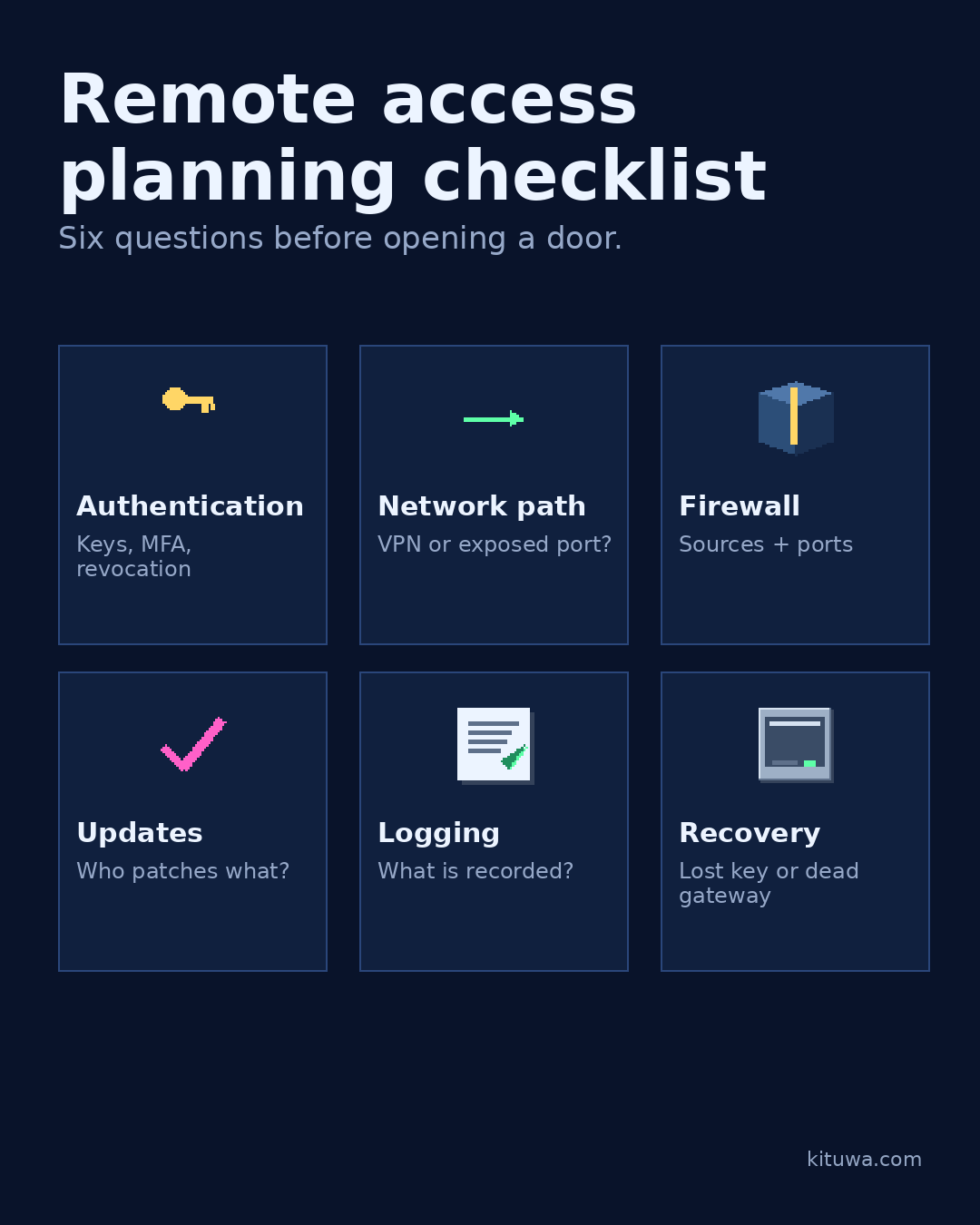
Remote access planning checklist
Remote access is a door. Plan who can open it, how, and what happens if the key is lost. Practical checks and official references.
Read the guide →
 December 24, 2026
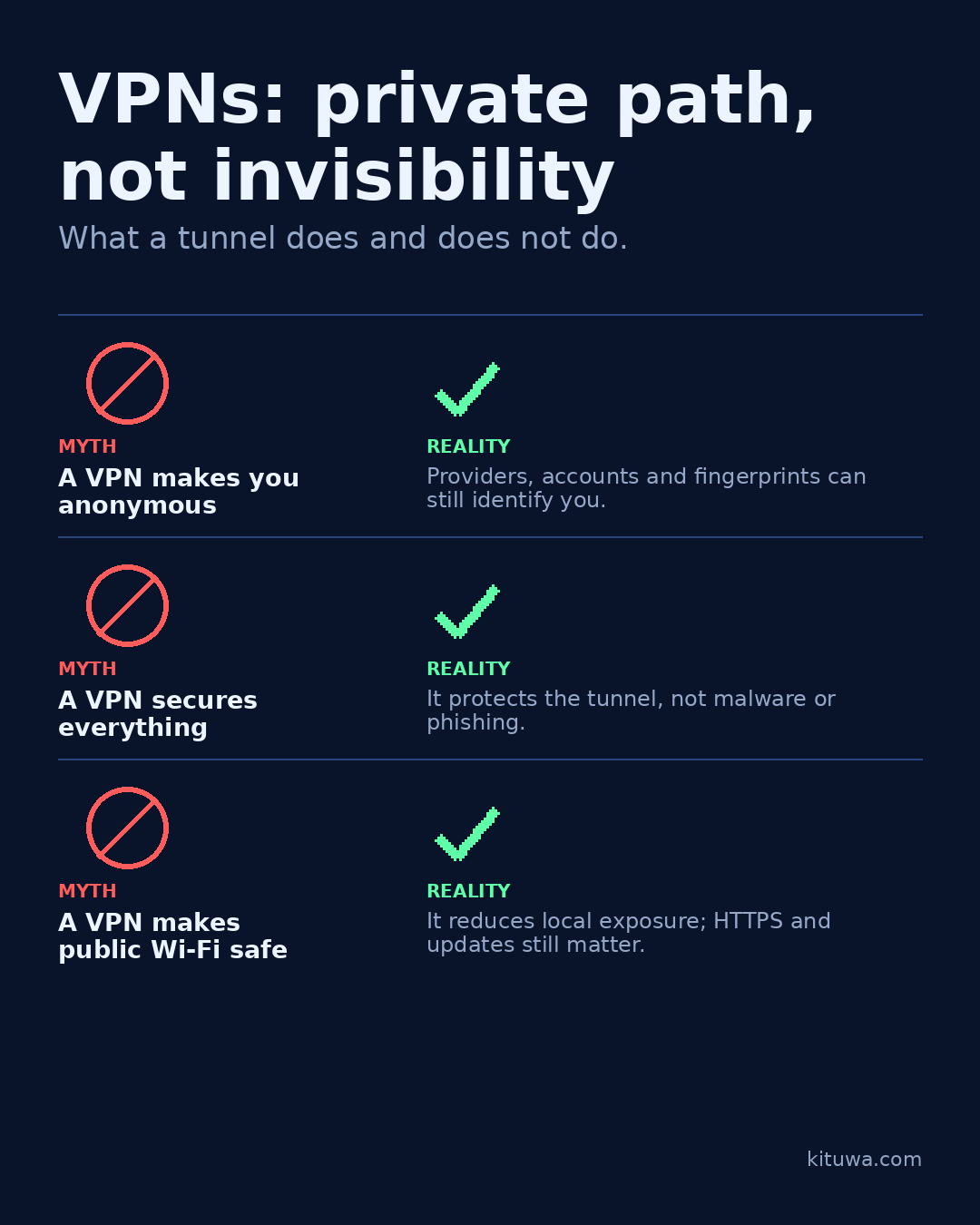
VPNs: private path, not invisibility
A VPN creates a private path between your device and a VPN endpoint. It is not invisibility. Practical checks and official references.
Read the guide →
 December 23, 2026
The guest Wi-Fi question
Guest Wi-Fi is a convenience with boundaries. A separate guest SSID can keep visitors off your main network, but only… Practical checks and official refere…
Read the guide →
 December 22, 2026
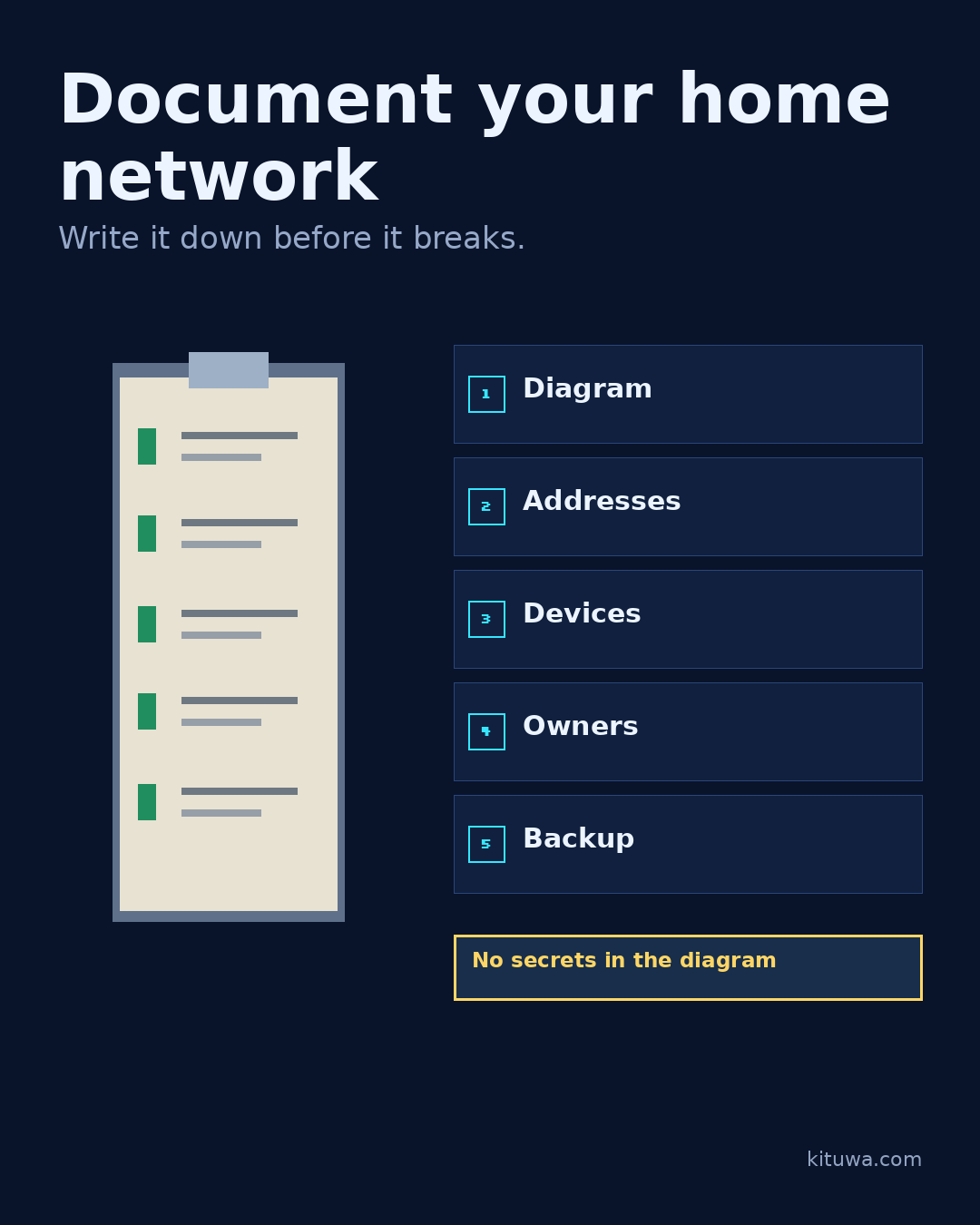
Document your home network
A home network you cannot describe is hard to troubleshoot. Write down: a simple diagram, the router and access point… Practical checks and official refere…
Read the guide →
 December 21, 2026
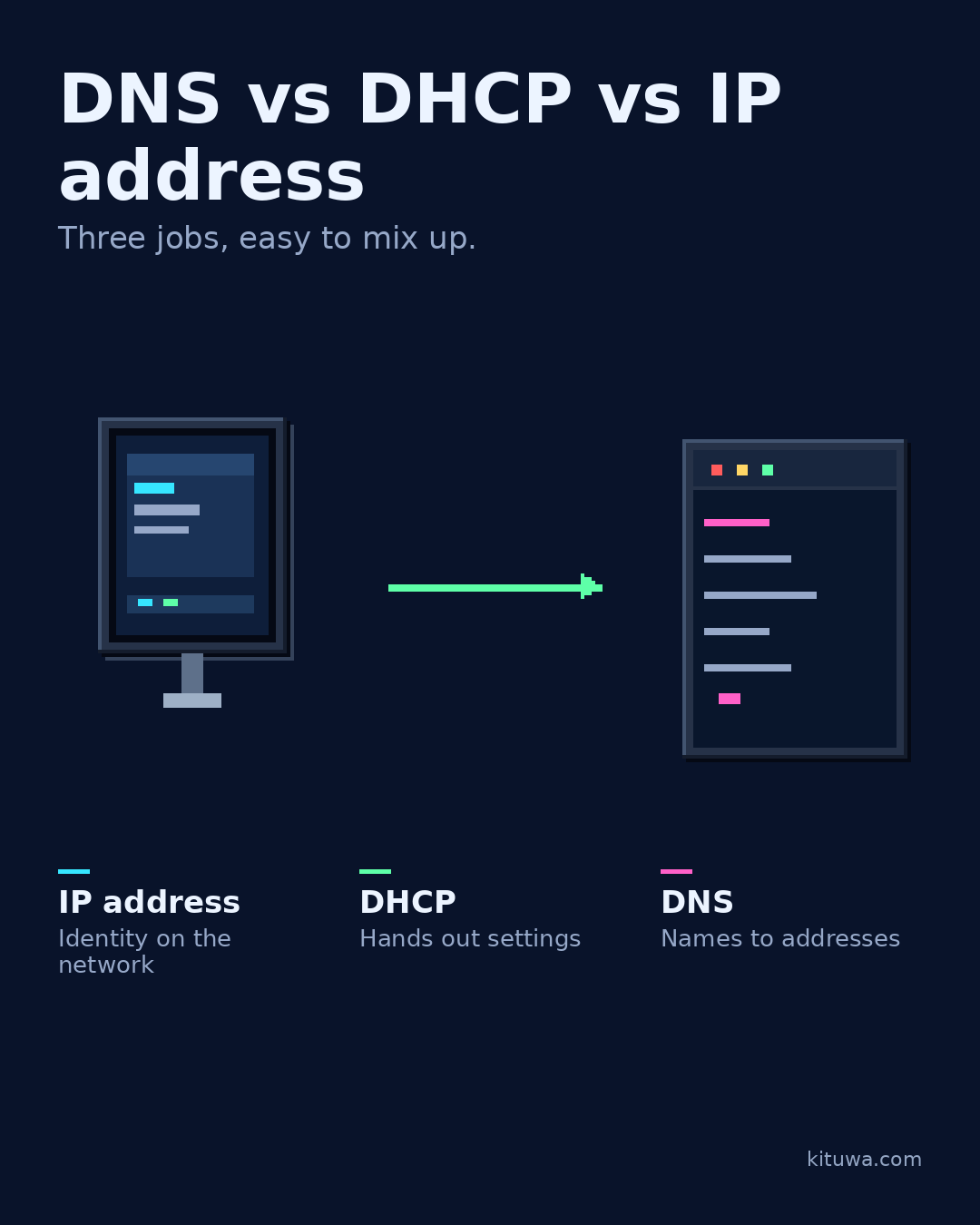
DNS vs DHCP vs IP address
DNS, DHCP, and IP addresses are three different jobs. An IP address identifies a device on a network. Practical checks and official references.
Read the guide →
 December 20, 2026
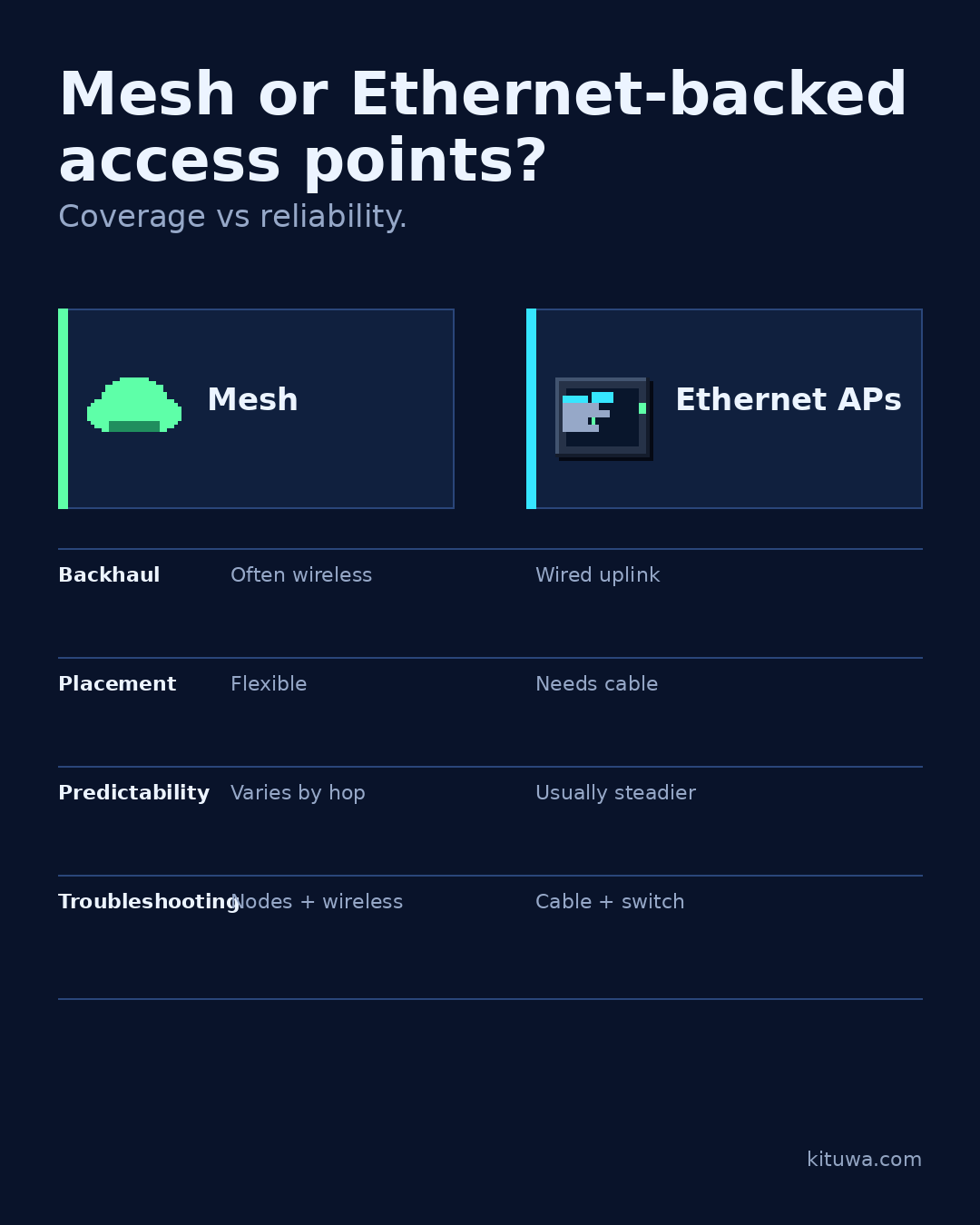
Mesh or Ethernet-backed access points?
Mesh Wi-Fi and Ethernet-backed access points both add coverage, but they trade off differently. A mesh system is easy… Practical checks and official refere…
Read the guide →
 December 19, 2026
Wi-Fi slow: run these checks first
Wi-Fi slow? Check the simple things before buying new hardware. Practical checks and official references.
Read the guide →
 December 18, 2026
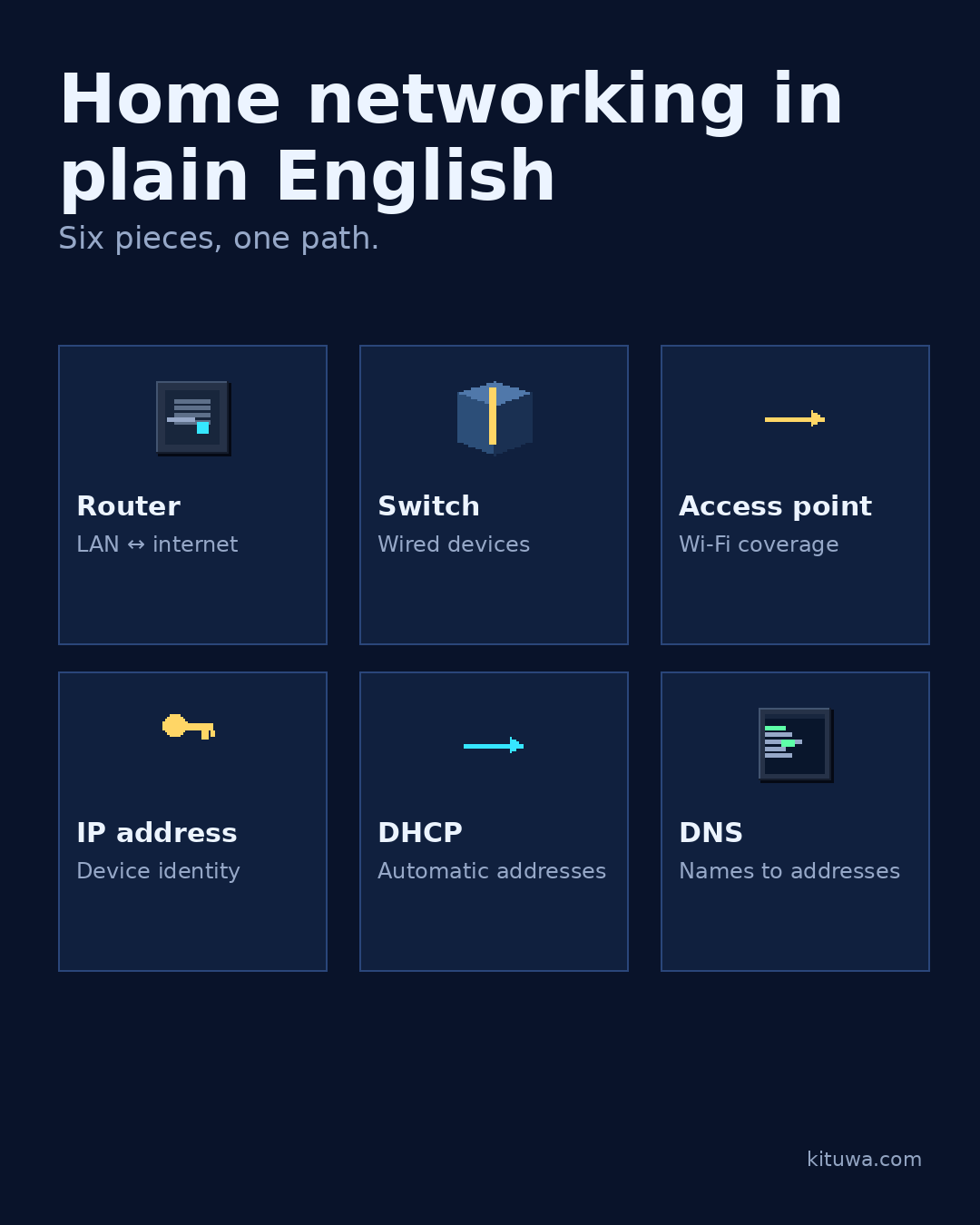
Home networking in plain English
Home networking is easier when you separate six jobs. Router: moves traffic between your network and the internet. Practical checks and official references.
Read the guide →
 December 17, 2026
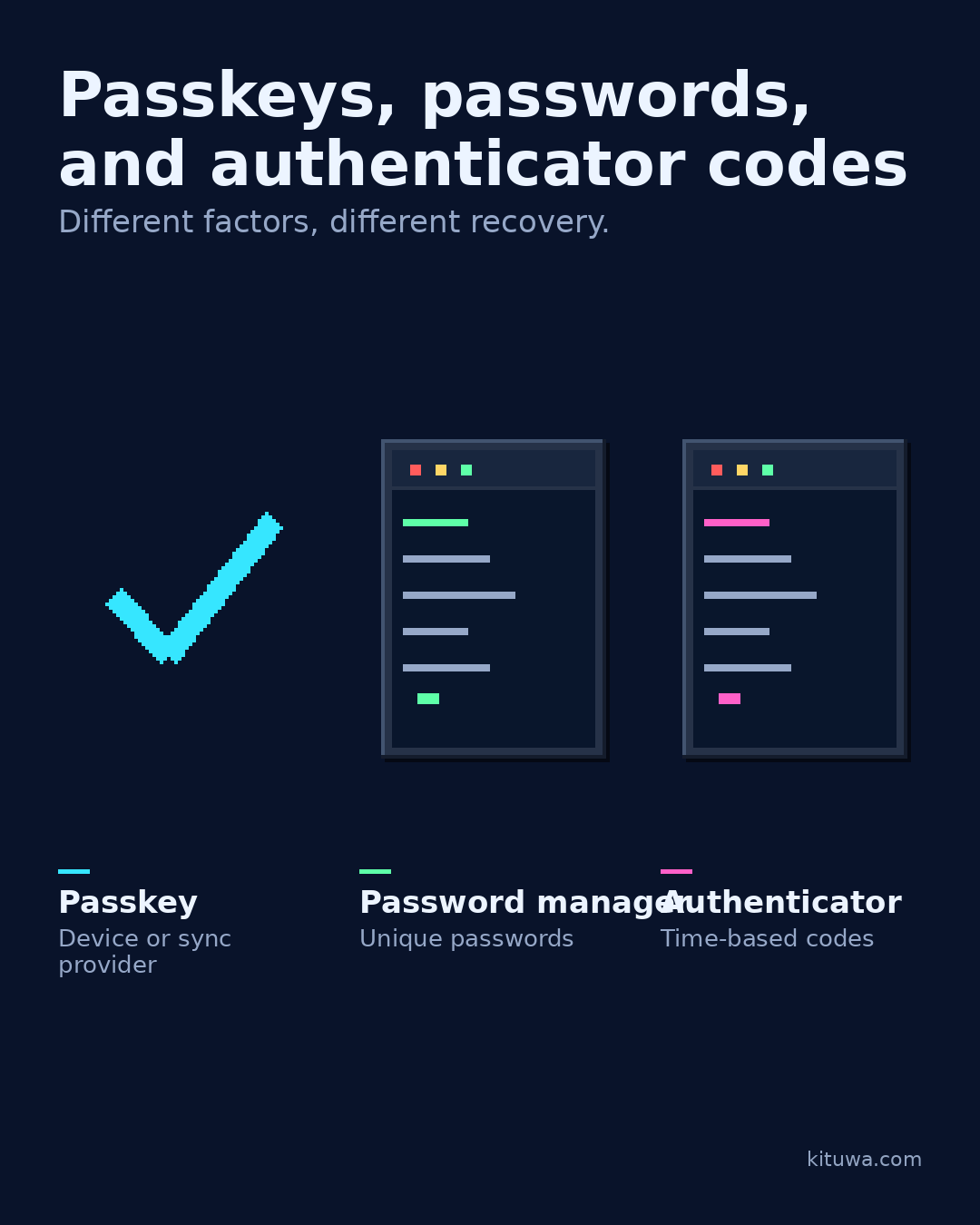
Passkeys, passwords, and authenticator codes
Passkeys, passwords, and authenticator codes are different tools, not replacements for thinking about recovery. A… Practical checks and official references.
Read the guide →
 December 16, 2026
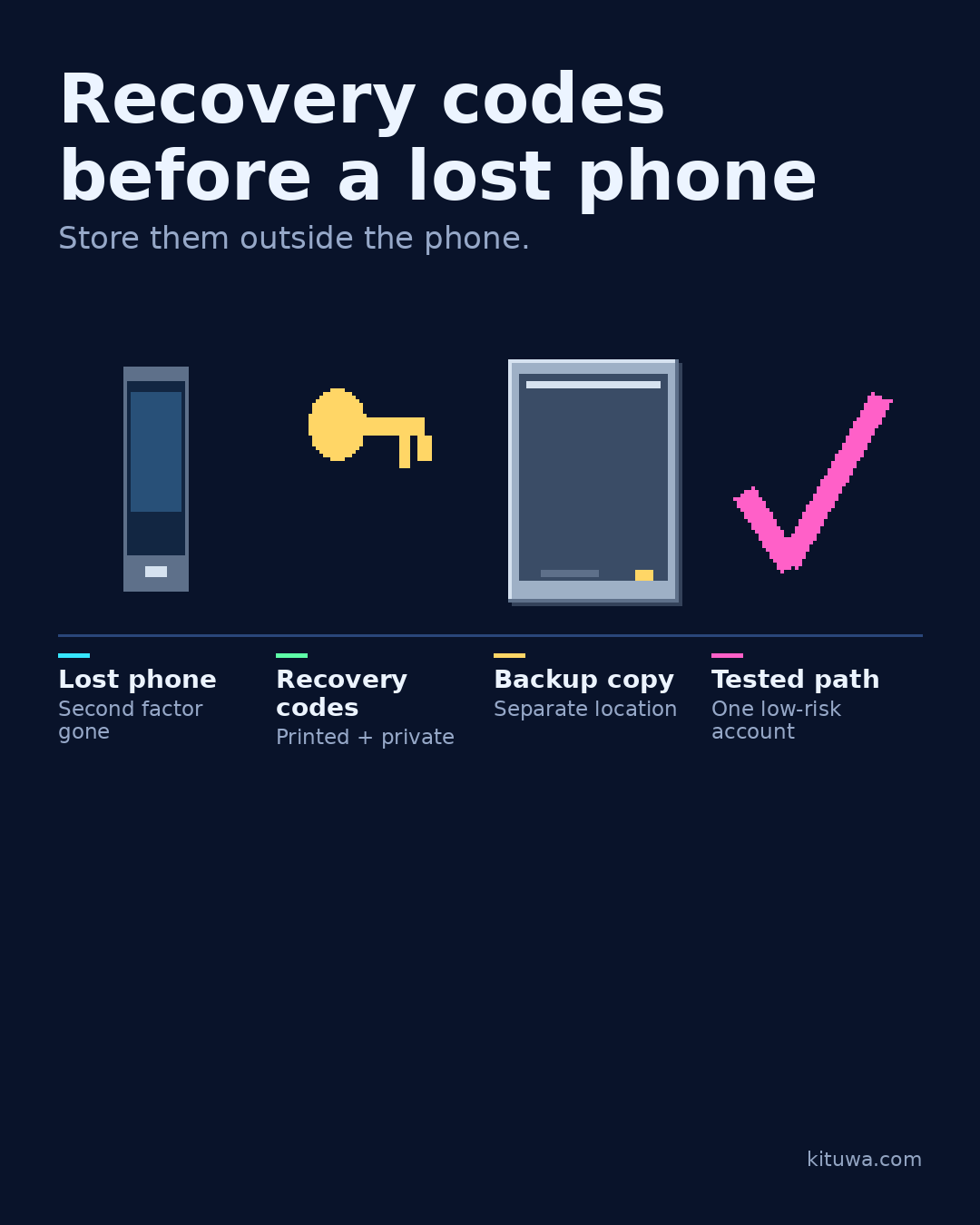
Recovery codes before a lost phone
Your phone is also your second factor. If it is lost, stolen, or wiped, can you still get into your accounts? Practical checks and official references.
Read the guide →
 December 15, 2026
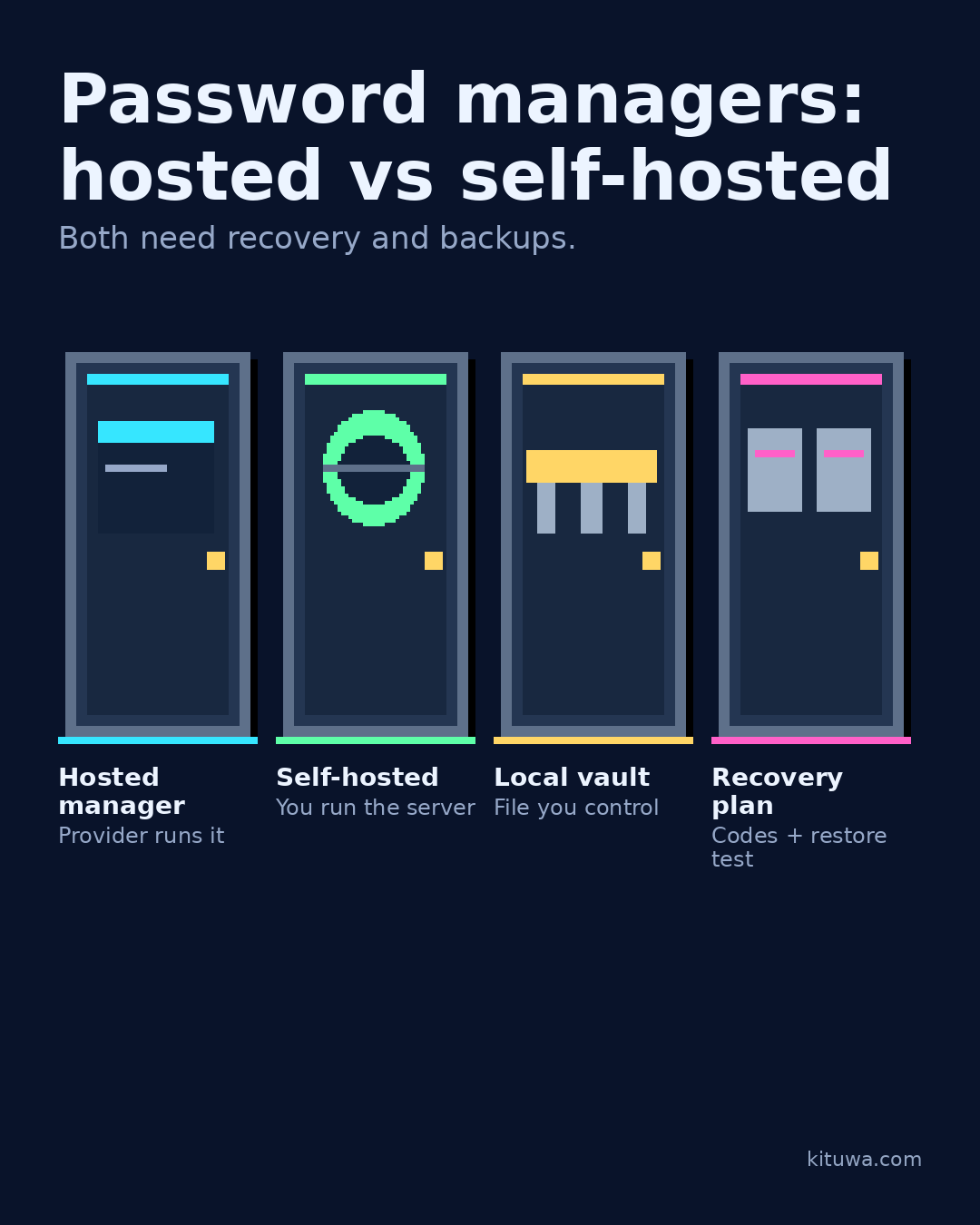
Password managers: hosted vs self-hosted
Hosted and self-hosted password managers both store secrets; they move responsibility. A hosted manager handles… Practical checks and official references.
Read the guide →
 December 14, 2026
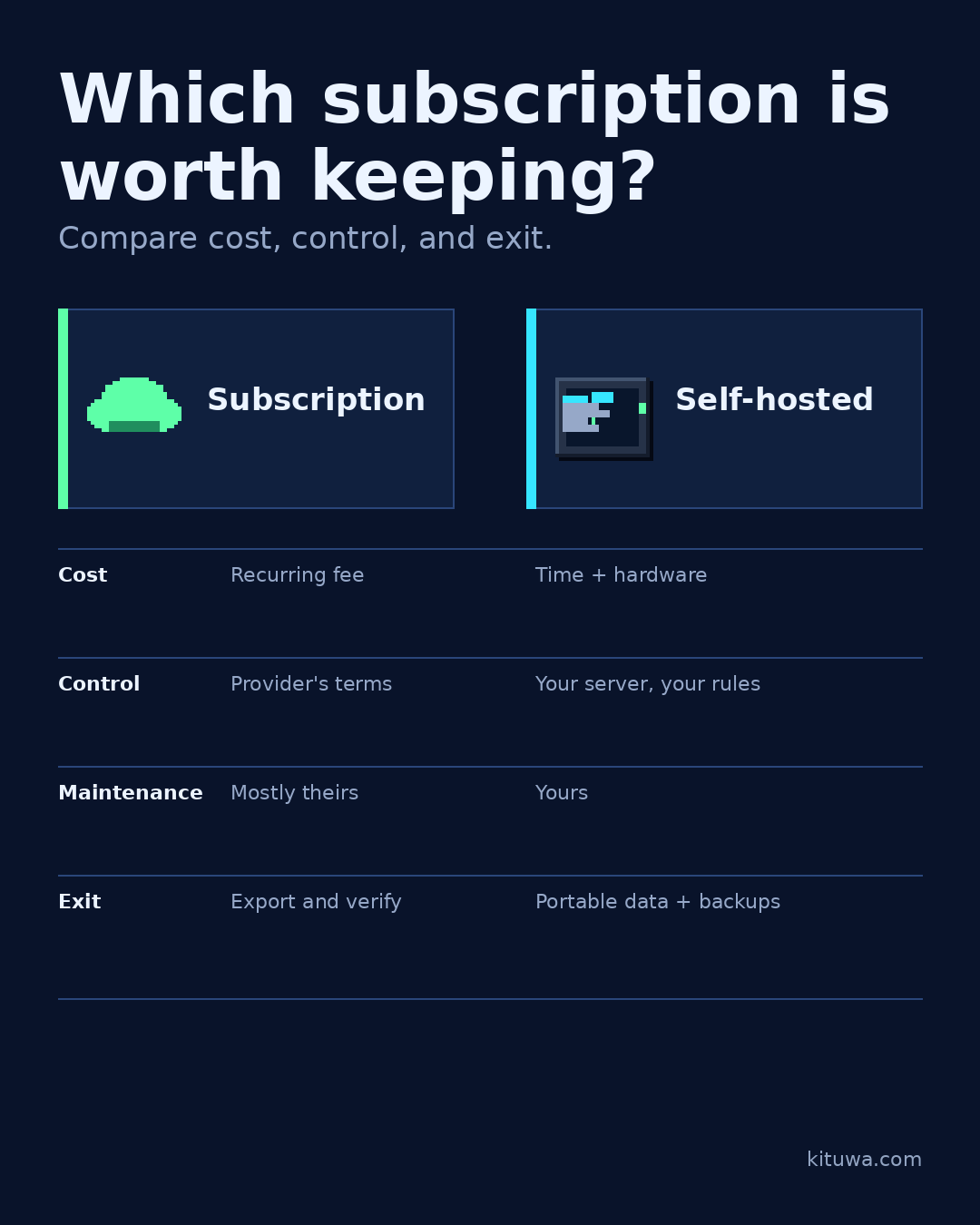
Which subscription is worth keeping?
Audit one subscription at a time. Ask: what job does it do, what would replacing it cost in time, and what happens if… Practical checks and official refere…
Read the guide →
 December 13, 2026
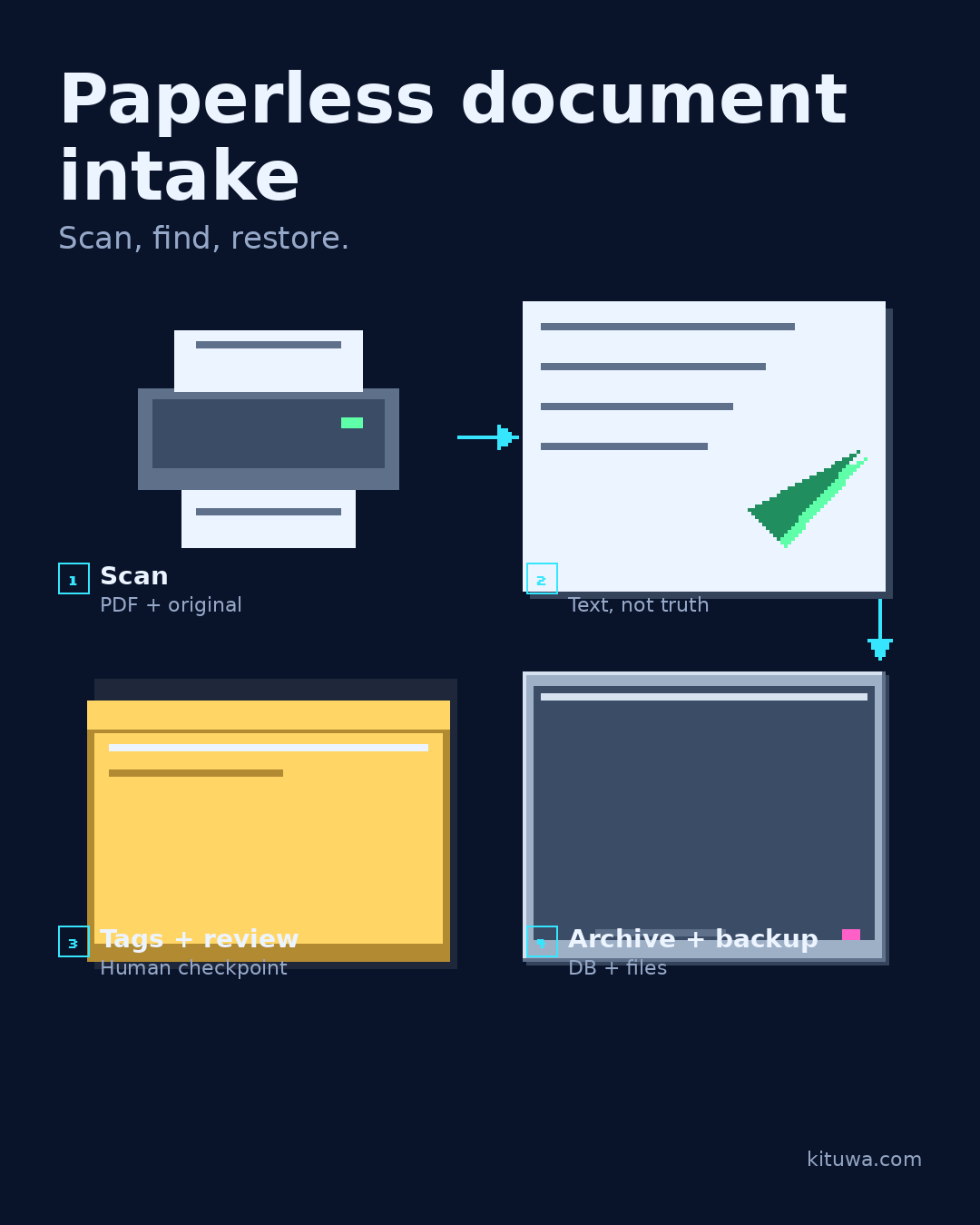
Paperless document intake
Paperless-ngx turns scanned documents into a searchable archive. The intake workflow matters as much as the software. Practical checks and official referen…
Read the guide →
 December 12, 2026
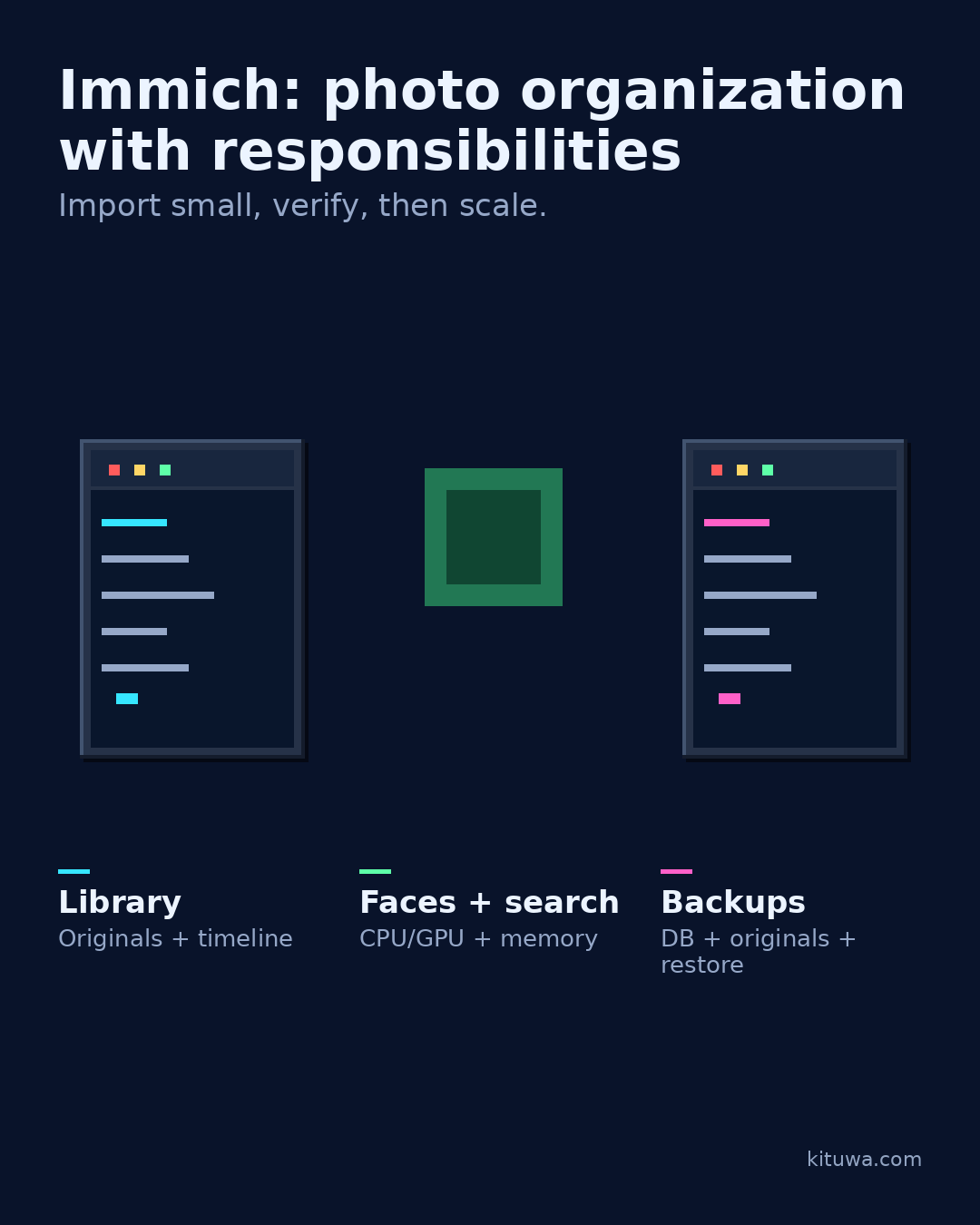
Immich: photo organization with responsibilities
Immich is a self-hosted photo and video library with mobile apps, albums, faces, and search. It is a serious project,… Practical checks and official refere…
Read the guide →
 December 11, 2026
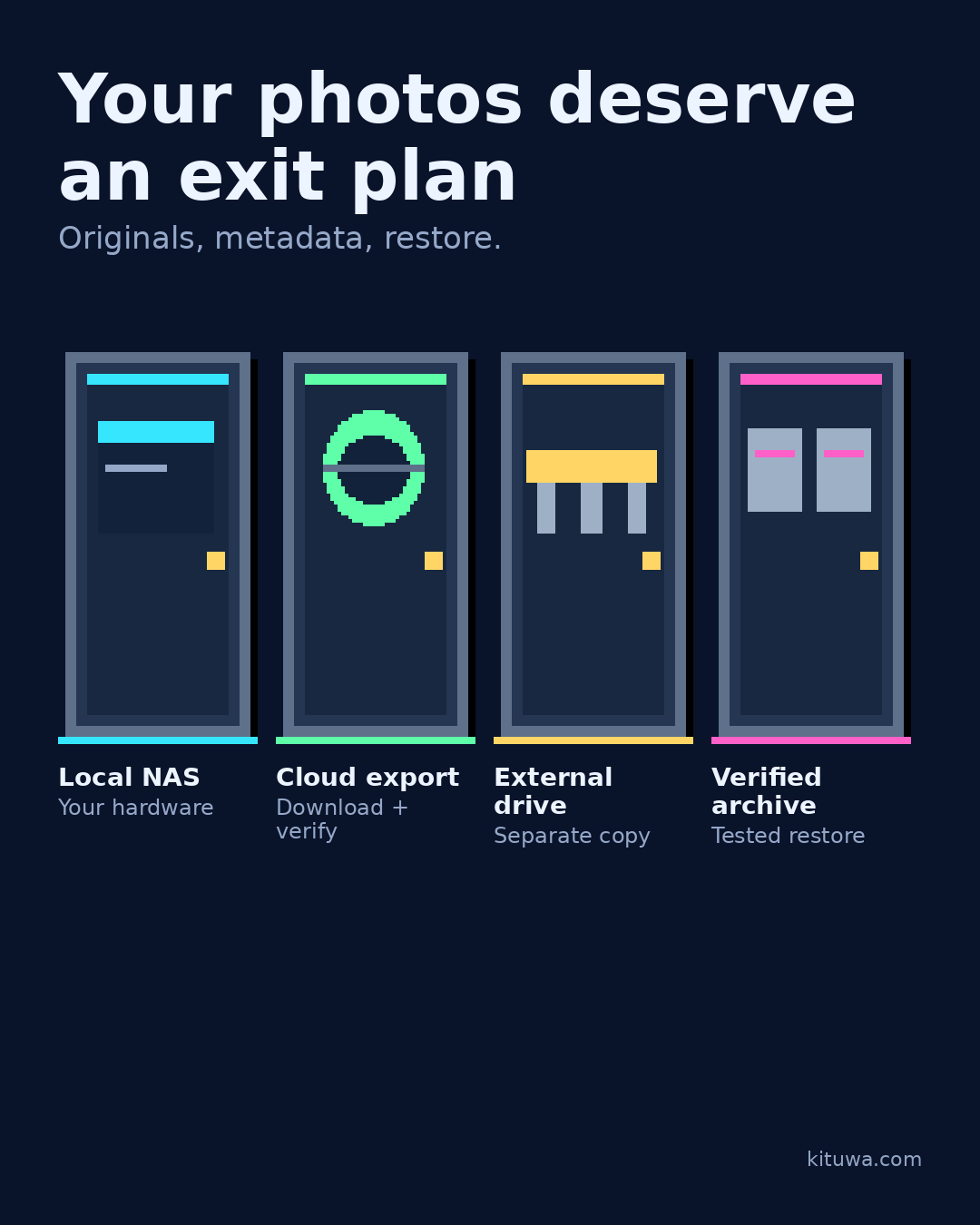
Your photos deserve an exit plan
Cloud photo services are convenient, but convenience is not an exit plan. Decide where the originals live, how you… Practical checks and official references.
Read the guide →
 December 10, 2026
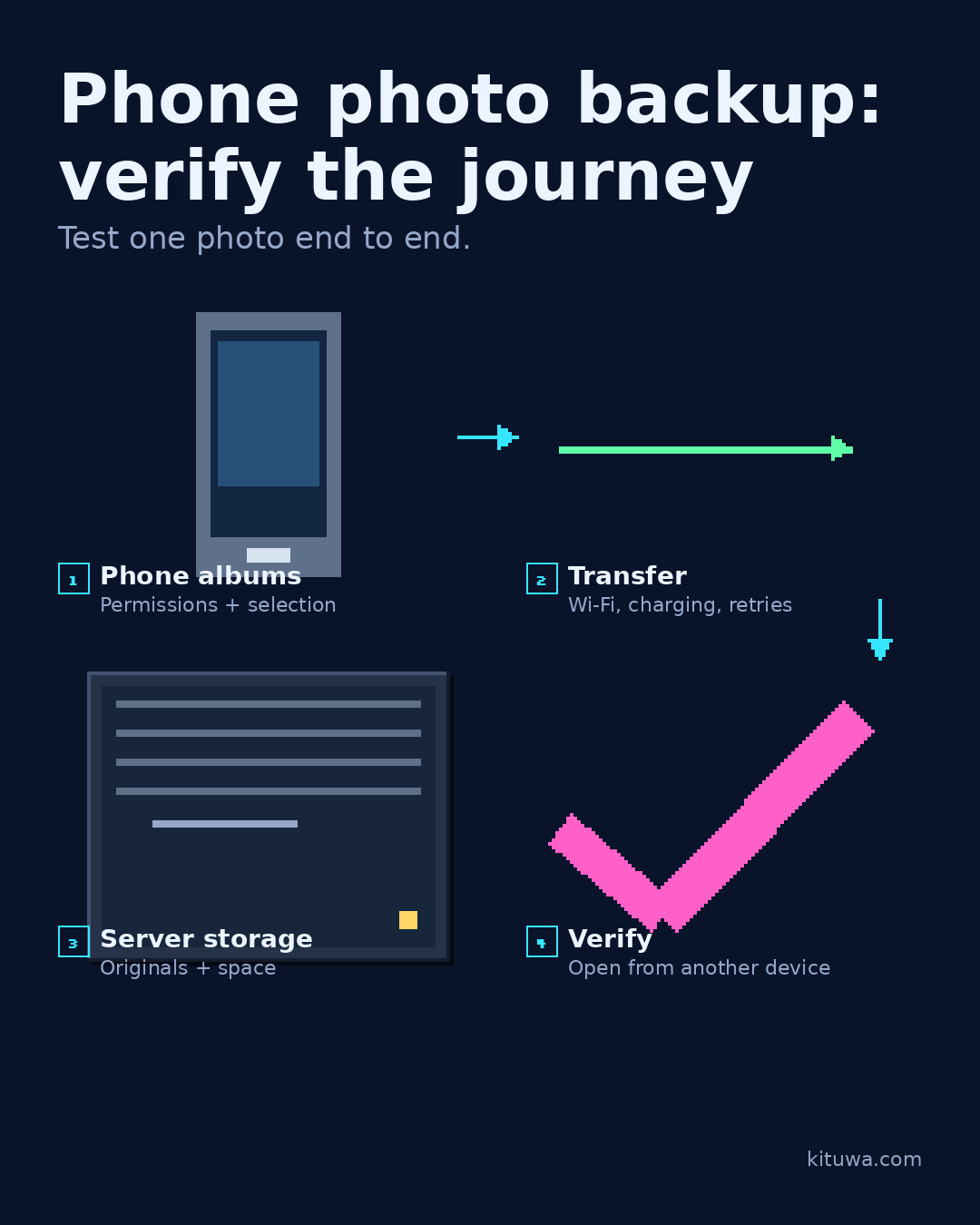
Phone photo backup: verify the journey
Phone photo backup is a journey, not a single setting. Start with the phone: which albums are included, and what… Practical checks and official references.
Read the guide →
 December 9, 2026
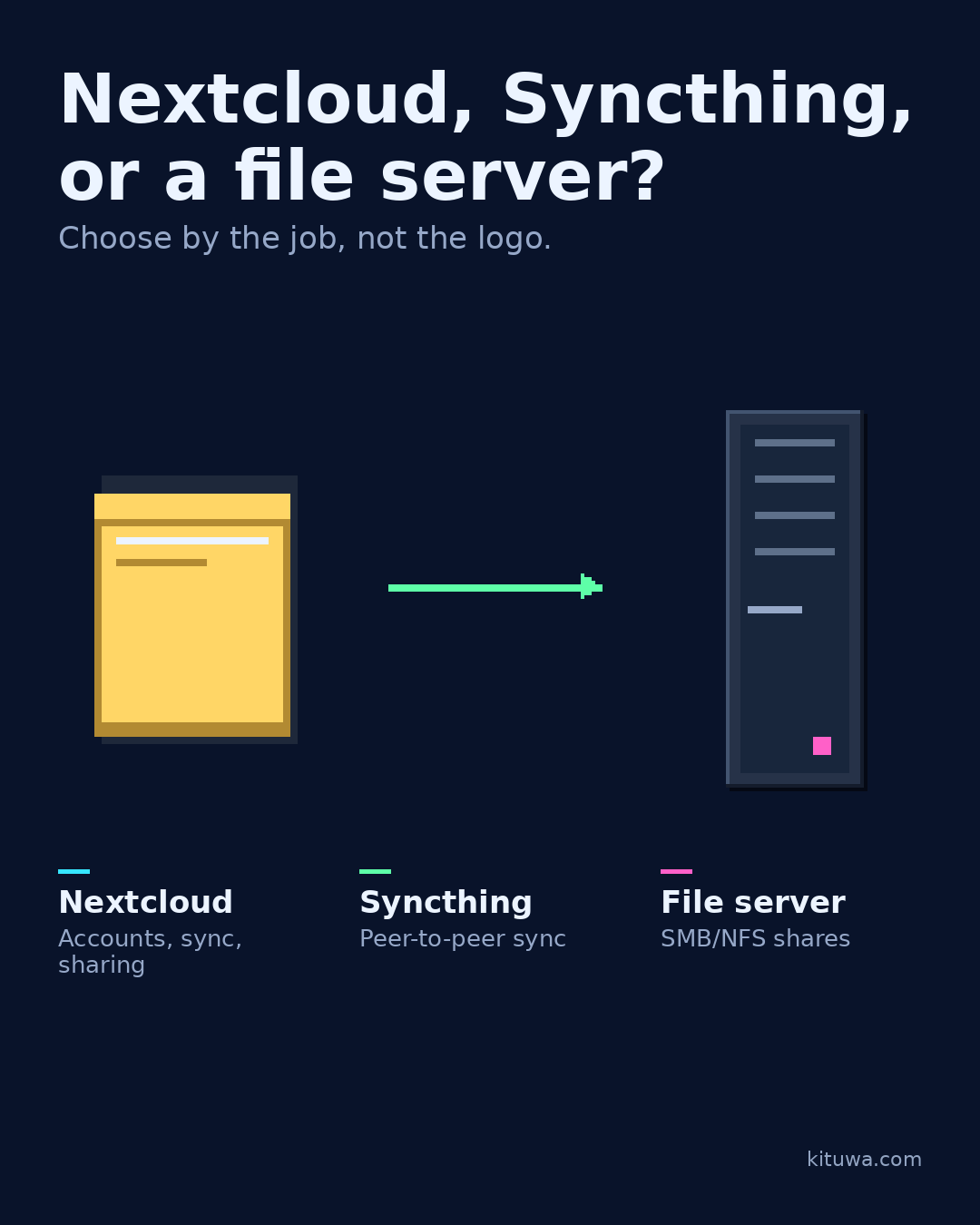
Nextcloud, Syncthing, or a file server?
Three tools, three different jobs. Nextcloud is a self-hosted collaboration suite: accounts, file sync, sharing,… Practical checks and official references.
Read the guide →
 December 8, 2026
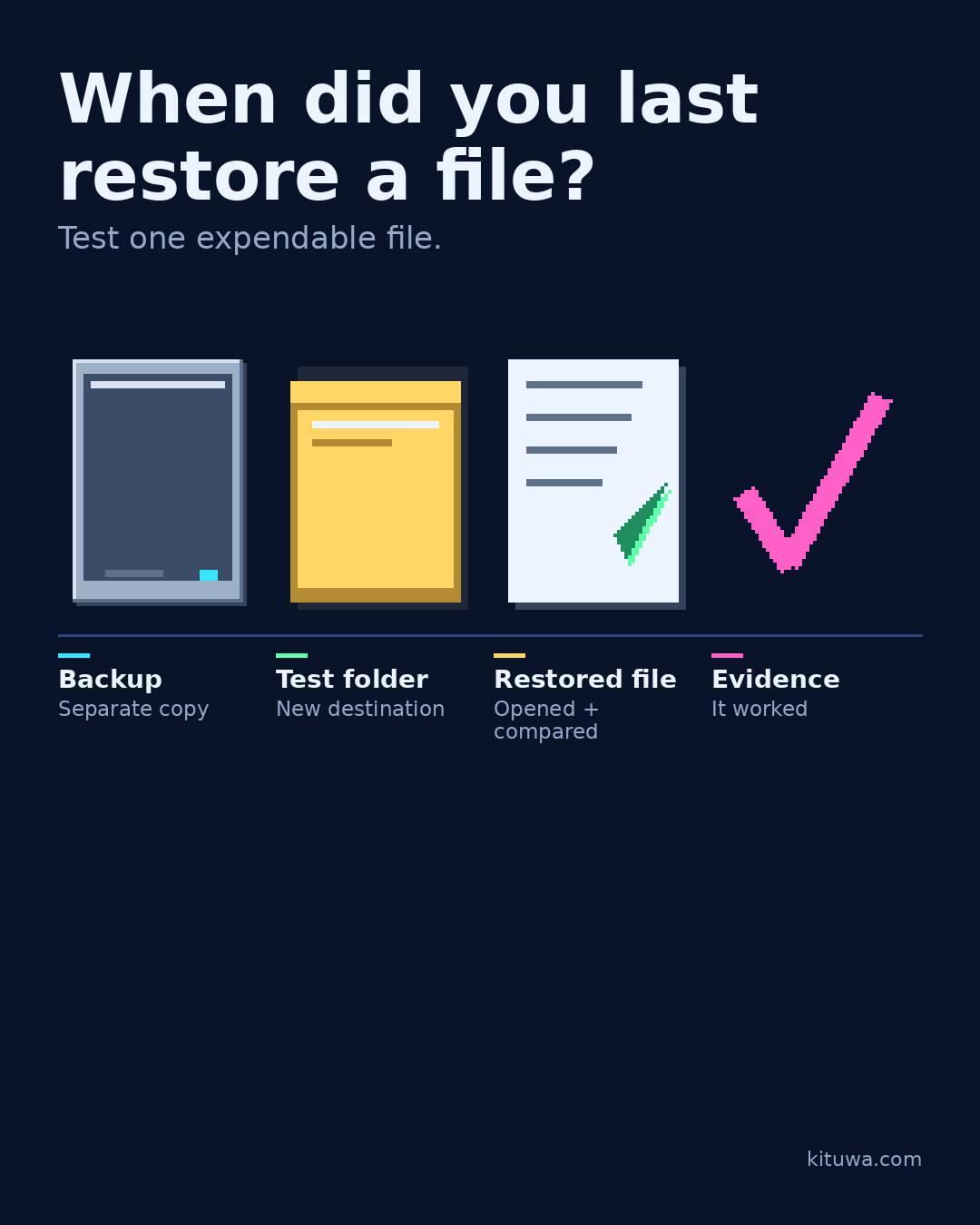
When did you last restore a file?
A backup you have never restored is still a hypothesis. Pick one expendable file. Practical checks and official references.
Read the guide →
 December 7, 2026
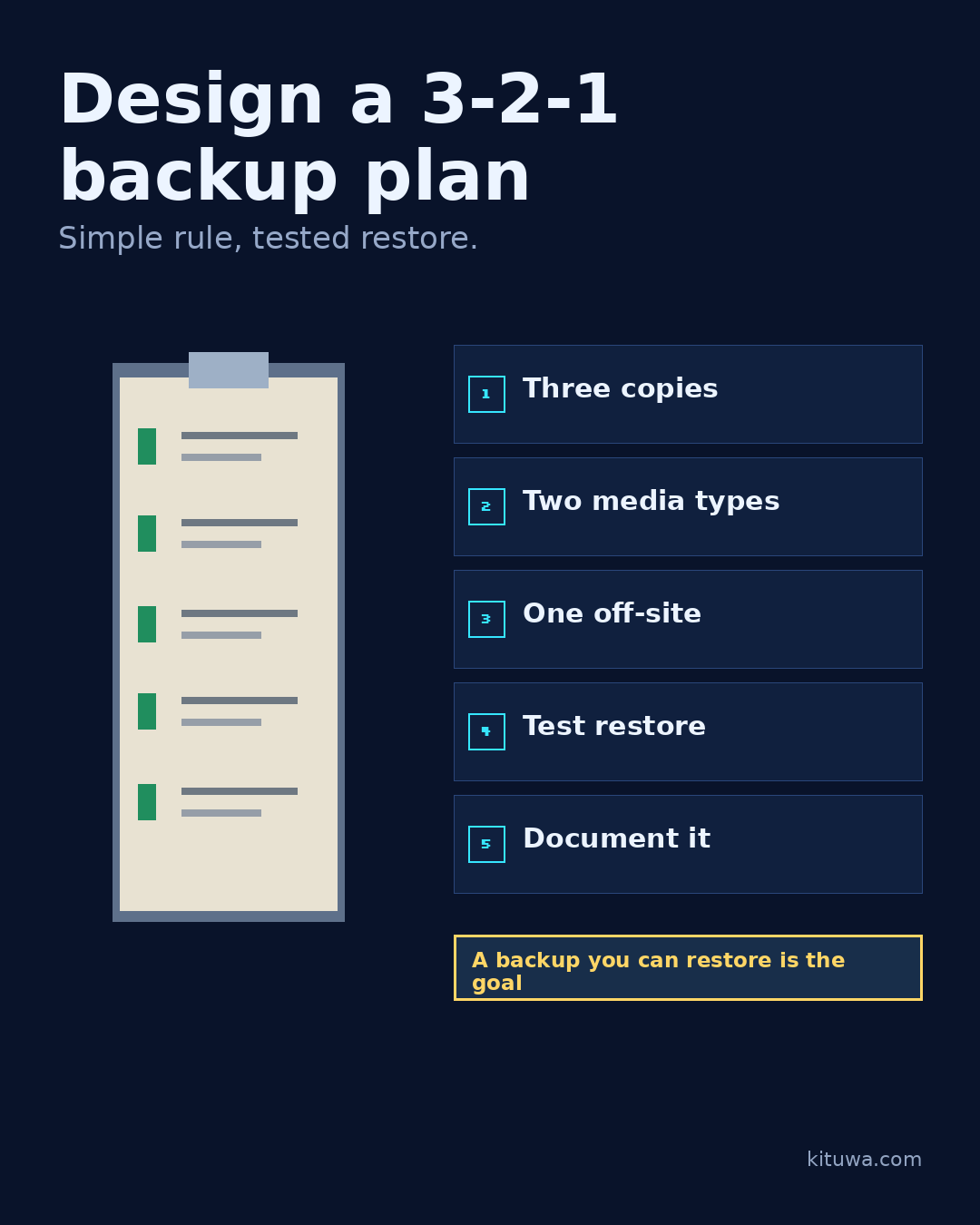
Design a 3-2-1 backup plan
3-2-1 is a simple starting rule: at least three copies of important data, on two different media, with one copy off-… Practical checks and official referen…
Read the guide →
 December 5, 2026
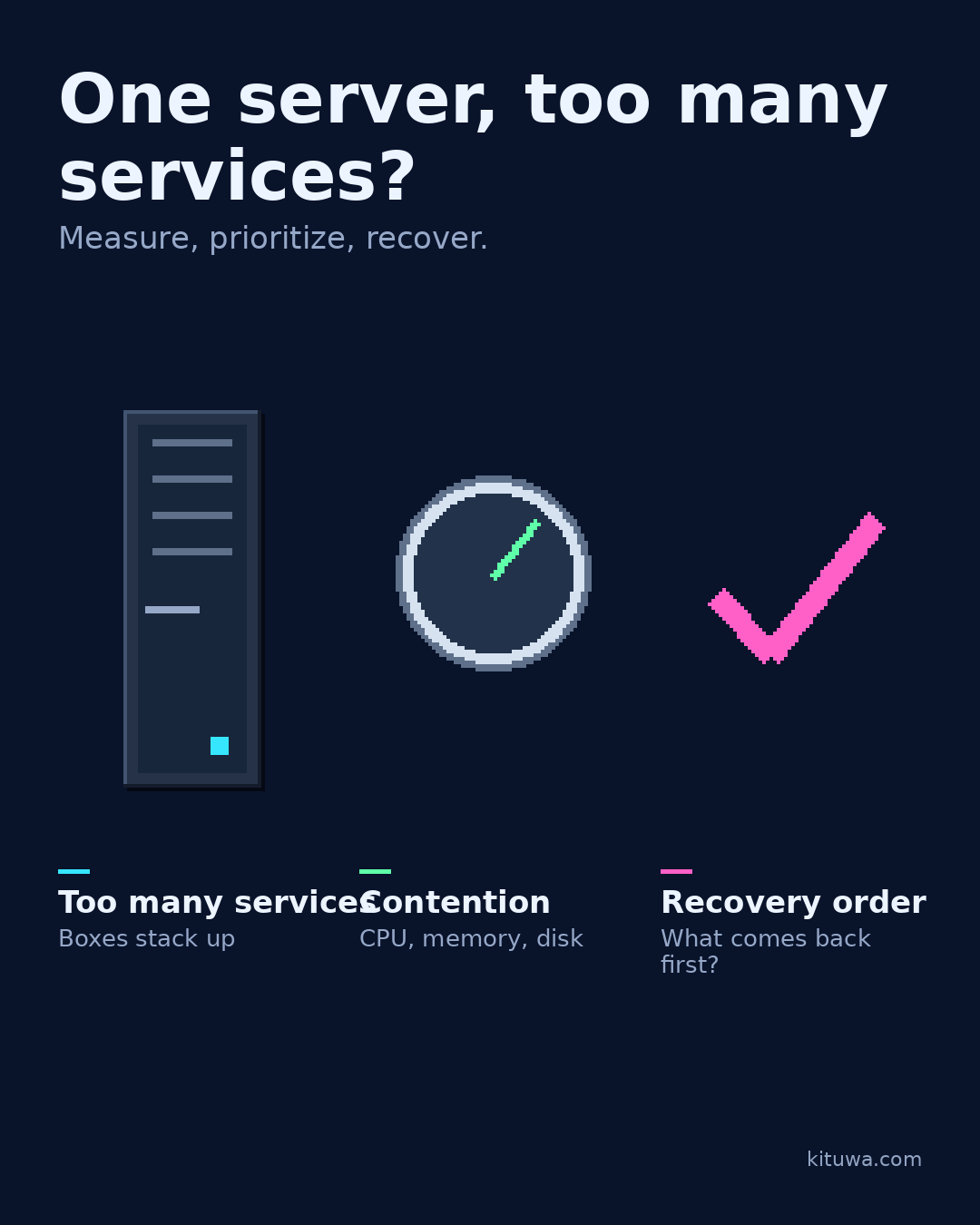
One server, too many services?
One server can hold a lot of services until it cannot. Resource contention shows up as slow responses, OOM kills, or… Practical checks and official referen…
Read the guide →
 December 4, 2026
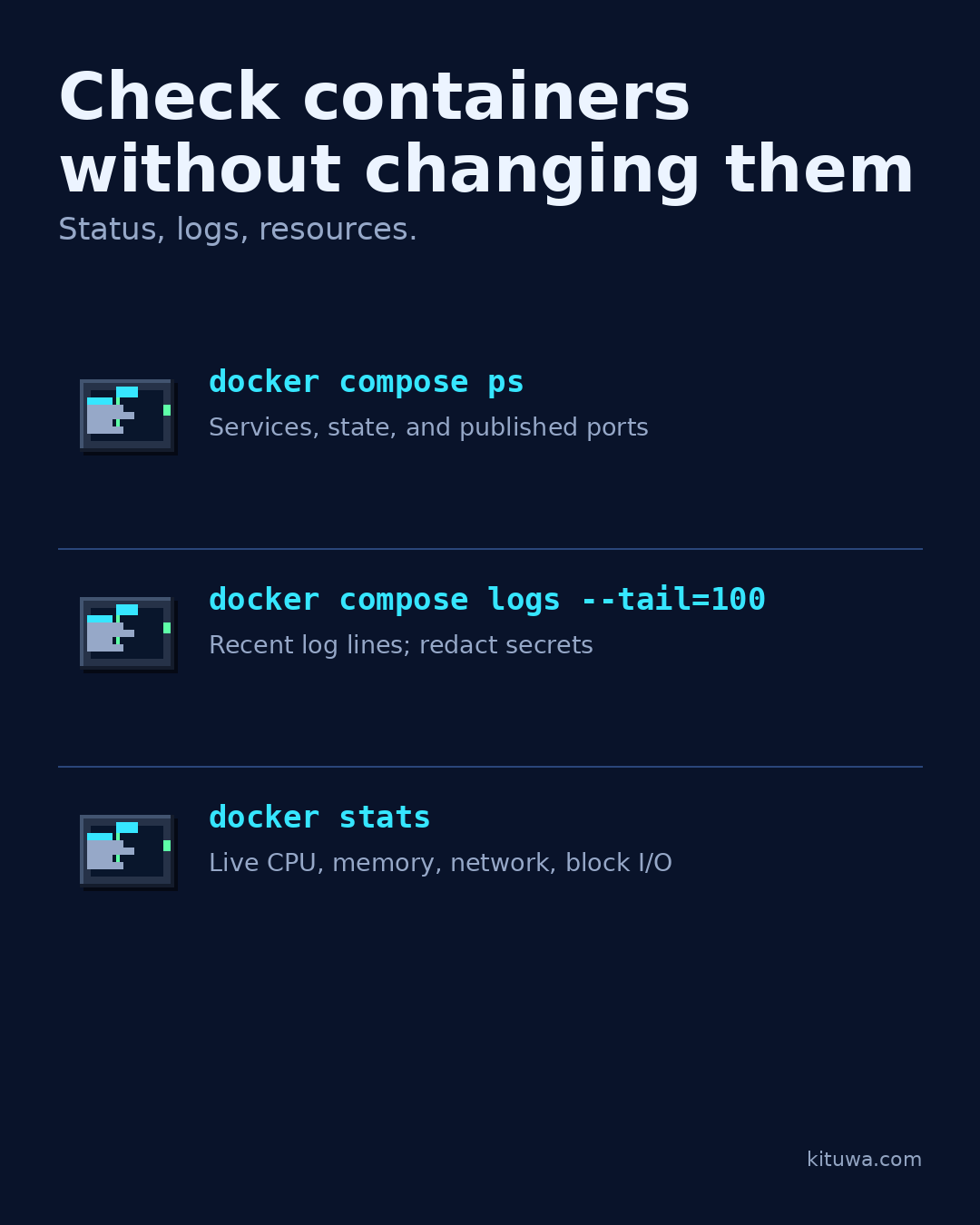
Check containers without changing them
Check containers without changing them. docker compose ps shows the project's services, state, and ports. Practical checks and official references.
Read the guide →
 December 3, 2026
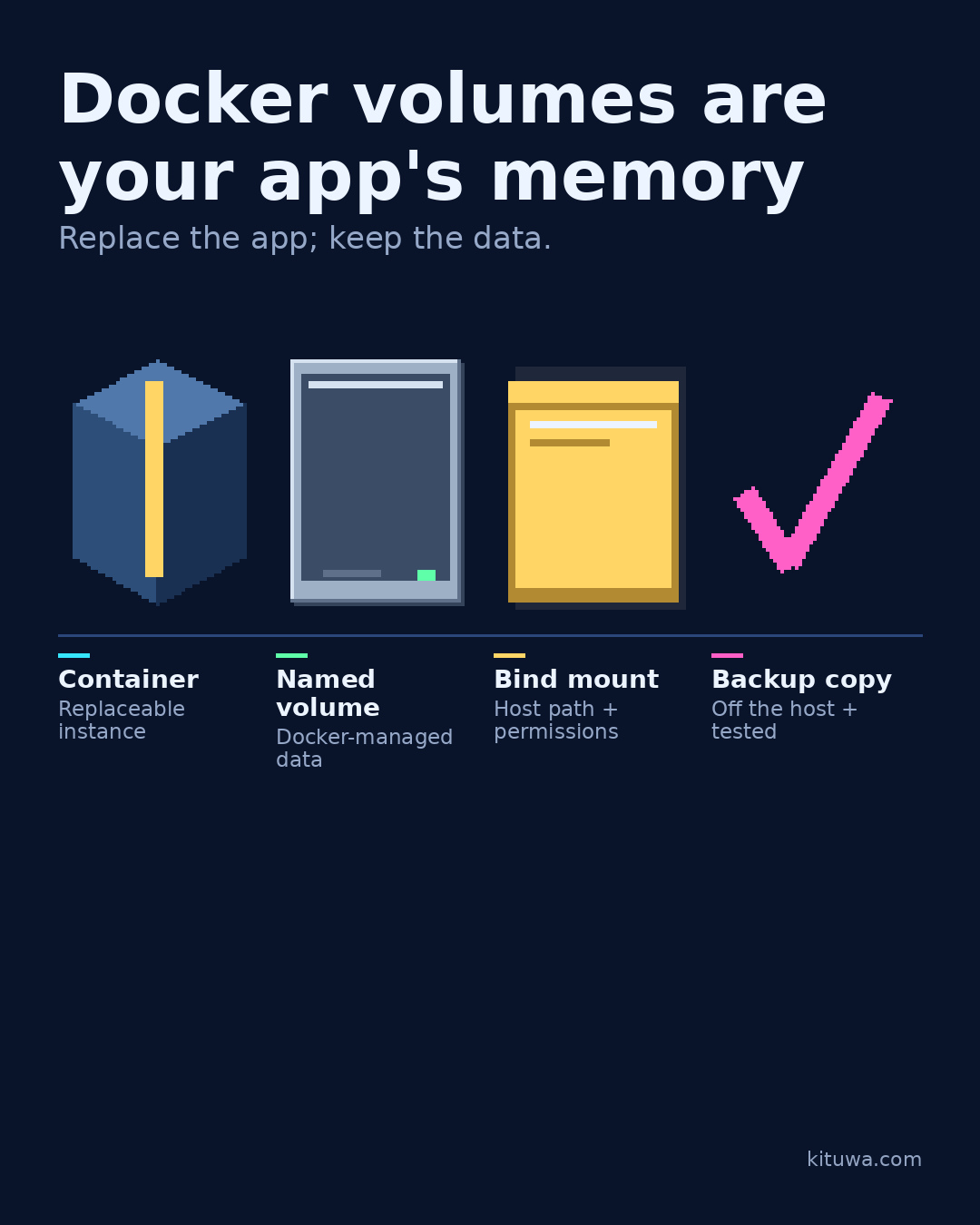
Docker volumes are your app's memory
A container is replaceable. Its data is not. Practical checks and official references.
Read the guide →
 December 2, 2026
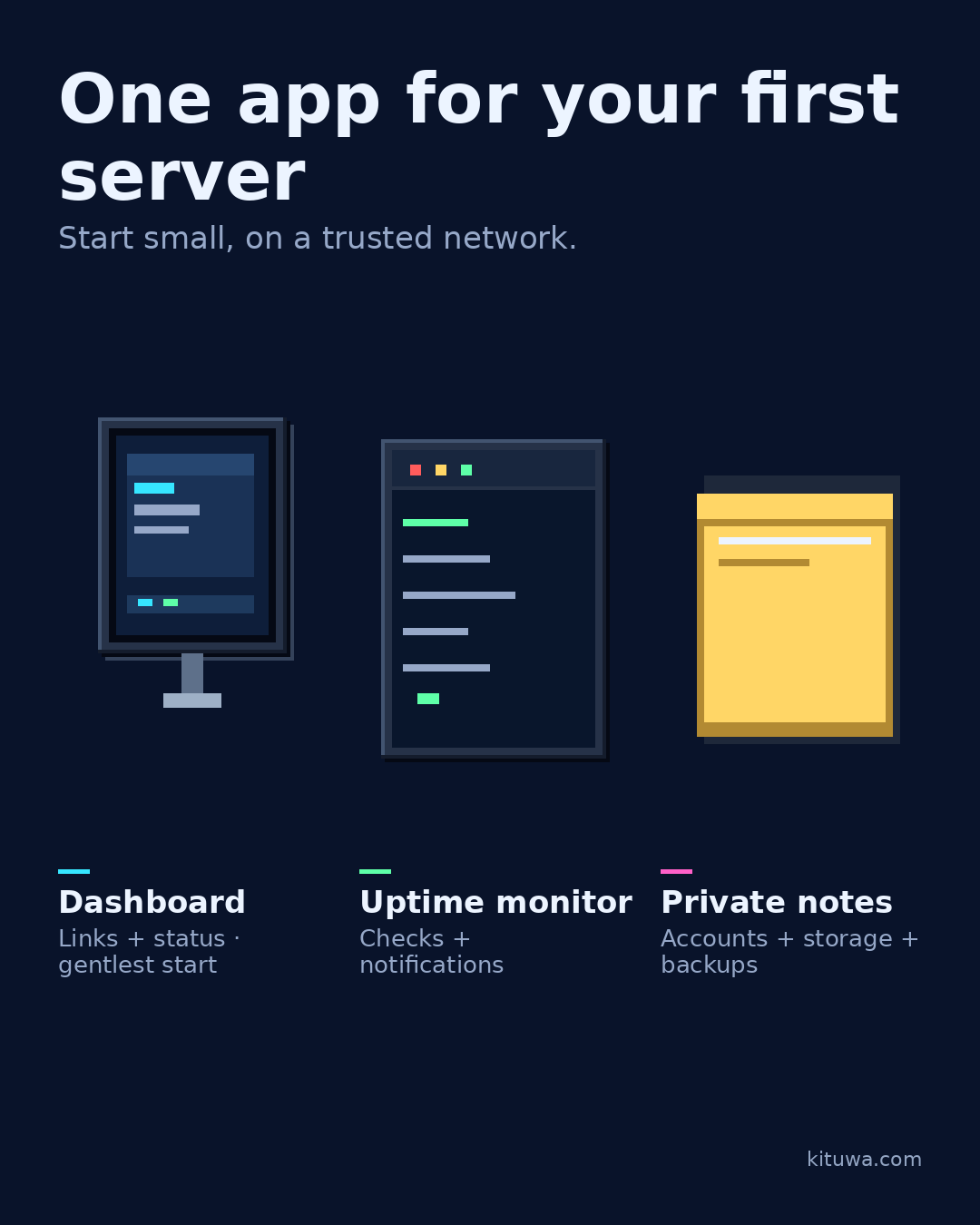
One app for your first server
Pick one app for your first server, not five. A personal dashboard (Homarr or a similar tool) gives you one page for… Practical checks and official referen…
Read the guide →
 December 1, 2026
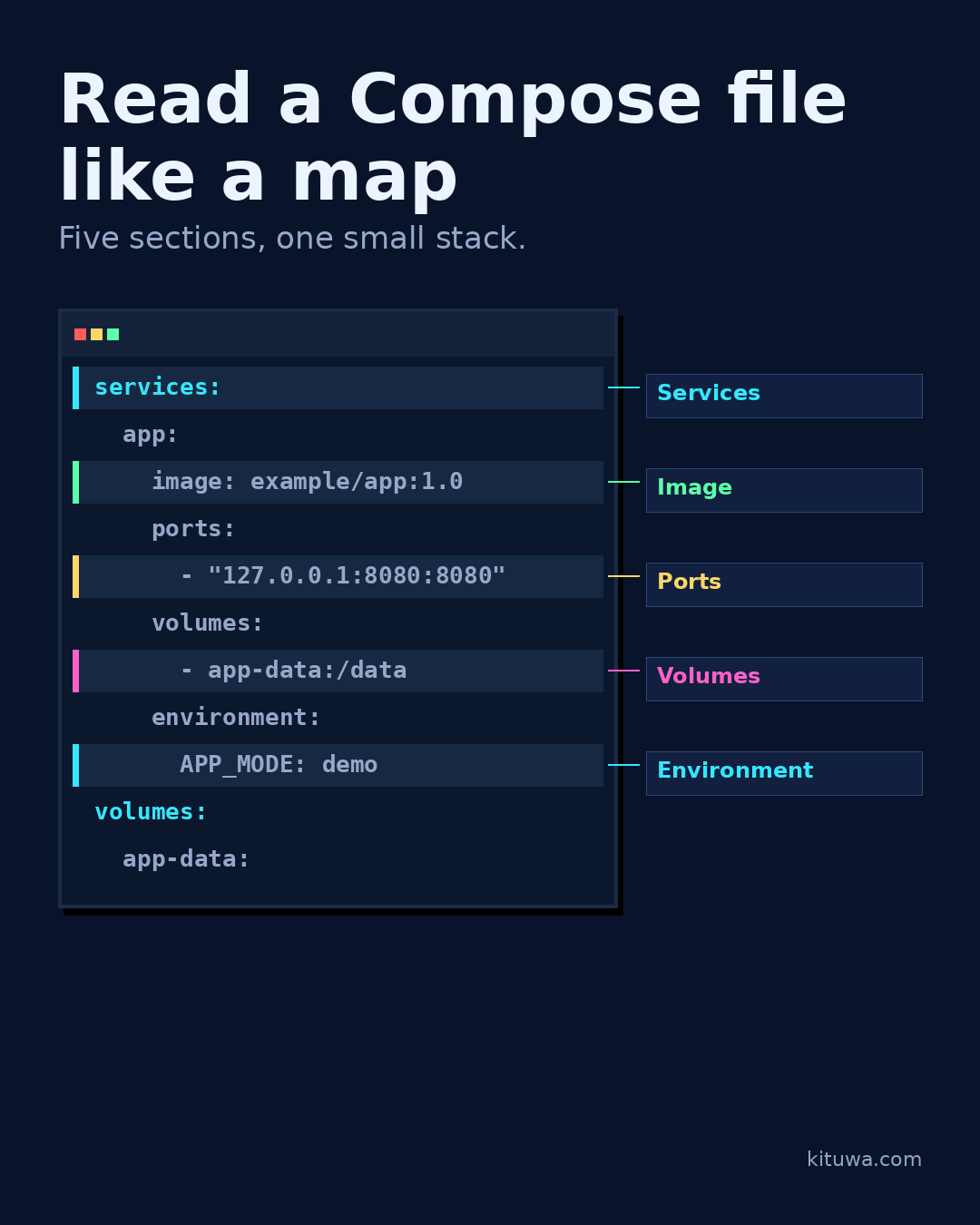
Read a Compose file like a map
A Compose file is a map of a small application stack. Read it in five sections. Practical checks and official references.
Read the guide →
 November 30, 2026
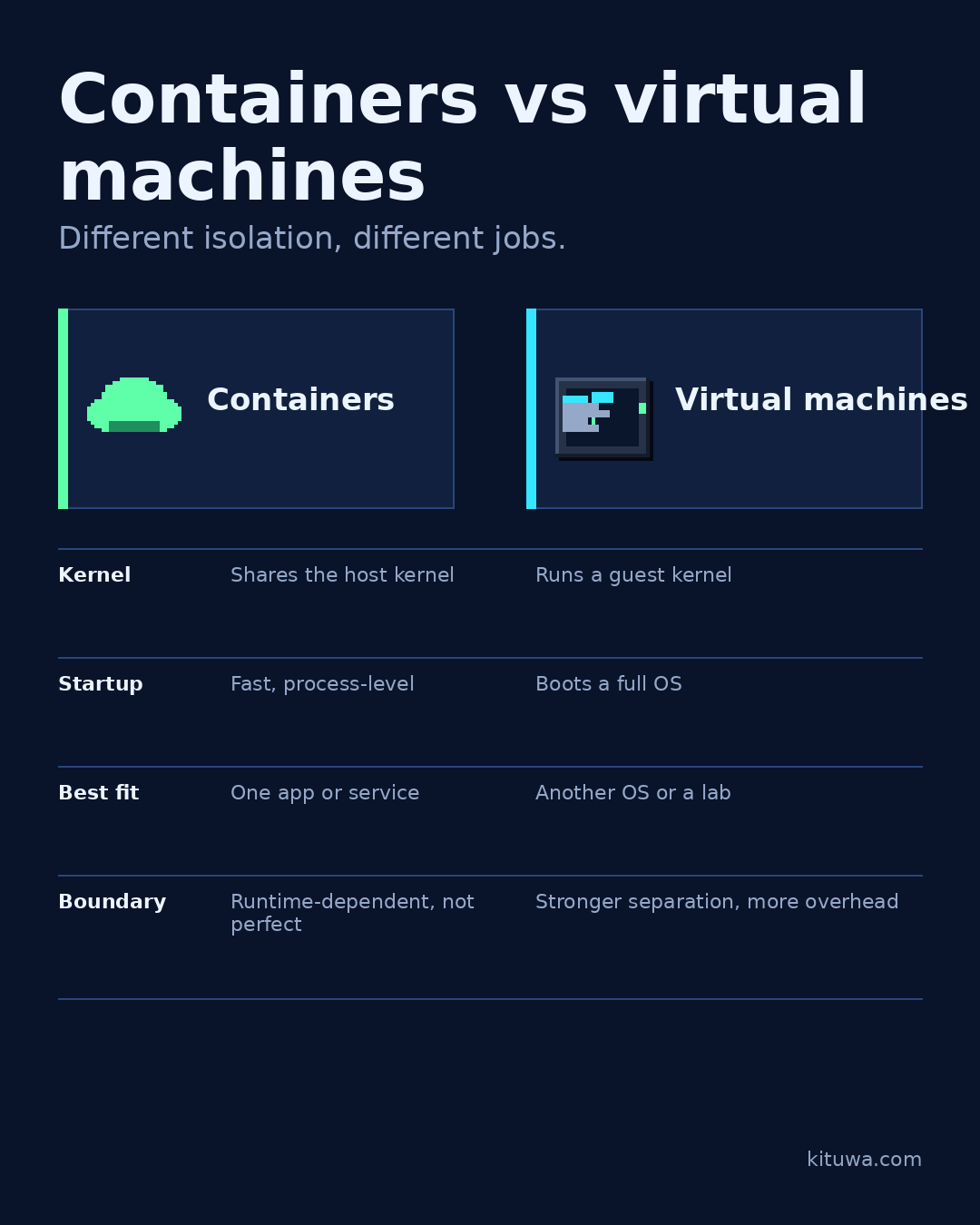
Containers vs virtual machines
Containers and virtual machines both isolate workloads, but they isolate different things. A container packages an… Practical checks and official references.
Read the guide →
 November 29, 2026
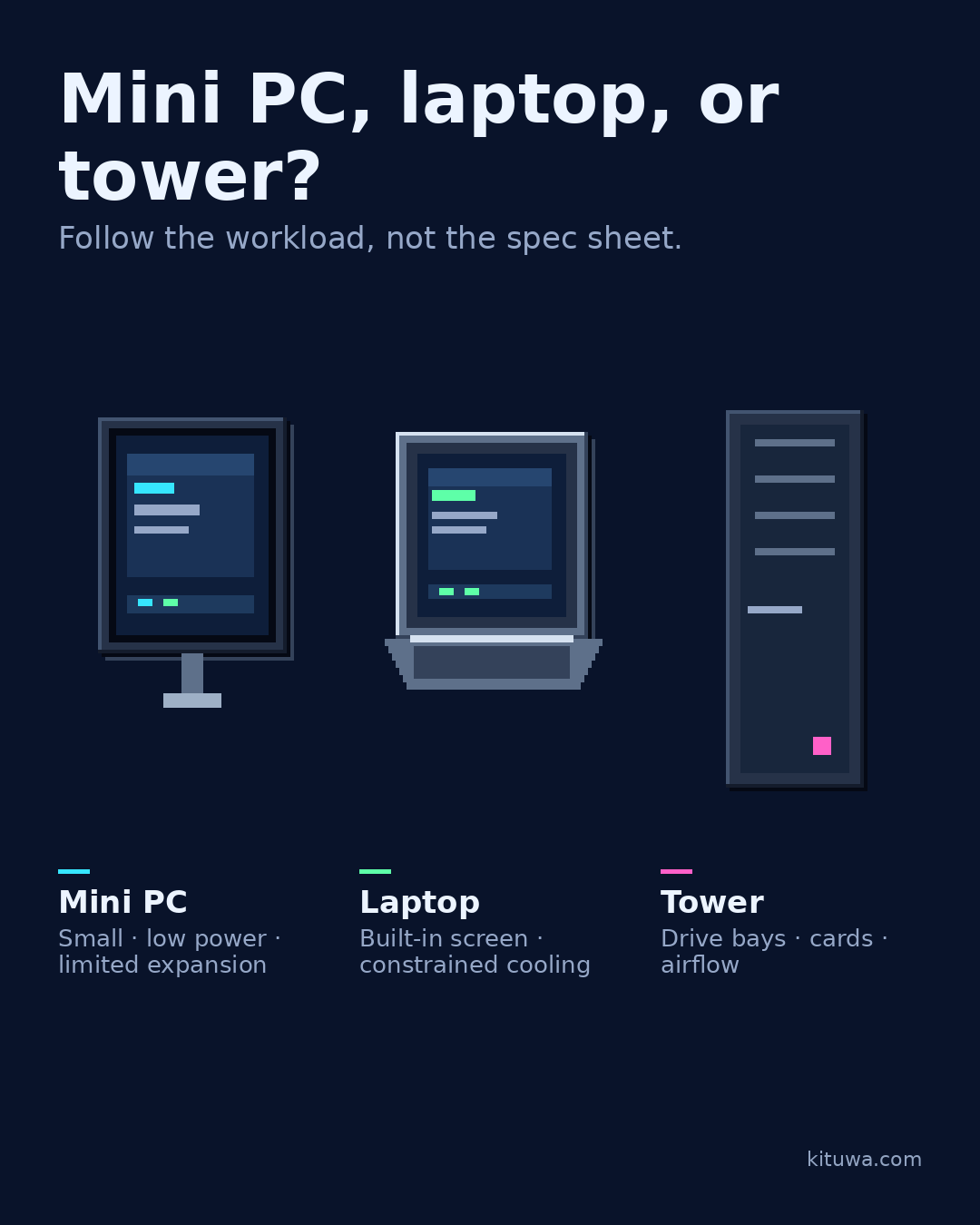
Mini PC, laptop, or tower?
Mini PC, laptop, or tower? The right choice follows the workload, not a spec sheet. Practical checks and official references.
Read the guide →
 November 28, 2026
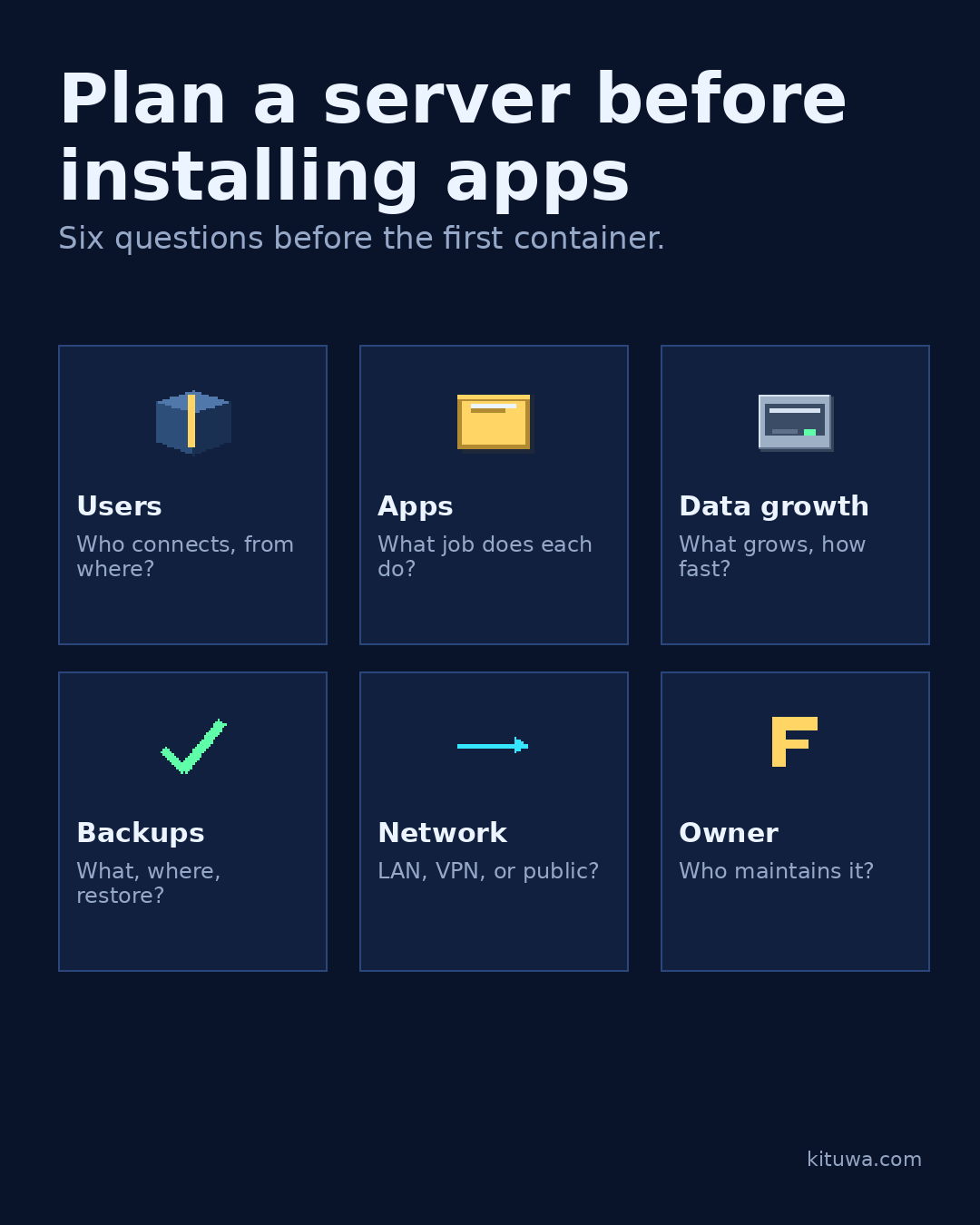
Plan a server before installing apps
Plan the server before you install apps. Write down six things: 1. Practical checks and official references.
Read the guide →
 November 26, 2026
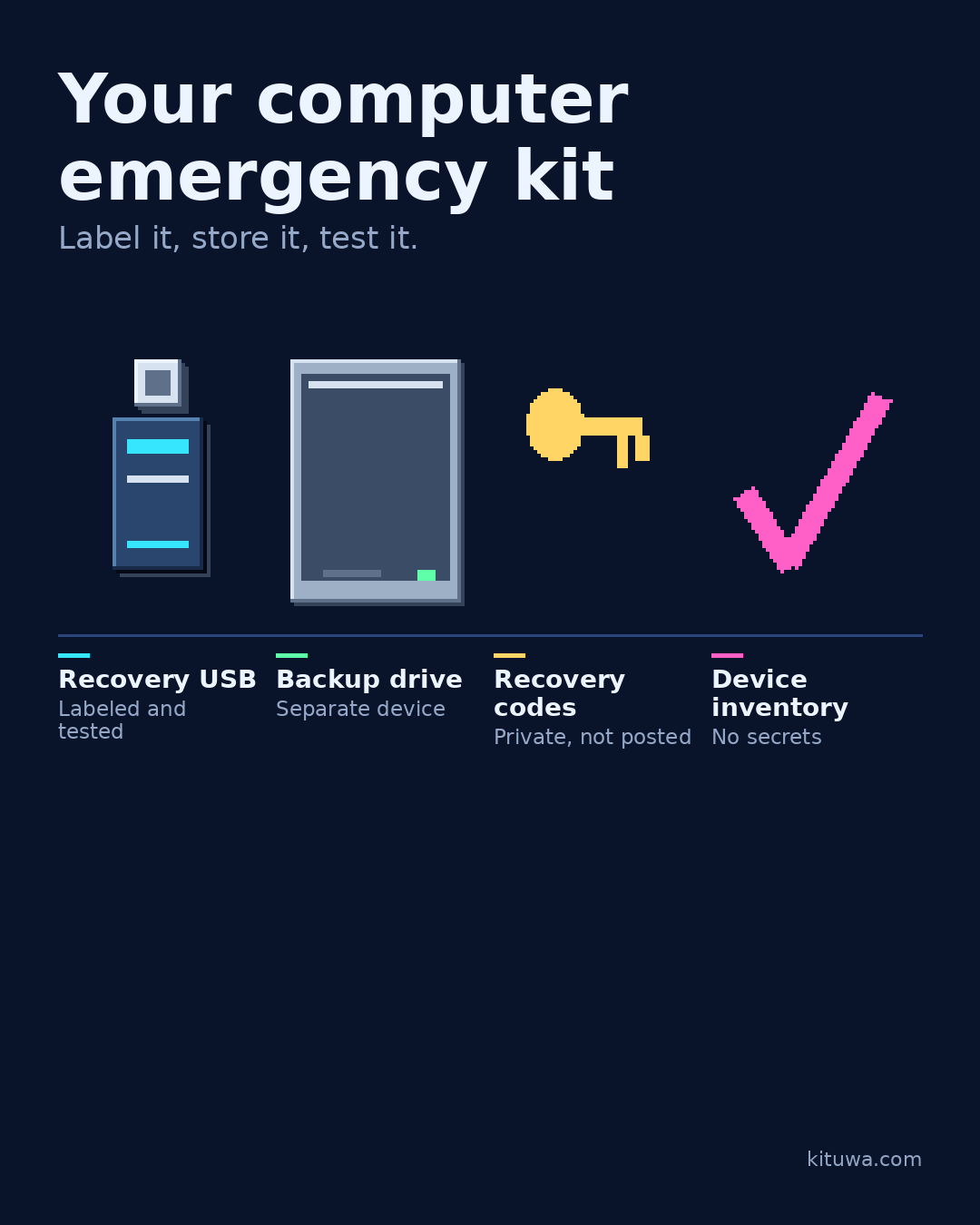
Your computer emergency kit
Build a small emergency kit before you need it. A labeled recovery USB, an external backup drive, printed recovery… Practical checks and official references.
Read the guide →
 November 25, 2026
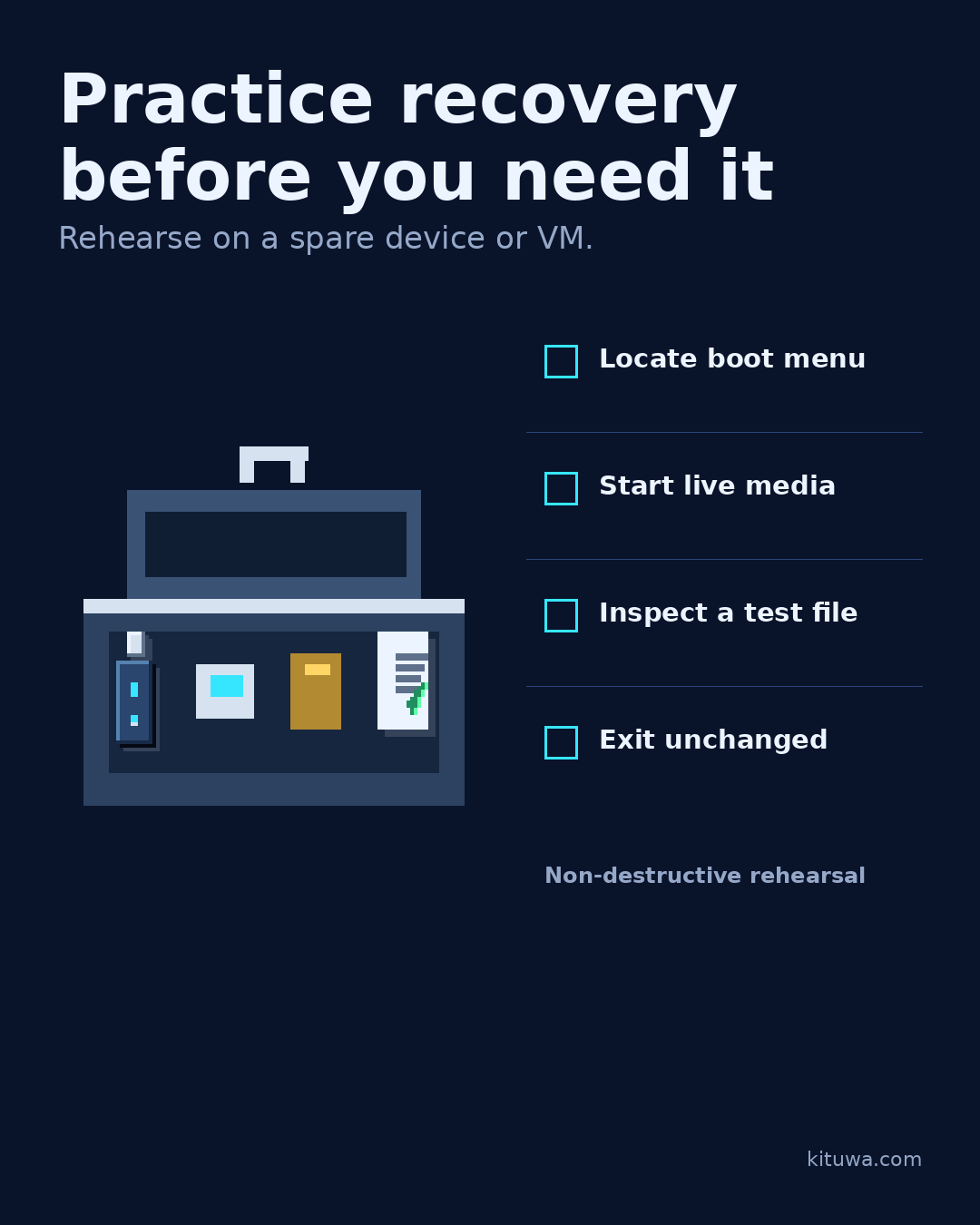
Practice recovery before you need it
Practice recovery before you need it. Use a spare device or a virtual machine, not your only working computer. Practical checks and official references.
Read the guide →
 November 24, 2026
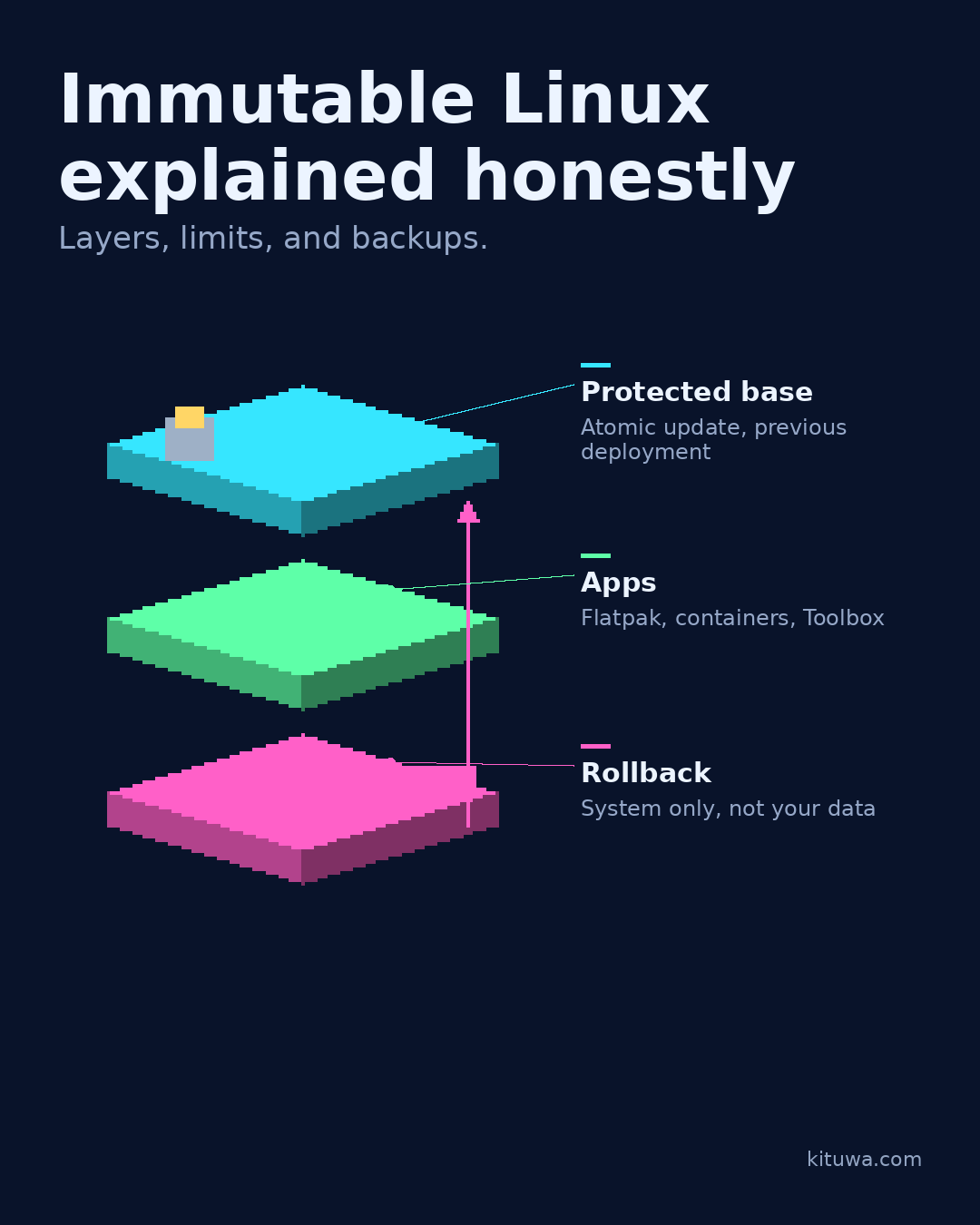
Immutable Linux explained honestly
Immutable Linux is easier to understand as layers. The base system is protected and updated atomically: the new… Practical checks and official references.
Read the guide →
 November 23, 2026
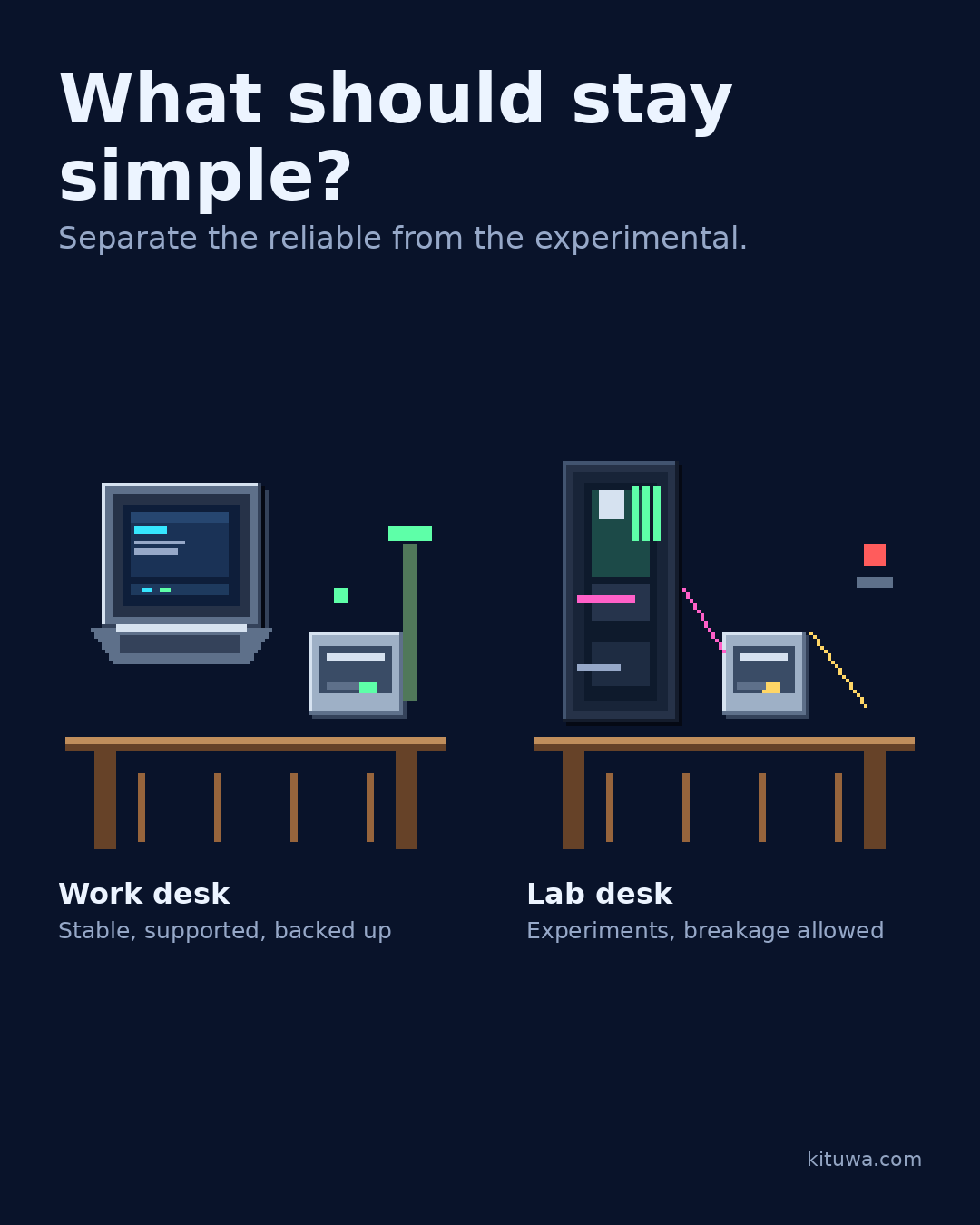
What should stay simple?
Two desks can solve one problem. The work desk is the reliable everyday machine: stable release, supported updates,… Practical checks and official references.
Read the guide →
 November 22, 2026
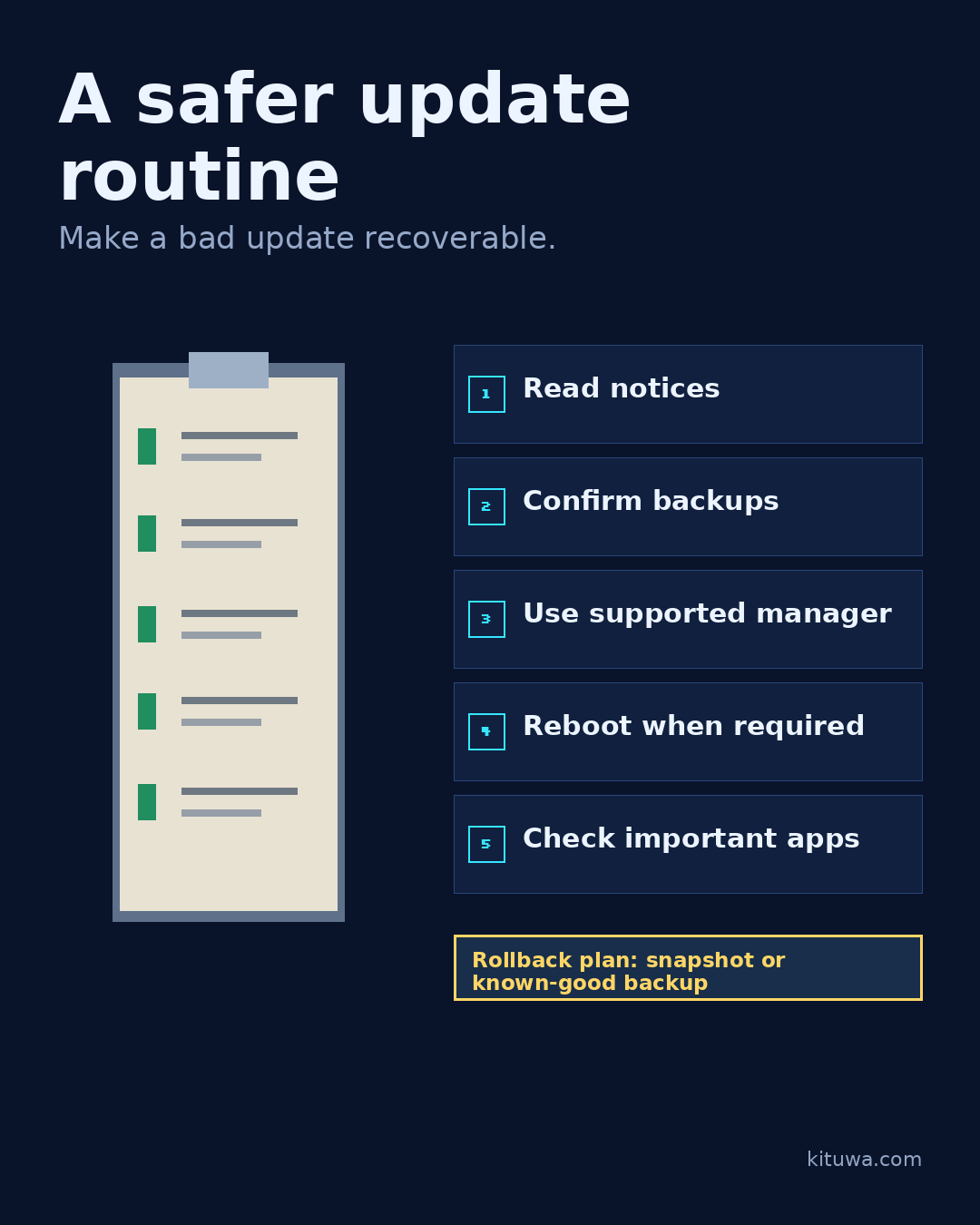
A safer update routine
A safer update routine has five steps. 1. Practical checks and official references.
Read the guide →
 November 21, 2026
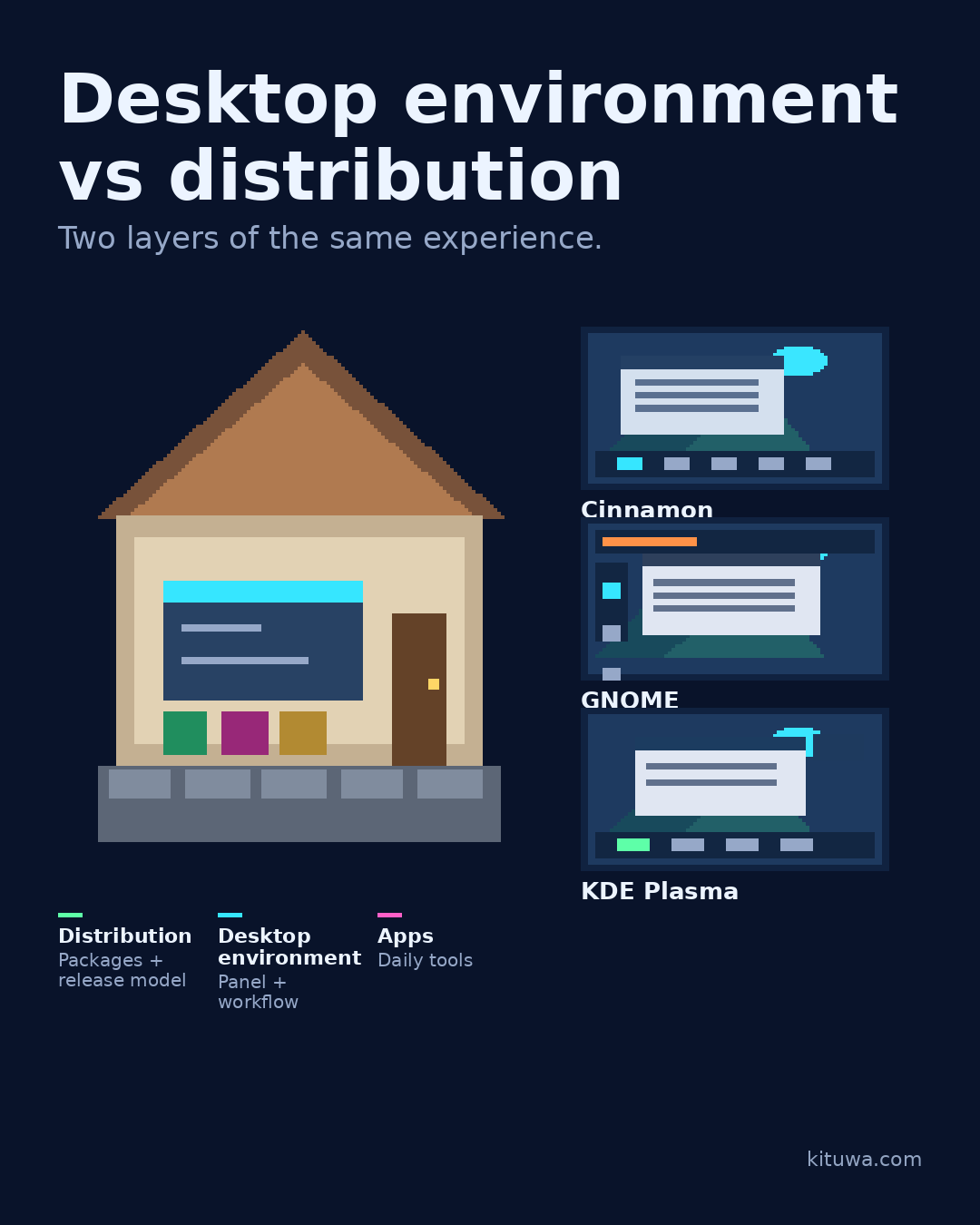
Desktop environment vs distribution
A distribution is not the same thing as a desktop environment. Think of a house. Practical checks and official references.
Read the guide →
 November 20, 2026
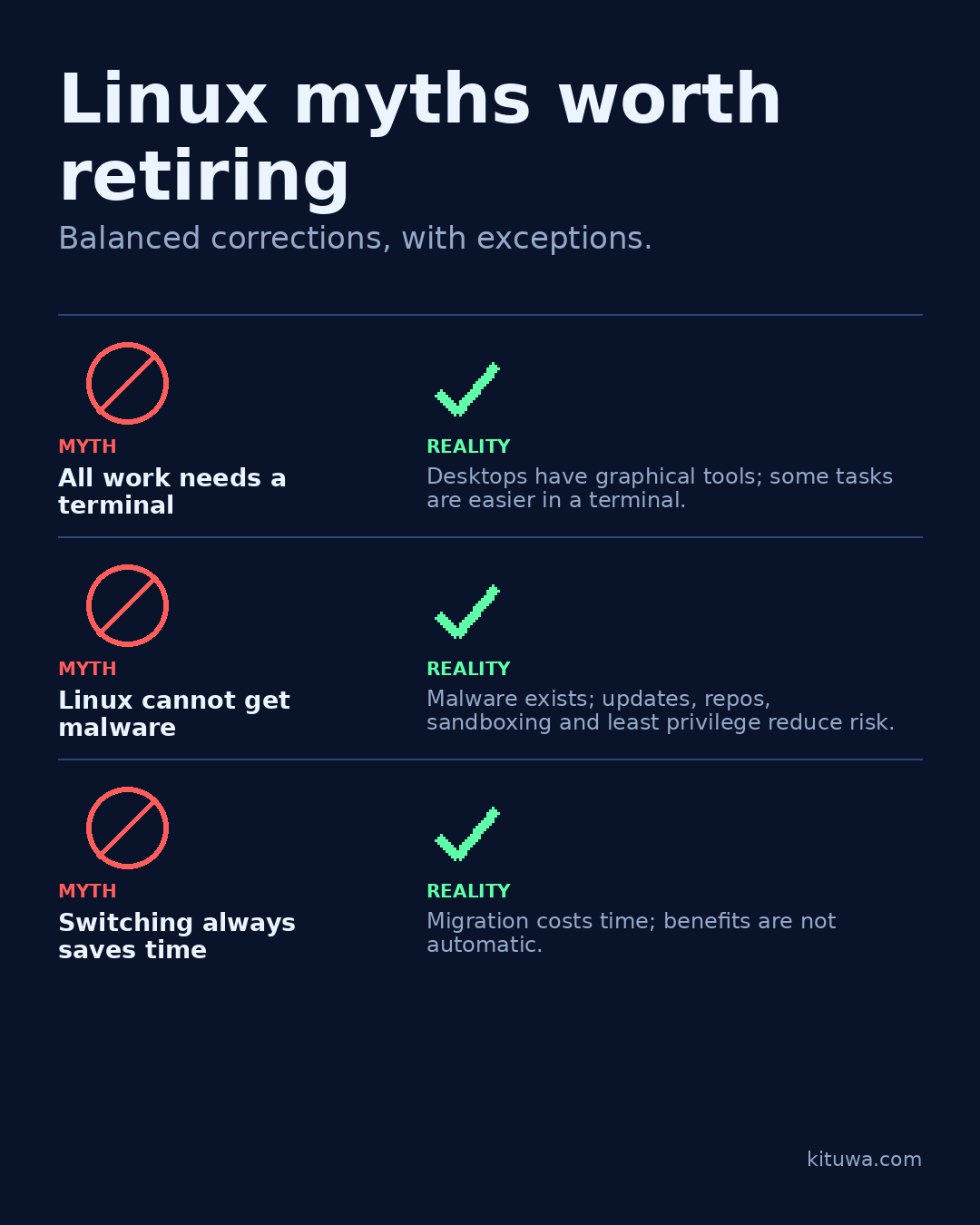
Linux myths worth retiring
Three Linux myths worth retiring. Myth: everything requires the terminal. Practical checks and official references.
Read the guide →
 November 19, 2026
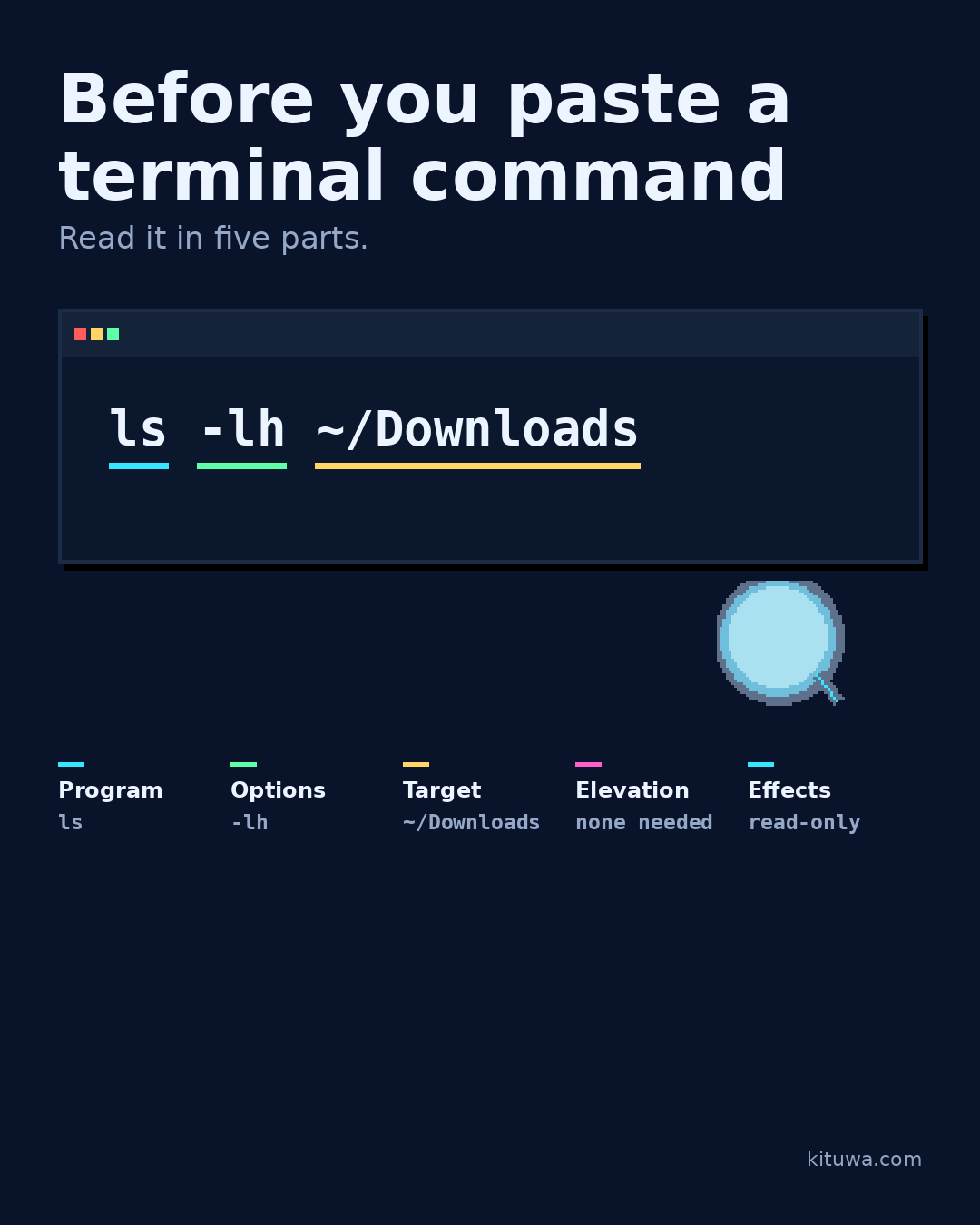
Before you paste a terminal command
Before you paste a command, read it in five parts. Program: what runs? Practical checks and official references.
Read the guide →
 November 18, 2026
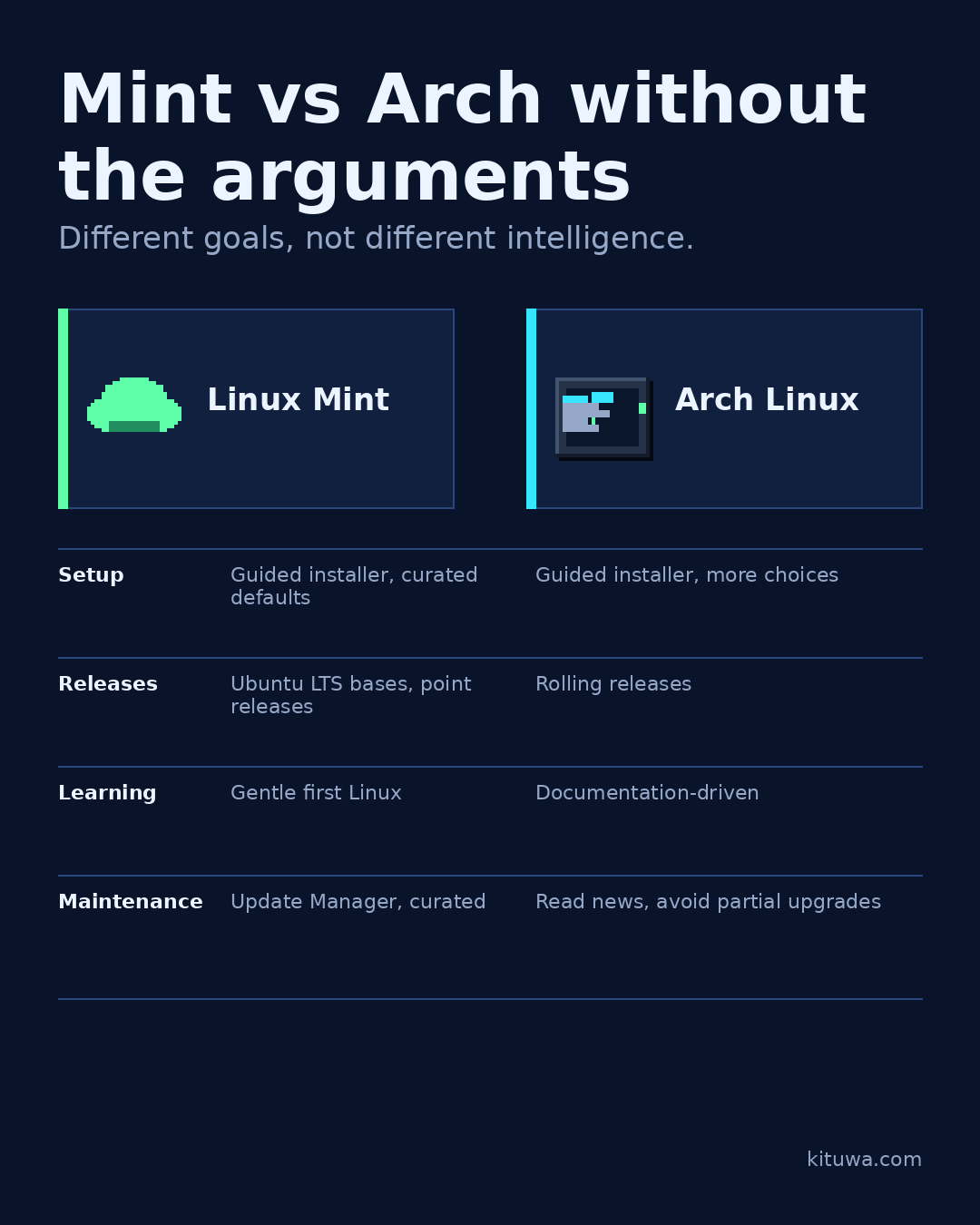
Mint vs Arch without the arguments
Mint and Arch are built for different goals. That is not an intelligence contest. Practical checks and official references.
Read the guide →
 November 17, 2026
The app you wish had a Linux version
Which app keeps you on Windows or macOS? Name the app and the one feature you actually rely on, not the whole suite. Practical checks and official references.
Read the guide →
 November 15, 2026
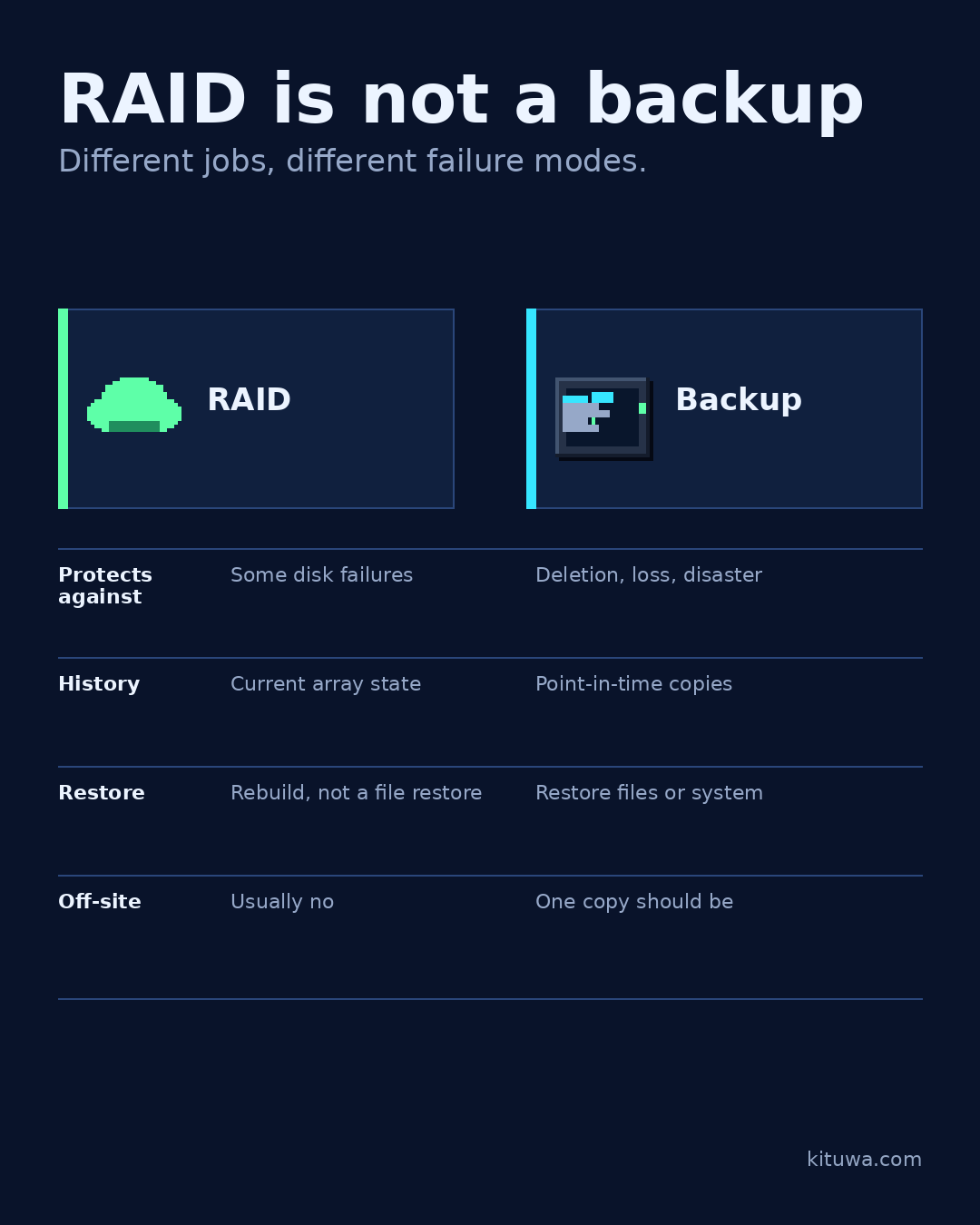
RAID Is Not a Backup: Availability, Recovery, and What to Do Instead
RAID keeps an array running through some disk failures, but it cannot restore deleted files, ransomware, or site loss. Learn what RAID does, what it does not, and how to add a tested backup.
Read the guide →
 November 15, 2026
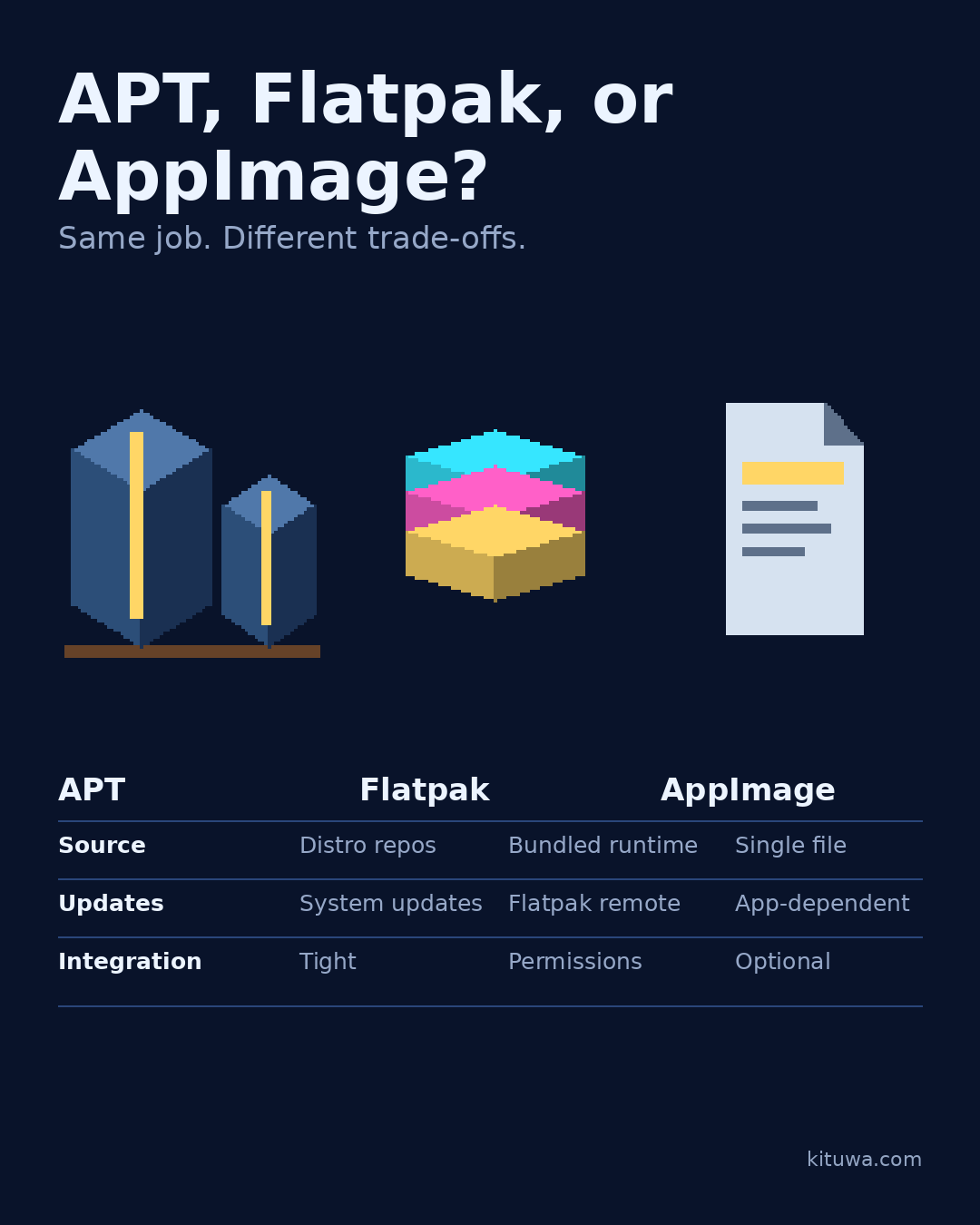
APT, Flatpak, AppImage
APT, Flatpak, and AppImage can all put software on your Linux desktop, but they are not interchangeable. APT uses… Practical checks and official references.
Read the guide →
 November 14, 2026
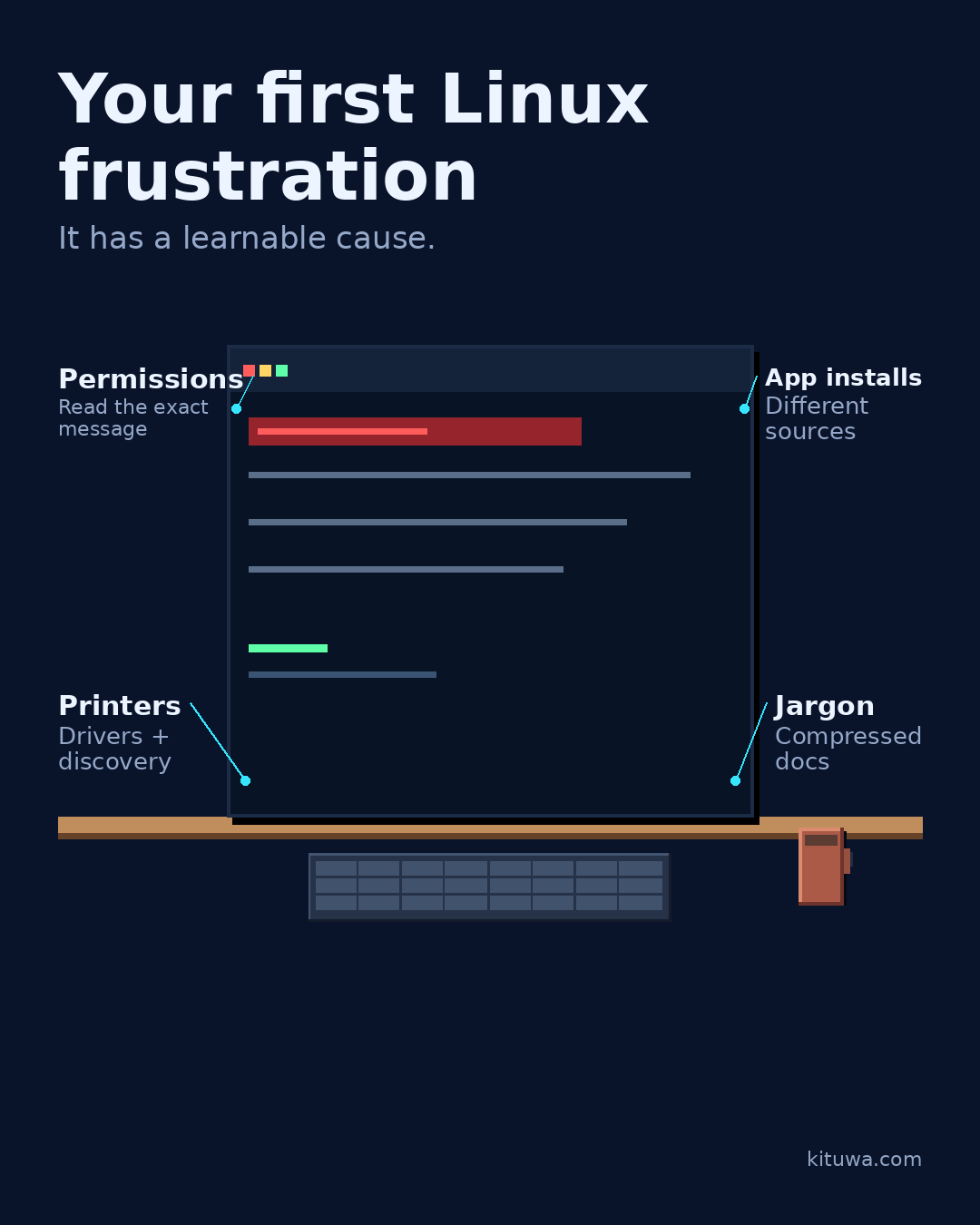
Your first Linux frustration
Your first Linux frustration is usually not a broken computer. It is a permission message, an app that will not… Practical checks and official references.
Read the guide →
 November 13, 2026
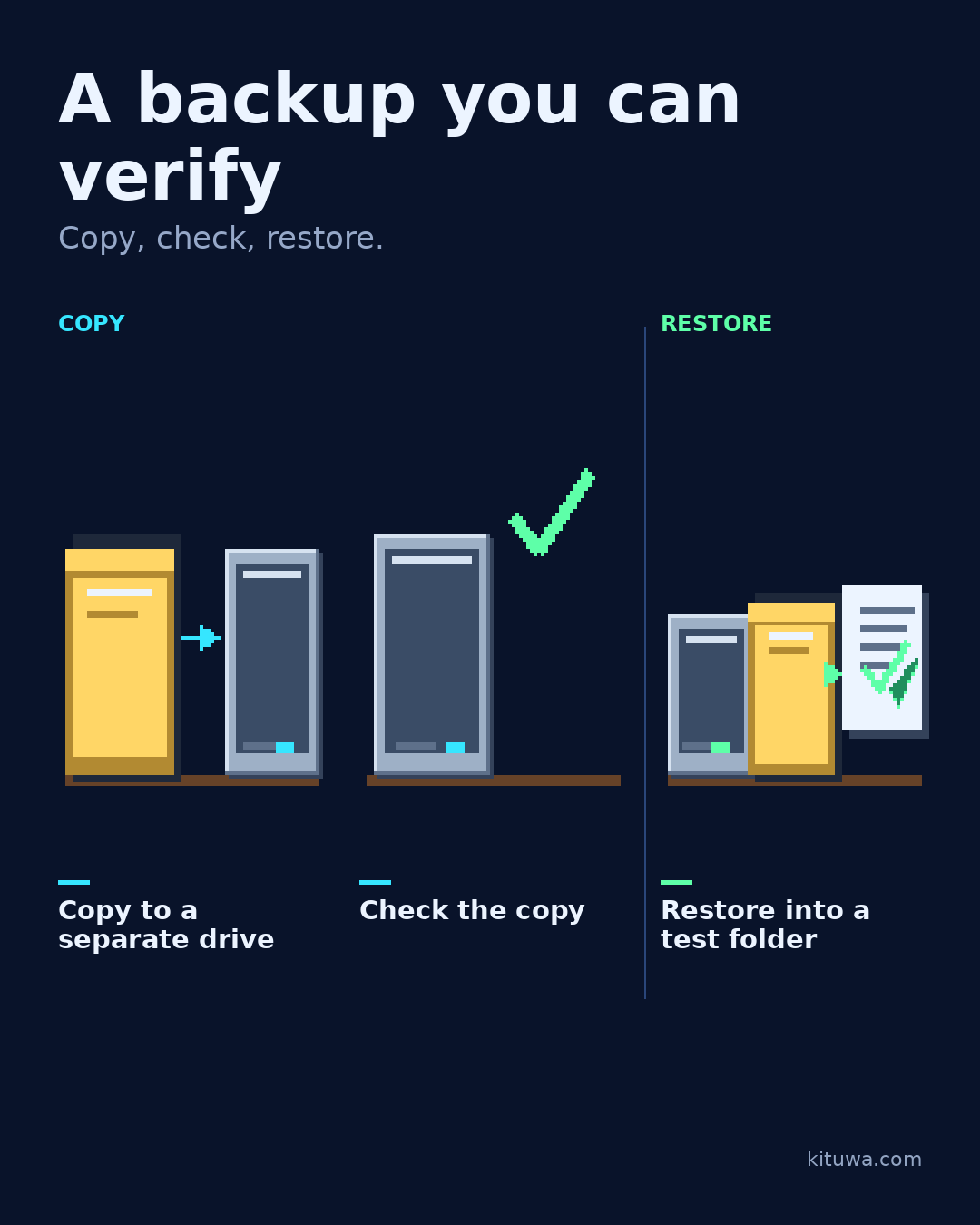
A home folder backup you can verify
A backup you never restore is a hope, not a verified backup. Test the whole path with one small folder. Practical checks and official references.
Read the guide →
 November 12, 2026
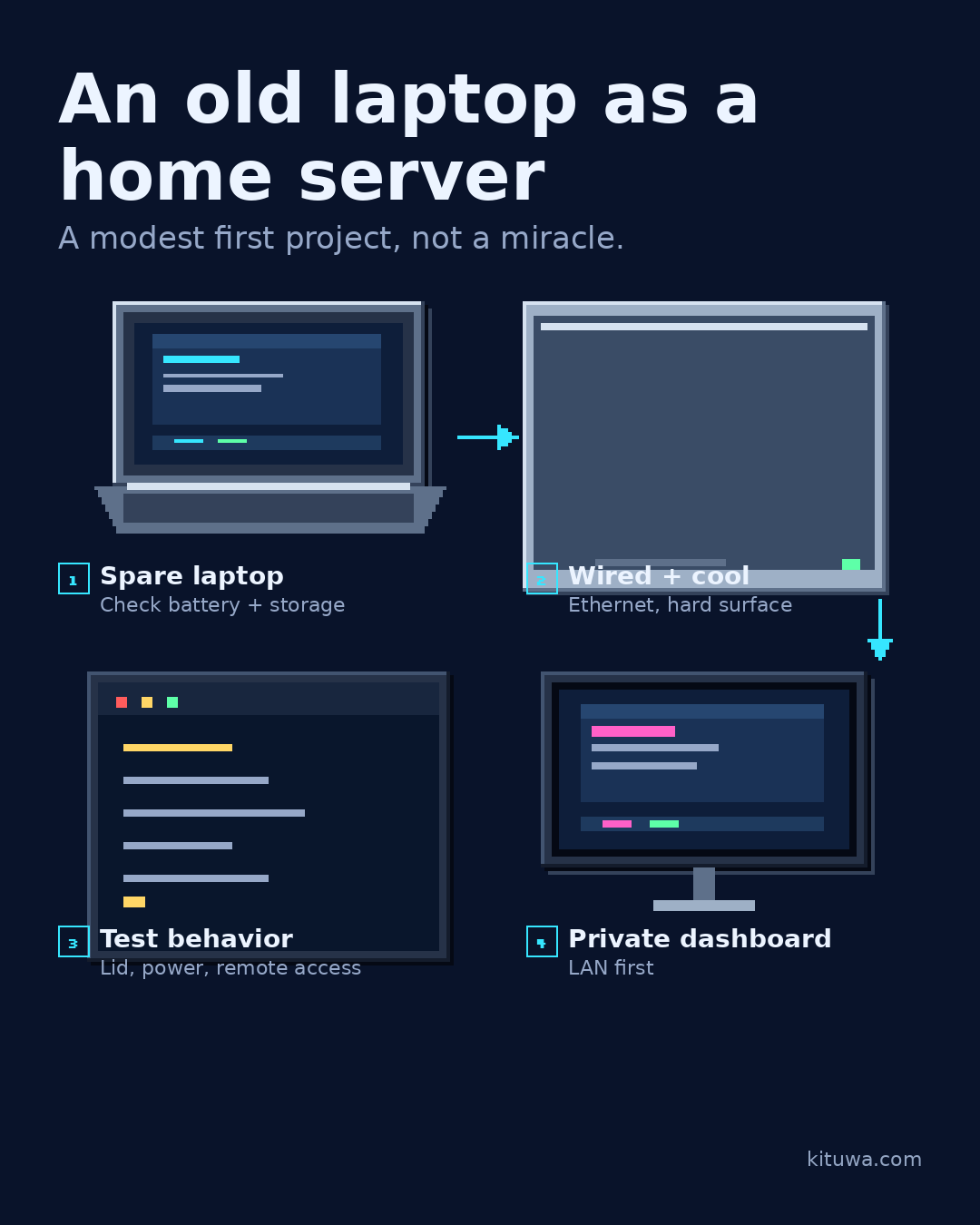
Turn an Old Laptop into a Home Server: A Safe First Build
Reuse a spare laptop as a home server: check the battery, cooling, storage, Ethernet and lid behavior, then start with one LAN-only service.
Read the guide →
 November 12, 2026
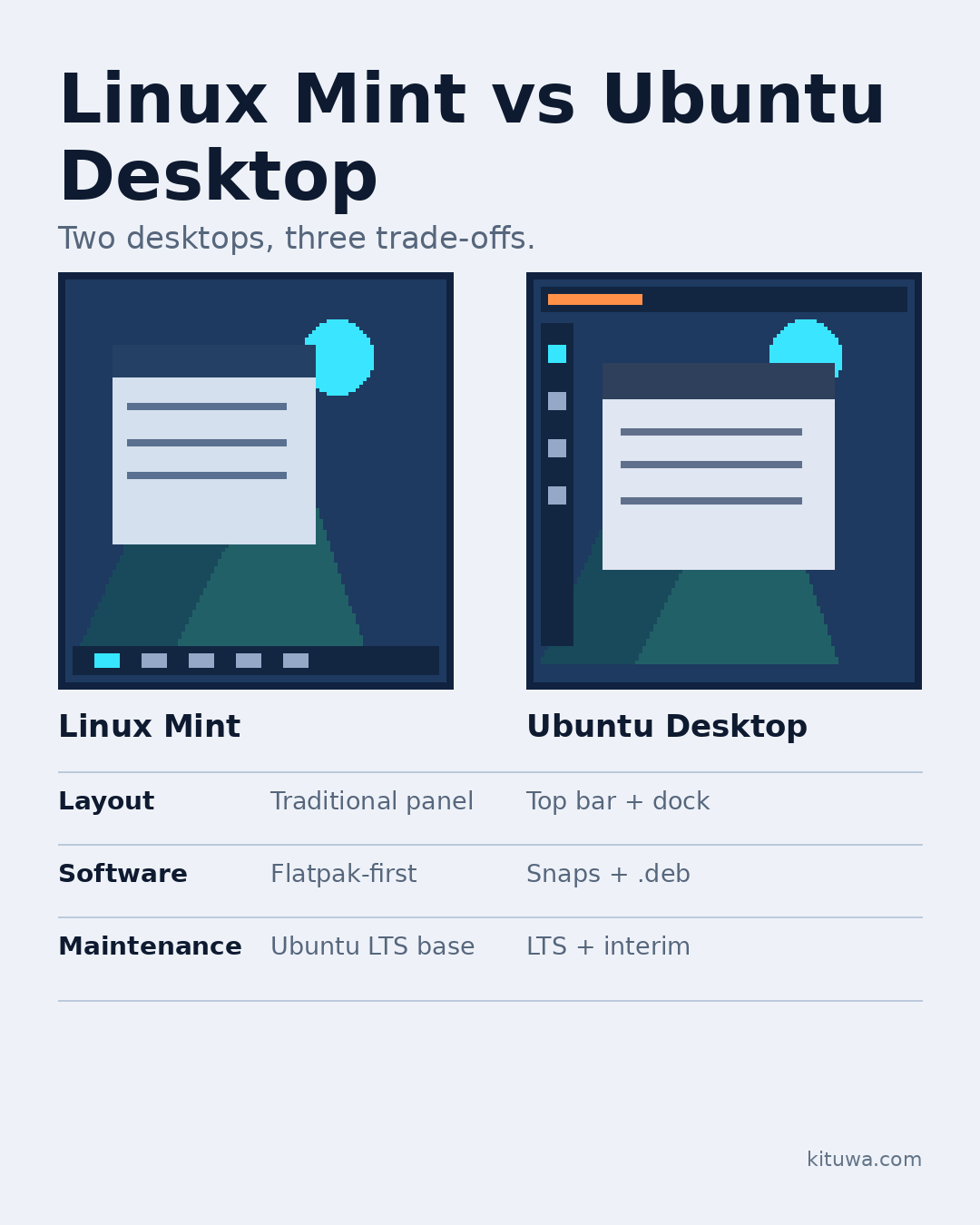
Linux Mint vs Ubuntu Desktop
Linux Mint and Ubuntu Desktop both get you to a working desktop, but they make different trade-offs. Daily workflow:… Practical checks and official referen…
Read the guide →
 November 11, 2026
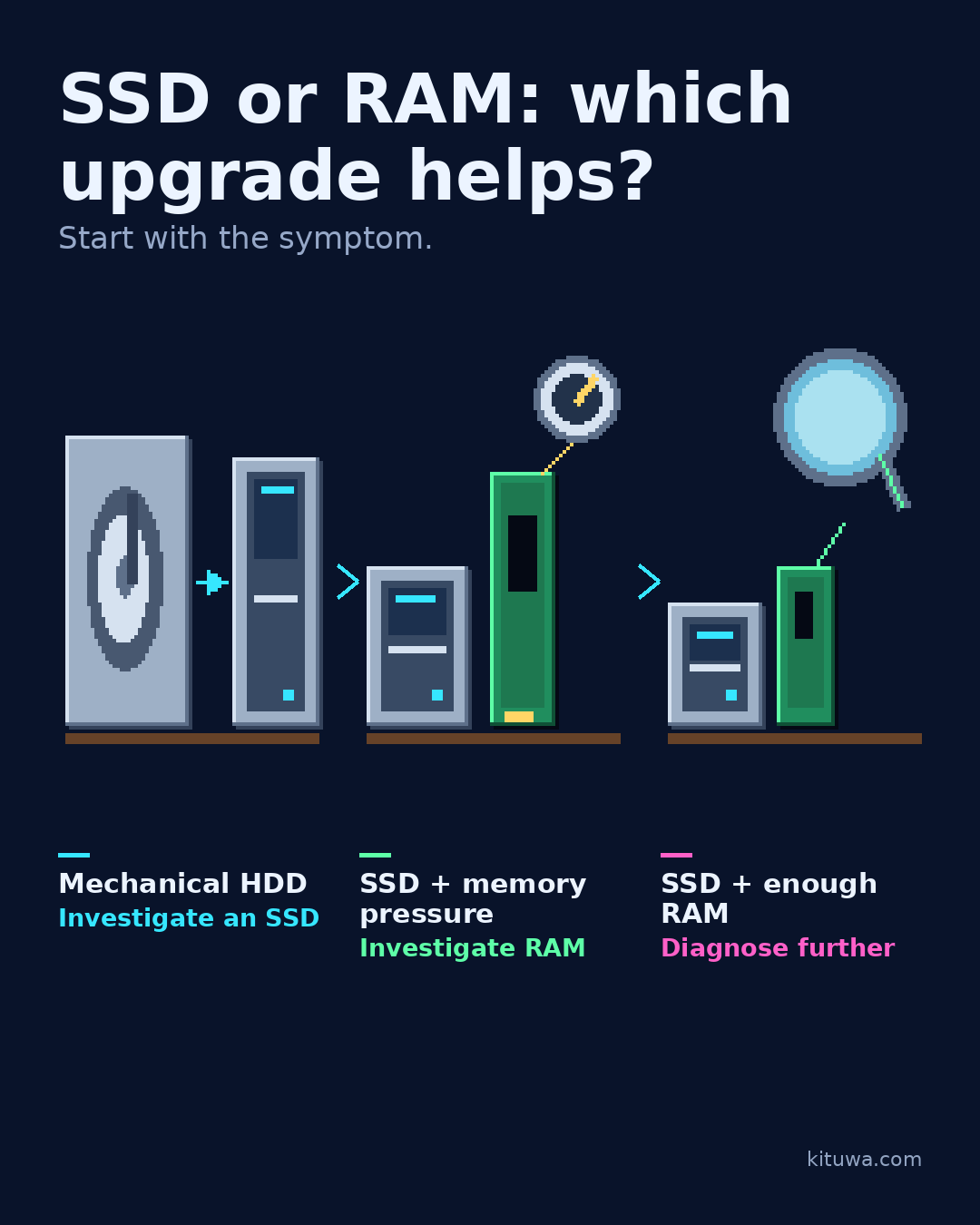
SSD or RAM: which upgrade helps?
Three situations, three different next steps. Still booting from a mechanical hard drive? Practical checks and official references.
Read the guide →
 November 10, 2026
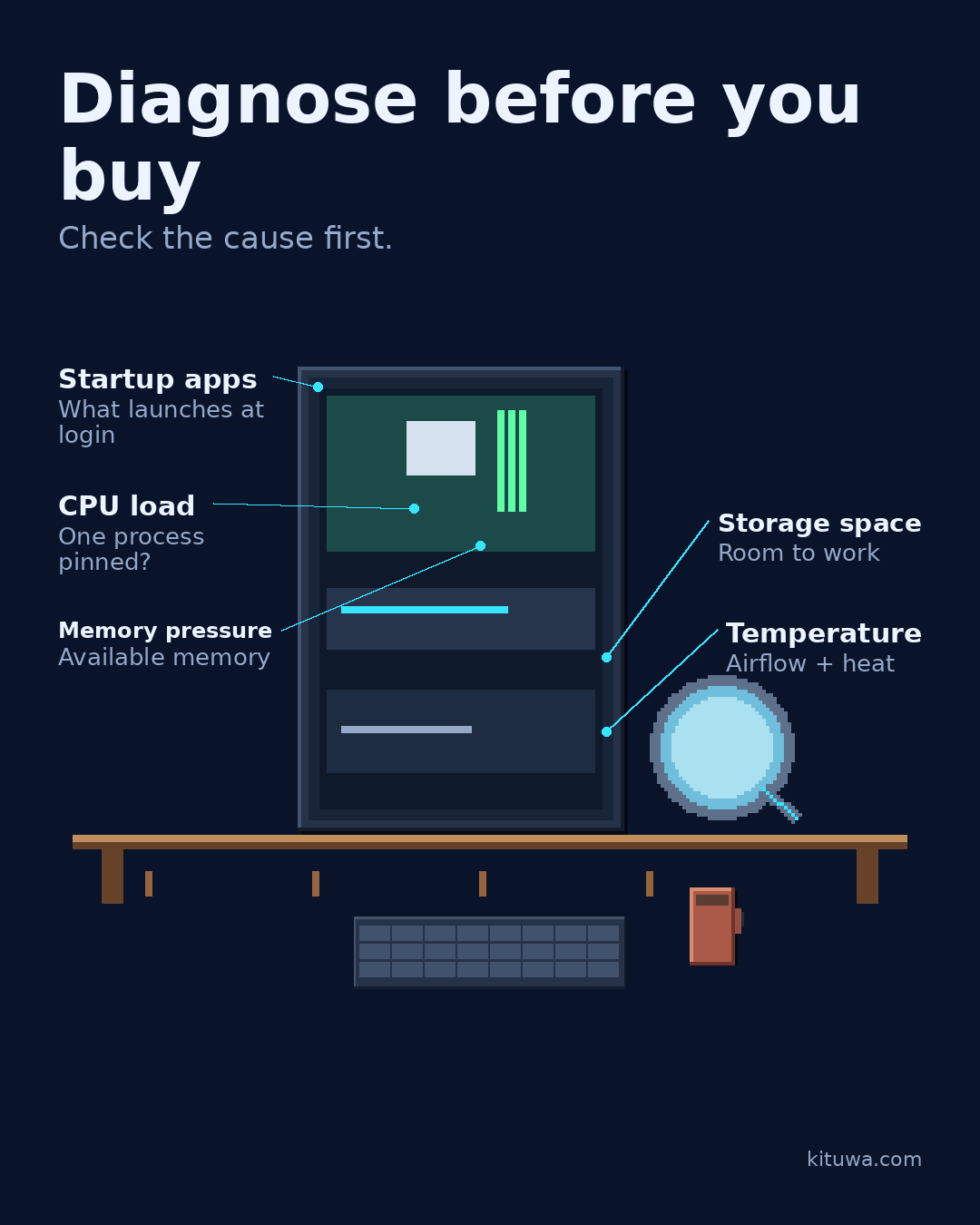
Slow computer: diagnose before buying
When a computer feels slow, do not buy parts yet. Follow the symptom first. Practical checks and official references.
Read the guide →
 November 9, 2026
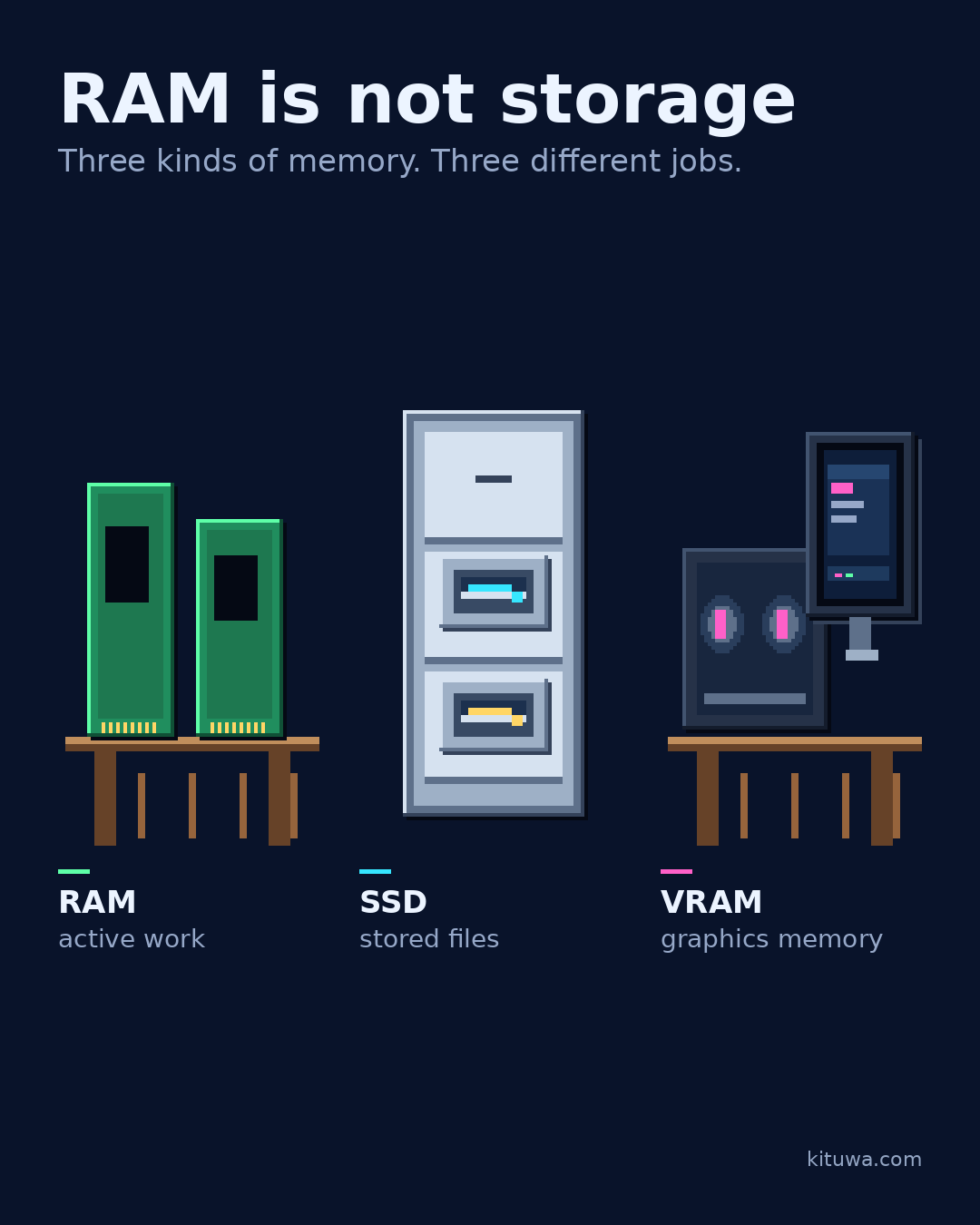
RAM is not storage
RAM is the workbench. Storage is the cupboard. Practical checks and official references.
Read the guide →
 November 8, 2026
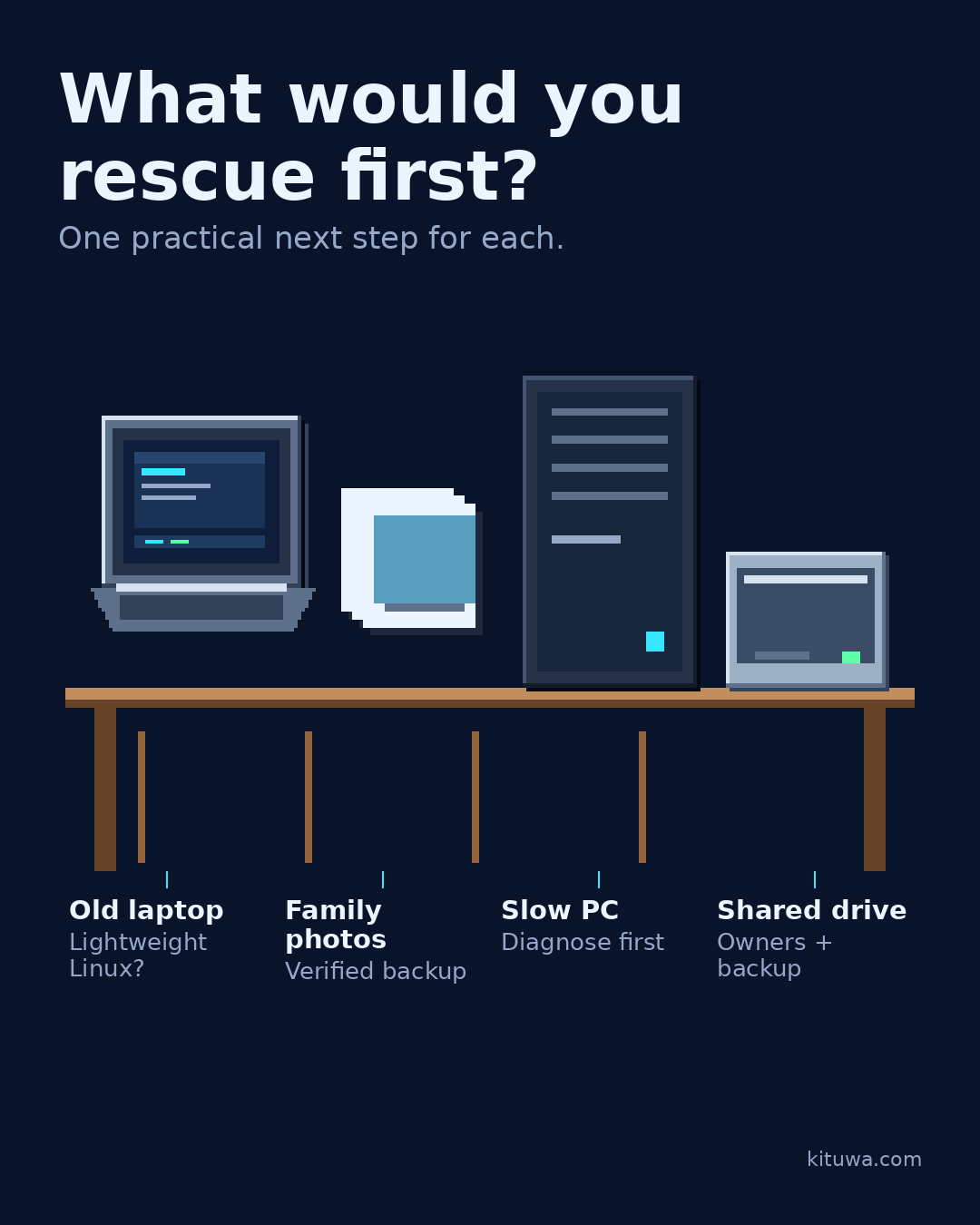
What would you rescue first?
Four things are waiting on a decision. An old laptop that still works. Practical checks and official references.
Read the guide →
 November 8, 2026
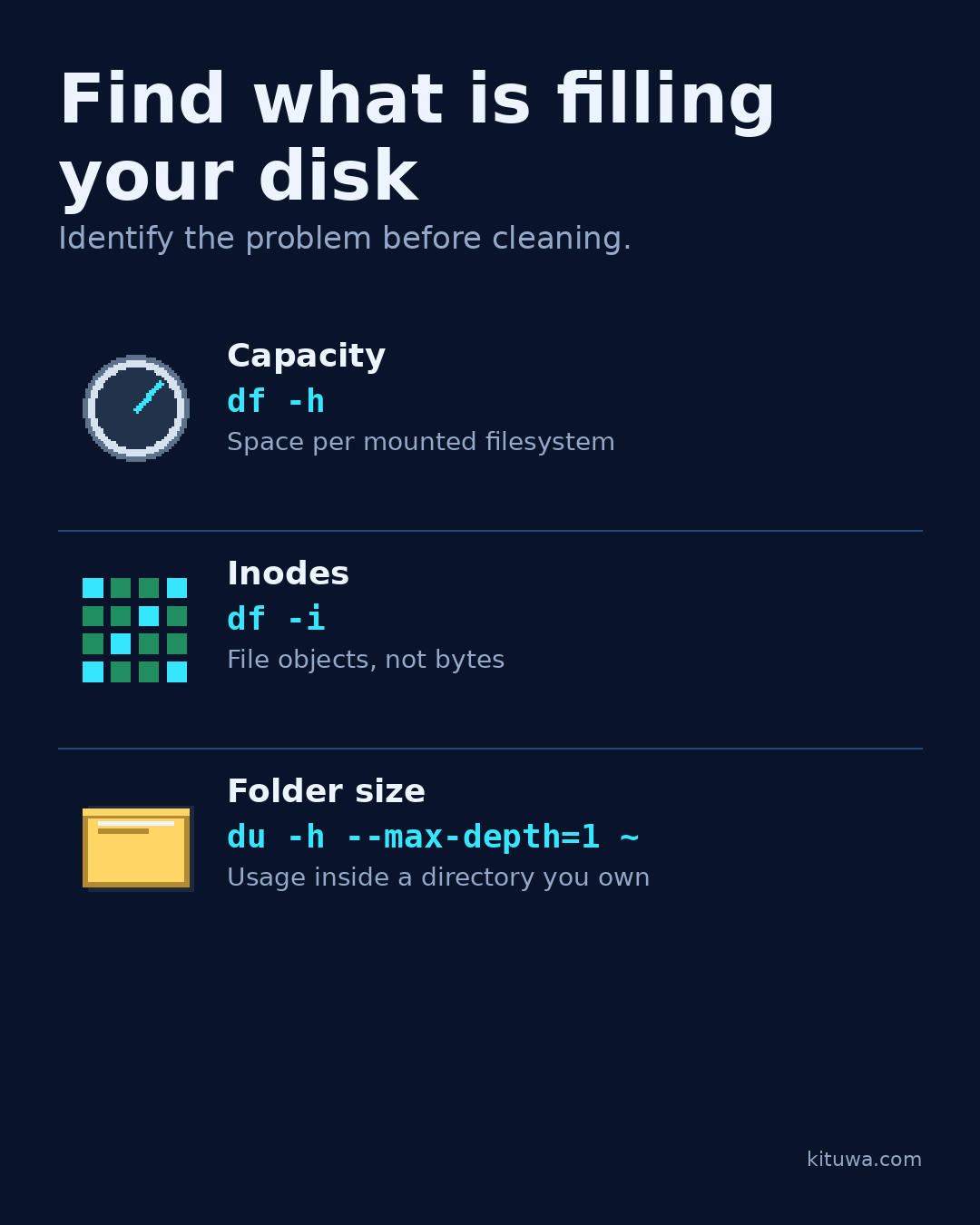
Find What Is Filling Your Linux Disk: df, Inodes, and du
Diagnose a full Linux disk without deleting anything. Compare capacity, inode use, and folder size with df -h, df -i, and du, and read mounts and permission errors correctly.
Read the guide →
 November 7, 2026
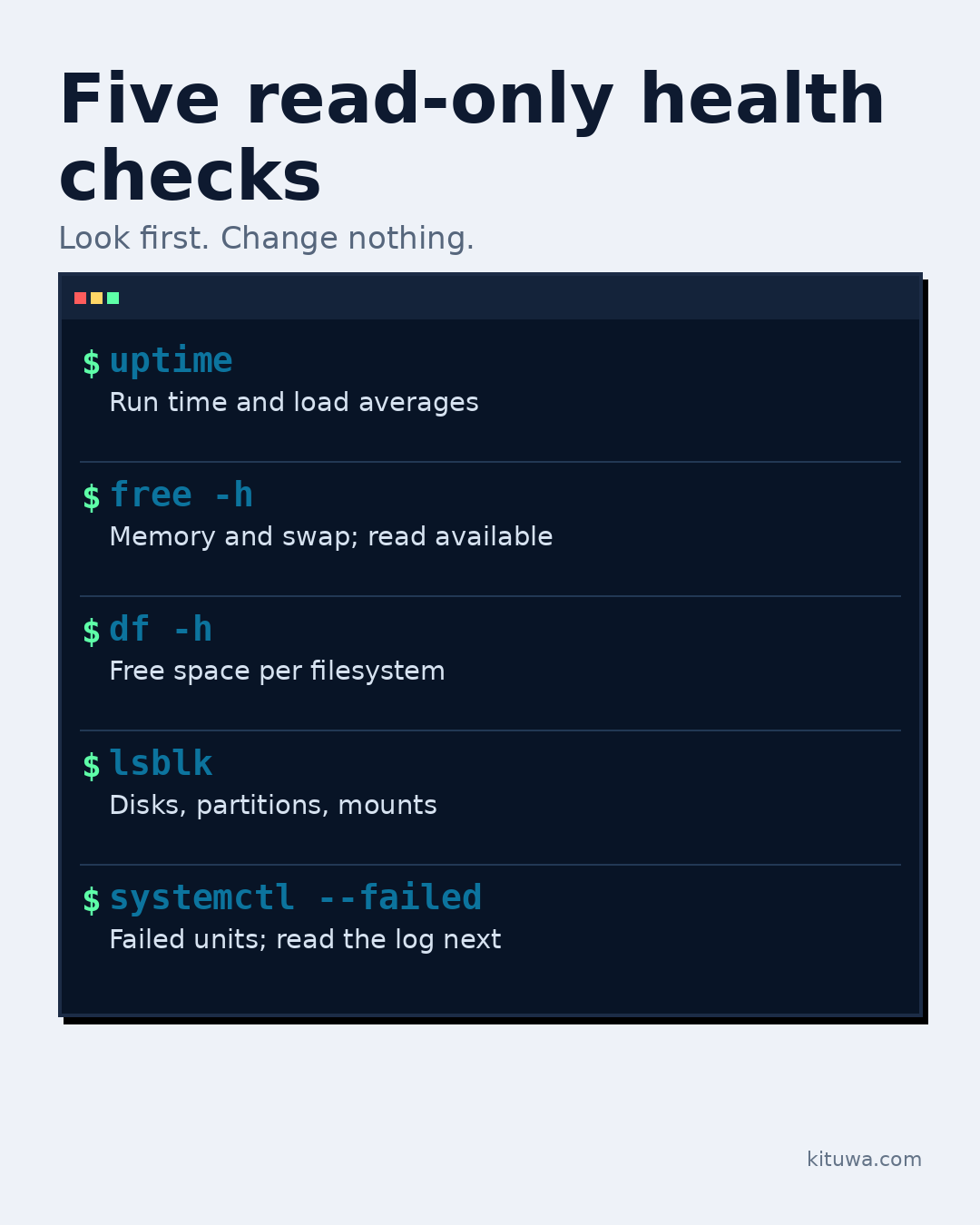
Five read-only Linux health checks
A slow or strange Linux machine does not need random deletion. Start with five read-only checks and write down what… Practical checks and official references.
Read the guide →
 November 5, 2026
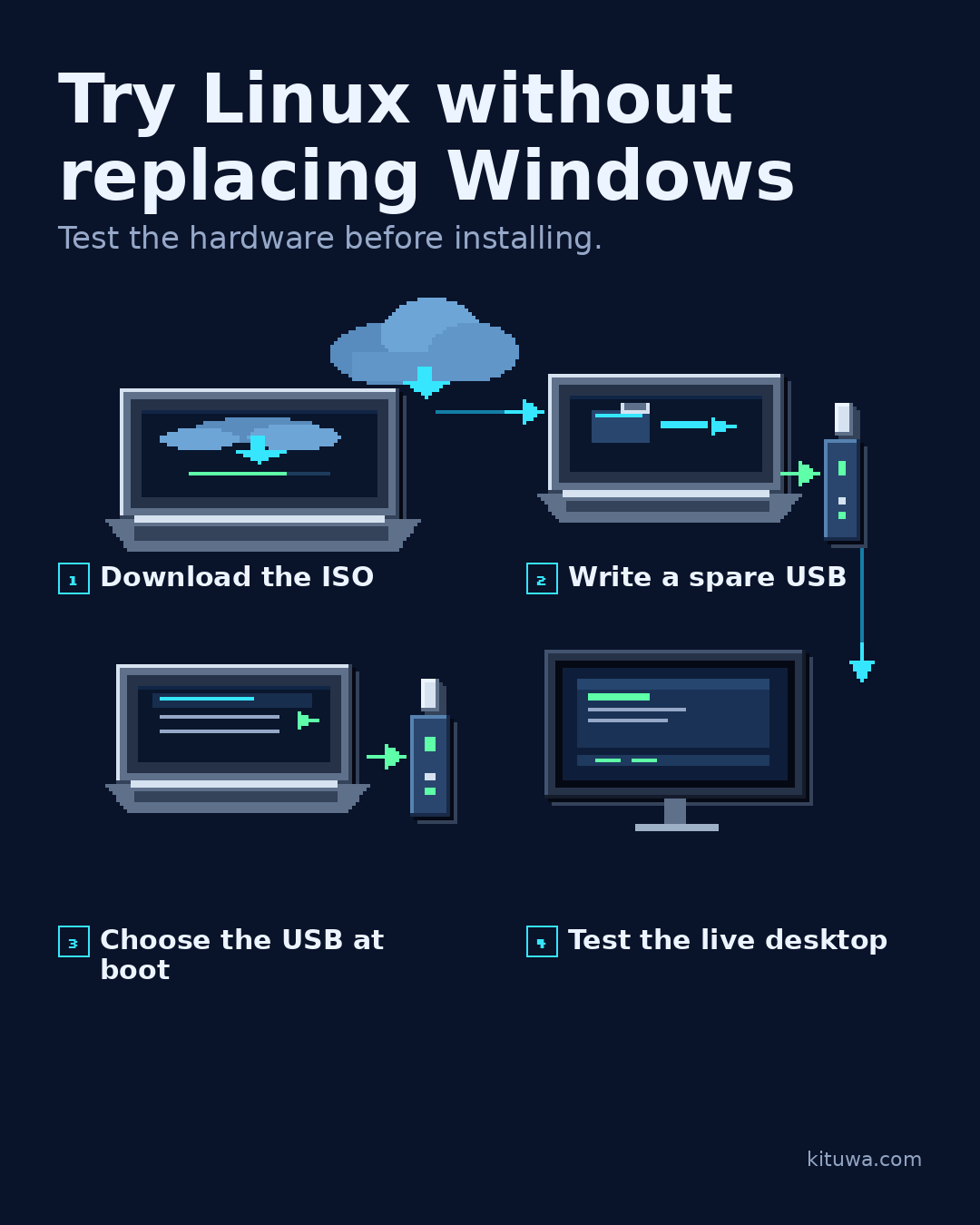
Try Linux Without Replacing Windows: A Safe Live USB Walkthrough
Test Linux Mint from a live USB before installing anything. Back up first, verify the ISO, write the USB, check Wi-Fi, audio and suspend, then decide.
Read the guide →
December 25, 2026
Remote access planning checklist
Remote access is a door. Plan who can open it, how, and what happens if the key is lost. Practical checks and official references.
Read the guide →
December 24, 2026
VPNs: private path, not invisibility
A VPN creates a private path between your device and a VPN endpoint. It is not invisibility. Practical checks and official references.
Read the guide →
December 23, 2026
The guest Wi-Fi question
Guest Wi-Fi is a convenience with boundaries. A separate guest SSID can keep visitors off your main network, but only… Practical checks and official refere…
Read the guide →
December 22, 2026
Document your home network
A home network you cannot describe is hard to troubleshoot. Write down: a simple diagram, the router and access point… Practical checks and official refere…
Read the guide →
December 21, 2026
DNS vs DHCP vs IP address
DNS, DHCP, and IP addresses are three different jobs. An IP address identifies a device on a network. Practical checks and official references.
Read the guide →
December 20, 2026
Mesh or Ethernet-backed access points?
Mesh Wi-Fi and Ethernet-backed access points both add coverage, but they trade off differently. A mesh system is easy… Practical checks and official refere…
Read the guide →
December 19, 2026
Wi-Fi slow: run these checks first
Wi-Fi slow? Check the simple things before buying new hardware. Practical checks and official references.
Read the guide →
December 18, 2026
Home networking in plain English
Home networking is easier when you separate six jobs. Router: moves traffic between your network and the internet. Practical checks and official references.
Read the guide →
December 17, 2026
Passkeys, passwords, and authenticator codes
Passkeys, passwords, and authenticator codes are different tools, not replacements for thinking about recovery. A… Practical checks and official references.
Read the guide →
December 16, 2026
Recovery codes before a lost phone
Your phone is also your second factor. If it is lost, stolen, or wiped, can you still get into your accounts? Practical checks and official references.
Read the guide →
December 15, 2026
Password managers: hosted vs self-hosted
Hosted and self-hosted password managers both store secrets; they move responsibility. A hosted manager handles… Practical checks and official references.
Read the guide →
December 14, 2026
Which subscription is worth keeping?
Audit one subscription at a time. Ask: what job does it do, what would replacing it cost in time, and what happens if… Practical checks and official refere…
Read the guide →
December 13, 2026
Paperless document intake
Paperless-ngx turns scanned documents into a searchable archive. The intake workflow matters as much as the software. Practical checks and official referen…
Read the guide →
December 12, 2026
Immich: photo organization with responsibilities
Immich is a self-hosted photo and video library with mobile apps, albums, faces, and search. It is a serious project,… Practical checks and official refere…
Read the guide →
December 11, 2026
Your photos deserve an exit plan
Cloud photo services are convenient, but convenience is not an exit plan. Decide where the originals live, how you… Practical checks and official references.
Read the guide →
December 10, 2026
Phone photo backup: verify the journey
Phone photo backup is a journey, not a single setting. Start with the phone: which albums are included, and what… Practical checks and official references.
Read the guide →
December 9, 2026
Nextcloud, Syncthing, or a file server?
Three tools, three different jobs. Nextcloud is a self-hosted collaboration suite: accounts, file sync, sharing,… Practical checks and official references.
Read the guide →
December 8, 2026
When did you last restore a file?
A backup you have never restored is still a hypothesis. Pick one expendable file. Practical checks and official references.
Read the guide →
December 7, 2026
Design a 3-2-1 backup plan
3-2-1 is a simple starting rule: at least three copies of important data, on two different media, with one copy off-… Practical checks and official referen…
Read the guide →
December 5, 2026
One server, too many services?
One server can hold a lot of services until it cannot. Resource contention shows up as slow responses, OOM kills, or… Practical checks and official referen…
Read the guide →
December 4, 2026
Check containers without changing them
Check containers without changing them. docker compose ps shows the project's services, state, and ports. Practical checks and official references.
Read the guide →
December 3, 2026
Docker volumes are your app's memory
A container is replaceable. Its data is not. Practical checks and official references.
Read the guide →
December 2, 2026
One app for your first server
Pick one app for your first server, not five. A personal dashboard (Homarr or a similar tool) gives you one page for… Practical checks and official referen…
Read the guide →
December 1, 2026
Read a Compose file like a map
A Compose file is a map of a small application stack. Read it in five sections. Practical checks and official references.
Read the guide →
November 30, 2026
Containers vs virtual machines
Containers and virtual machines both isolate workloads, but they isolate different things. A container packages an… Practical checks and official references.
Read the guide →
November 29, 2026
Mini PC, laptop, or tower?
Mini PC, laptop, or tower? The right choice follows the workload, not a spec sheet. Practical checks and official references.
Read the guide →
November 28, 2026
Plan a server before installing apps
Plan the server before you install apps. Write down six things: 1. Practical checks and official references.
Read the guide →
November 26, 2026
Your computer emergency kit
Build a small emergency kit before you need it. A labeled recovery USB, an external backup drive, printed recovery… Practical checks and official references.
Read the guide →
November 25, 2026
Practice recovery before you need it
Practice recovery before you need it. Use a spare device or a virtual machine, not your only working computer. Practical checks and official references.
Read the guide →
November 24, 2026
Immutable Linux explained honestly
Immutable Linux is easier to understand as layers. The base system is protected and updated atomically: the new… Practical checks and official references.
Read the guide →
November 23, 2026
What should stay simple?
Two desks can solve one problem. The work desk is the reliable everyday machine: stable release, supported updates,… Practical checks and official references.
Read the guide →
November 22, 2026
A safer update routine
A safer update routine has five steps. 1. Practical checks and official references.
Read the guide →
November 21, 2026
Desktop environment vs distribution
A distribution is not the same thing as a desktop environment. Think of a house. Practical checks and official references.
Read the guide →
November 20, 2026
Linux myths worth retiring
Three Linux myths worth retiring. Myth: everything requires the terminal. Practical checks and official references.
Read the guide →
November 19, 2026
Before you paste a terminal command
Before you paste a command, read it in five parts. Program: what runs? Practical checks and official references.
Read the guide →
November 18, 2026
Mint vs Arch without the arguments
Mint and Arch are built for different goals. That is not an intelligence contest. Practical checks and official references.
Read the guide →
November 17, 2026
The app you wish had a Linux version
Which app keeps you on Windows or macOS? Name the app and the one feature you actually rely on, not the whole suite. Practical checks and official references.
Read the guide →
November 15, 2026
RAID Is Not a Backup: Availability, Recovery, and What to Do Instead
RAID keeps an array running through some disk failures, but it cannot restore deleted files, ransomware, or site loss. Learn what RAID does, what it does not, and how to add a tested backup.
Read the guide →
November 15, 2026
APT, Flatpak, AppImage
APT, Flatpak, and AppImage can all put software on your Linux desktop, but they are not interchangeable. APT uses… Practical checks and official references.
Read the guide →
November 14, 2026
Your first Linux frustration
Your first Linux frustration is usually not a broken computer. It is a permission message, an app that will not… Practical checks and official references.
Read the guide →
November 13, 2026
A home folder backup you can verify
A backup you never restore is a hope, not a verified backup. Test the whole path with one small folder. Practical checks and official references.
Read the guide →
November 12, 2026
Turn an Old Laptop into a Home Server: A Safe First Build
Reuse a spare laptop as a home server: check the battery, cooling, storage, Ethernet and lid behavior, then start with one LAN-only service.
Read the guide →
November 12, 2026
Linux Mint vs Ubuntu Desktop
Linux Mint and Ubuntu Desktop both get you to a working desktop, but they make different trade-offs. Daily workflow:… Practical checks and official referen…
Read the guide →
November 11, 2026
SSD or RAM: which upgrade helps?
Three situations, three different next steps. Still booting from a mechanical hard drive? Practical checks and official references.
Read the guide →
November 10, 2026
Slow computer: diagnose before buying
When a computer feels slow, do not buy parts yet. Follow the symptom first. Practical checks and official references.
Read the guide →
November 9, 2026
RAM is not storage
RAM is the workbench. Storage is the cupboard. Practical checks and official references.
Read the guide →
November 8, 2026
What would you rescue first?
Four things are waiting on a decision. An old laptop that still works. Practical checks and official references.
Read the guide →
November 8, 2026
Find What Is Filling Your Linux Disk: df, Inodes, and du
Diagnose a full Linux disk without deleting anything. Compare capacity, inode use, and folder size with df -h, df -i, and du, and read mounts and permission errors correctly.
Read the guide →
November 7, 2026
Five read-only Linux health checks
A slow or strange Linux machine does not need random deletion. Start with five read-only checks and write down what… Practical checks and official references.
Read the guide →
November 5, 2026
Try Linux Without Replacing Windows: A Safe Live USB Walkthrough
Test Linux Mint from a live USB before installing anything. Back up first, verify the ISO, write the USB, check Wi-Fi, audio and suspend, then decide.
Read the guide →

Immich vs Google Photos vs Apple Photos
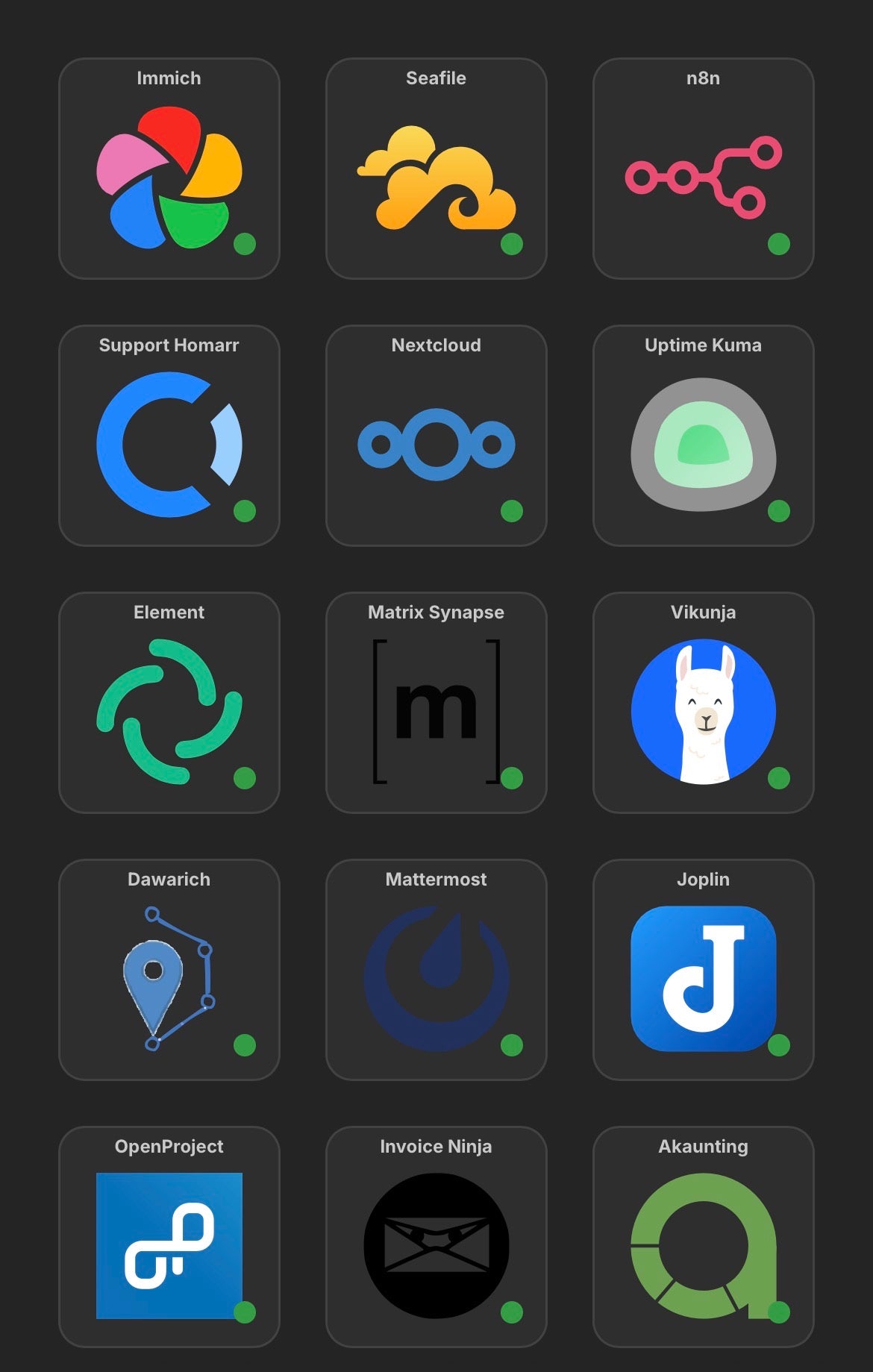
Homarr: One Dashboard for My Self-Hosted Stack