Kituwa IT · Field guide
Docker volumes are your app's memory
A container is replaceable. Its data is not. Practical checks and official references.
A container is replaceable. Its data is not.
This guide expands the Facebook post into a practical workflow for beginners, home-lab users, and small-business owners who want to understand the trade-offs before changing a working system.
What this guide covers
- Docker volumes are your app's memory
- Replace the app; keep the data.
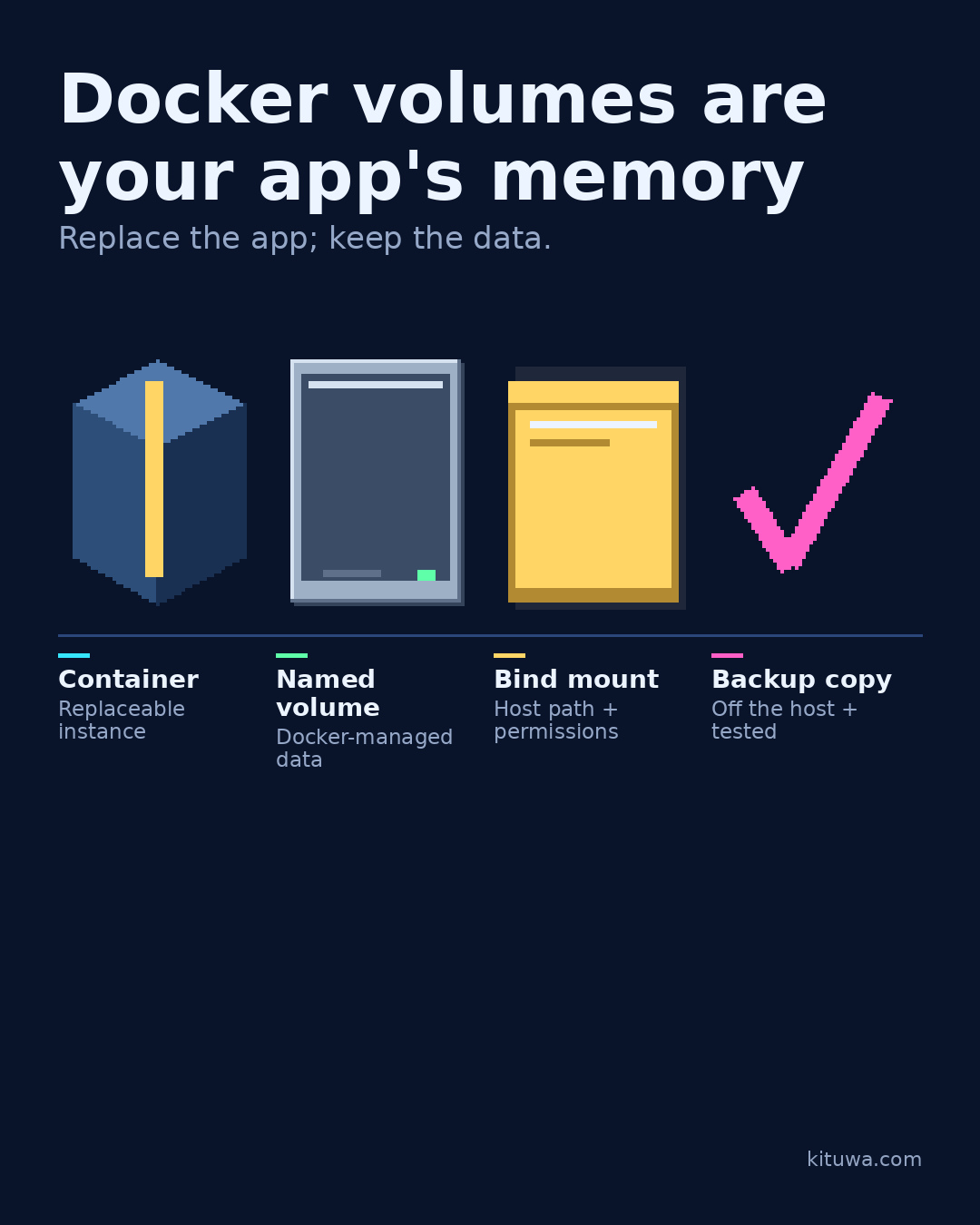
- Container — Replaceable instance
- Named volume — Docker-managed data
- Bind mount — Host path + permissions
- Backup copy — Off the host + tested
Why it matters
The goal is not to memorize a product name or copy a command blindly. It is to understand what the change affects, verify it against an official reference, test it on spare hardware or a virtual machine when possible, and keep a rollback path.
A practical walkthrough
Check the container state
The image is the recipe. The container is a running instance you can delete and recreate. A named volume or bind mount is where persistent data lives: a database, uploads, configuration, notes.
Protect the data first
Named volumes are managed by Docker and easy to reference by name. Bind mounts point at a specific host path, which is convenient but makes you responsible for permissions and backups.
Protect the data first
Deleting a container is not a backup strategy. If the volume is gone, recreating the container gives you an empty app. Back up the volume or the data inside it, test a restore, and keep a copy off the host.
Protect the data first
Before you update, note which volumes and bind mounts the service uses. After you update, confirm the data is still there. A backup you have never restored is not yet a backup plan.
Your turn
Which service would hurt most if its data vanished?
What to verify
- Use the official documentation for the exact version you run.
- Test on a spare device or virtual machine before changing a working system.
- Keep a backup and a rollback path.
- Record what changed and how you verified it.
Common mistakes
- Deleting a container without checking its volumes and bind mounts.
- Assuming a restart fixed the cause because the service came back.
- Giving broad access to the Docker socket or host.
Quick checklist
- ☐ Replace the app; keep the data.
- ☐ Container — Replaceable instance
- ☐ Named volume — Docker-managed data
- ☐ Bind mount — Host path + permissions
- ☐ Backup copy — Off the host + tested
FAQ
What is the first step?
A container is replaceable.
What should I avoid?
Deleting a container without checking its volumes and bind mounts.
Where can I verify the current details?
Use the official references below; versions and interfaces change.
References
Related guides
Need help?
If you want a second opinion on the setup or the rollback plan, Kituwa can review it with you. Start with the checklist above; it makes the conversation more useful.