Kituwa IT · Field guide
One app for your first server
Pick one app for your first server, not five. A personal dashboard (Homarr or a similar tool) gives you one page for… Practical checks and official referen…
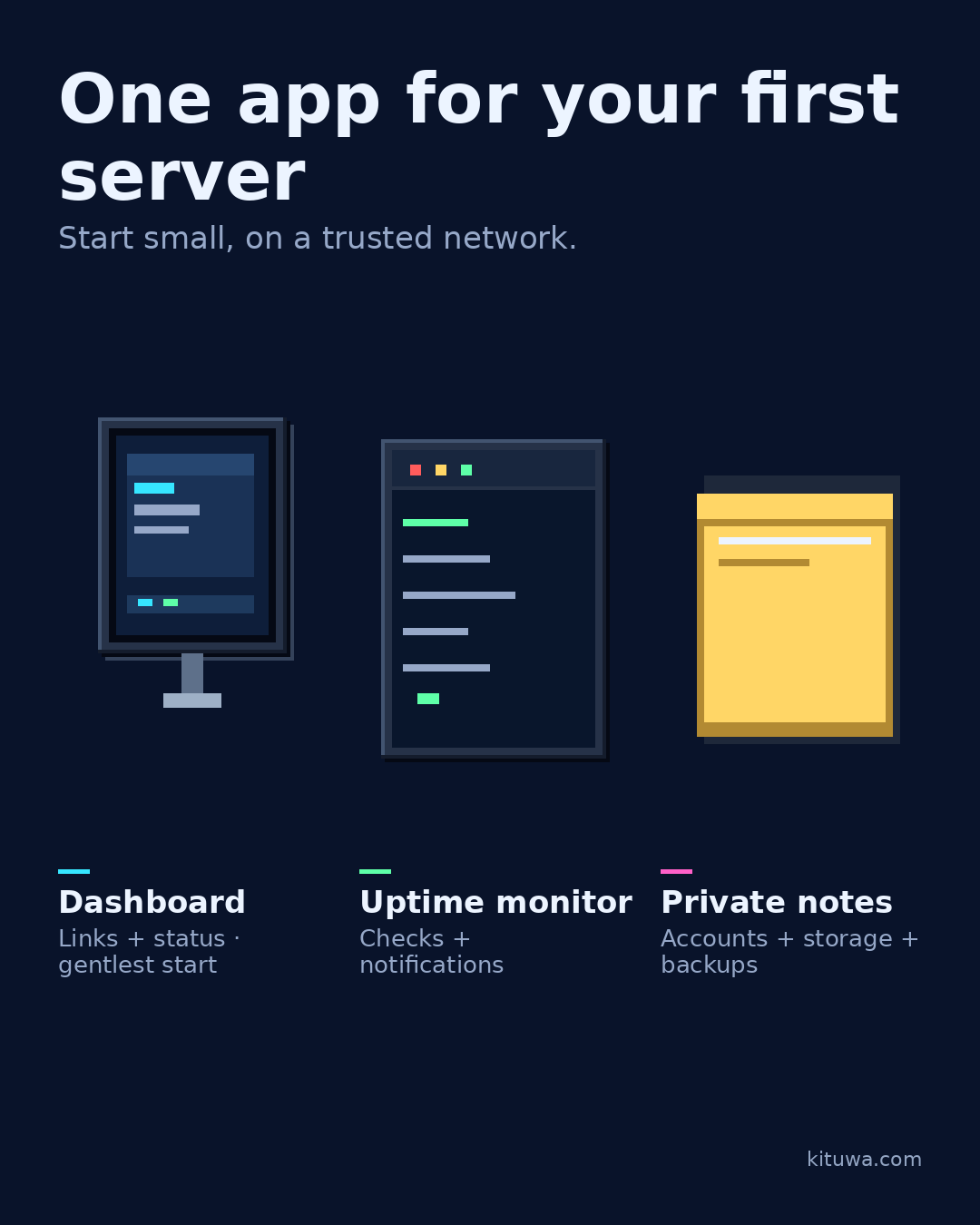
Pick one app for your first server, not five.
This guide expands the Facebook post into a practical workflow for beginners, home-lab users, and small-business owners who want to understand the trade-offs before changing a working system.
What this guide covers
- One app for your first server
- Start small, on a trusted network.
- Dashboard — Links + status, gentlest start
- Uptime monitor — Checks + notifications
- Private notes — Accounts + storage + backups
Why it matters
The goal is not to memorize a product name or copy a command blindly. It is to understand what the change affects, verify it against an official reference, test it on spare hardware or a virtual machine when possible, and keep a rollback path.
A practical walkthrough
Step 1: what to check
A personal dashboard (Homarr or a similar tool) gives you one page for links and status. An uptime monitor (Uptime Kuma) tells you when something is down. A private notes service (Joplin Server or similar) keeps notes in your control.
Protect the data first
Complexity: a dashboard is usually the gentlest start; an uptime monitor adds checks and notifications; a notes service adds accounts, storage, and backups.
Protect the data first
Start on a trusted local network. Do not expose a new service to the internet until you understand authentication, updates, and backups.
Your turn
Which daily annoyance would you solve first?
What to verify
- Use the official documentation for the exact version you run.
- Test on a spare device or virtual machine before changing a working system.
- Keep a backup and a rollback path.
- Record what changed and how you verified it.
Common mistakes
- Changing more than one thing at a time.
- Skipping the official documentation for your version.
- Assuming a warning means you should delete or reset data.
- Not recording what you changed or how you verified it.
Quick checklist
- ☐ Start small, on a trusted network.
- ☐ Dashboard — Links + status, gentlest start
- ☐ Uptime monitor — Checks + notifications
- ☐ Private notes — Accounts + storage + backups
FAQ
What is the first step?
Pick one app for your first server, not five.
What should I avoid?
Changing more than one thing at a time.
Where can I verify the current details?
Use the official references below; versions and interfaces change.
References
Related guides
- Read a Compose file like a map
- Docker volumes are your app's memory
- Check containers without changing them
Need help?
If you want a second opinion on the setup or the rollback plan, Kituwa can review it with you. Start with the checklist above; it makes the conversation more useful.