Kituwa IT · Field guide
Your photos deserve an exit plan
Cloud photo services are convenient, but convenience is not an exit plan. Decide where the originals live, how you… Practical checks and official references.
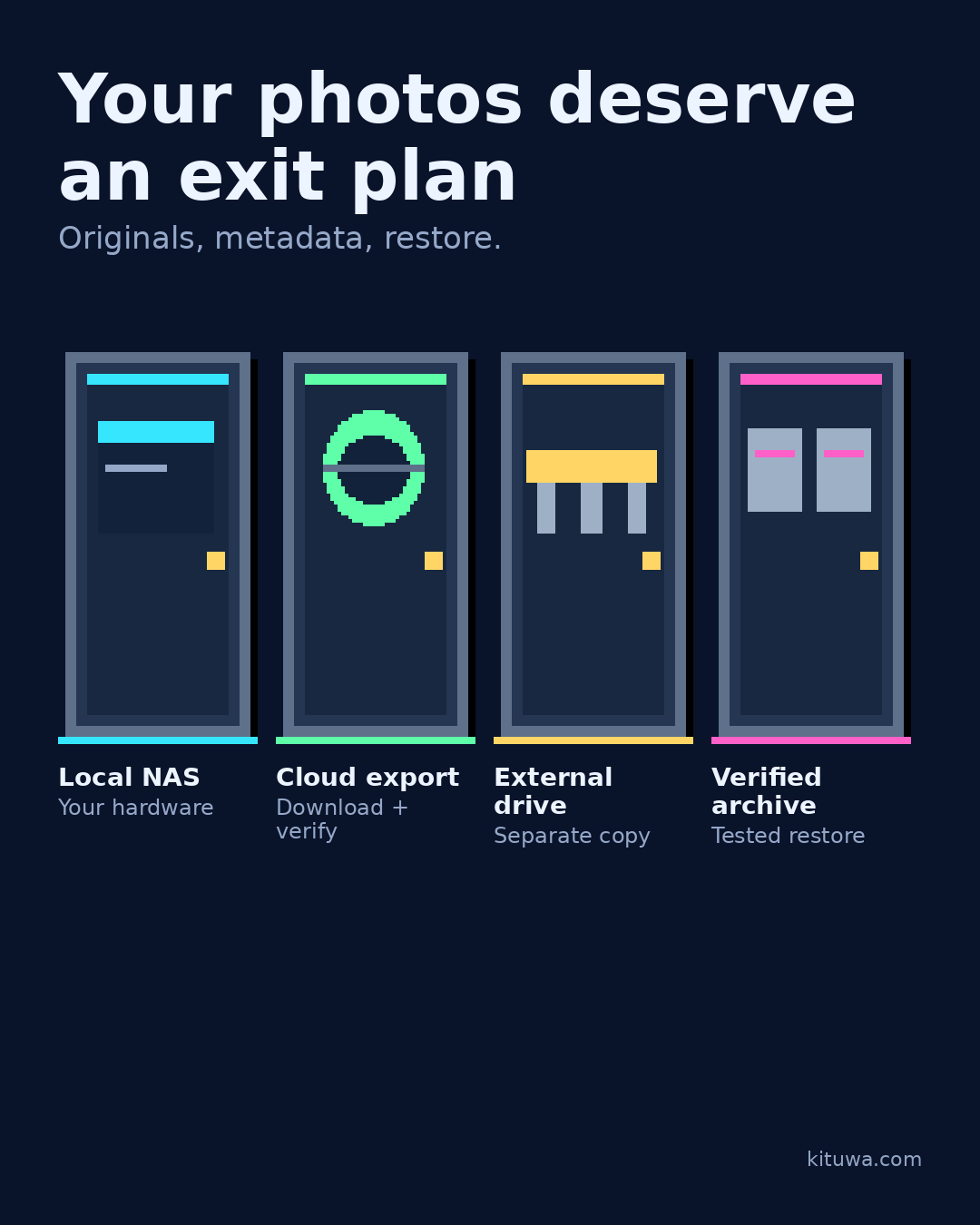
Cloud photo services are convenient, but convenience is not an exit plan.
This guide expands the Facebook post into a practical workflow for beginners, home-lab users, and small-business owners who want to understand the trade-offs before changing a working system.
What this guide covers
- Your photos deserve an exit plan
- Originals, metadata, restore.
- Local NAS — Your hardware
- Cloud export — Download + verify
- External drive — Separate copy
- Verified archive — Tested restore
Why it matters
The goal is not to memorize a product name or copy a command blindly. It is to understand what the change affects, verify it against an official reference, test it on spare hardware or a virtual machine when possible, and keep a rollback path.
A practical walkthrough
Step 1: what to check
Decide where the originals live, how you export them, and how you verify the export. A local NAS, an external drive, a cloud export, or a self-hosted library can all be part of the plan. The important part is that you can leave without losing metadata, albums, and originals.
Step 2: what to check
Test one export: download a small album, open the files, check dates and sizes, and confirm the originals are included. Do not rely on a sync folder as your only copy.
Verify the result
Test the change on a spare device or virtual machine first. Check the exact behavior you care about, not just whether the screen looks right. Record what you tested and what you expected.
Your turn
Where would your photos go if the service disappeared tomorrow?
What to verify
- Use the official documentation for the exact version you run.
- Test on a spare device or virtual machine before changing a working system.
- Keep a backup and a rollback path.
- Record what changed and how you verified it.
Common mistakes
- Treating RAID, sync, or a cloud gallery as a complete backup.
- Never testing a restore of a real file.
- Keeping the only copy on the same device or in the same location.
Quick checklist
- ☐ Originals, metadata, restore.
- ☐ Local NAS — Your hardware
- ☐ Cloud export — Download + verify
- ☐ External drive — Separate copy
- ☐ Verified archive — Tested restore
FAQ
What is the first step?
Cloud photo services are convenient, but convenience is not an exit plan.
What should I avoid?
Treating RAID, sync, or a cloud gallery as a complete backup.
Where can I verify the current details?
Use the official references below; versions and interfaces change.
References
Related guides
- Phone photo backup: verify the journey
- Immich: photo organization with responsibilities
- Paperless document intake
Need help?
If you want a second opinion on the setup or the rollback plan, Kituwa can review it with you. Start with the checklist above; it makes the conversation more useful.