Kituwa IT · Field guide
Immich: photo organization with responsibilities
Immich is a self-hosted photo and video library with mobile apps, albums, faces, and search. It is a serious project,… Practical checks and official refere…
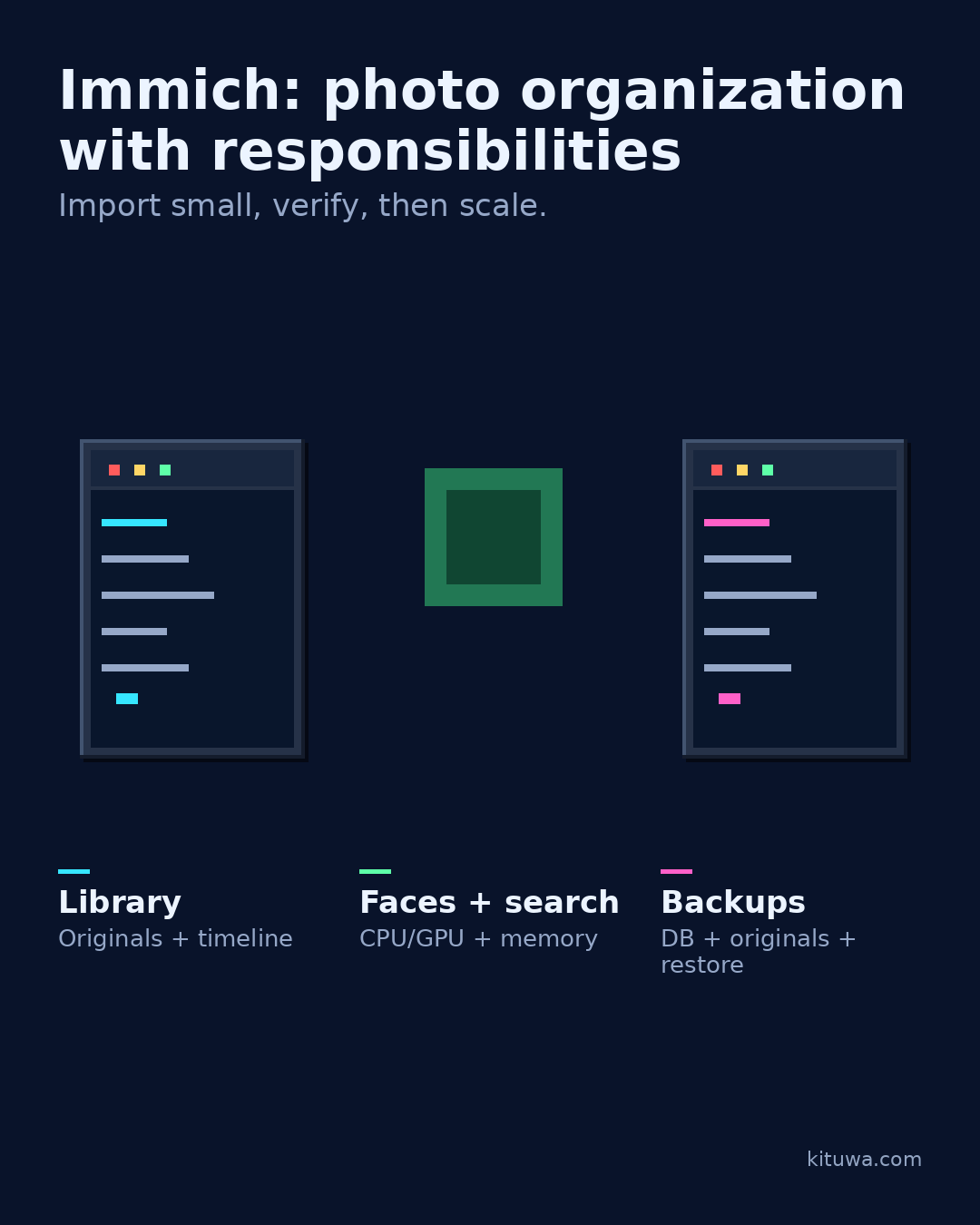
Immich is a self-hosted photo and video library with mobile apps, albums, faces, and search. It is a serious project, not a drop-in replacement you can forget.
This guide expands the Facebook post into a practical workflow for beginners, home-lab users, and small-business owners who want to understand the trade-offs before changing a working system.
What this guide covers
- Immich: photo organization with responsibilities
- Import small, verify, then scale.
- Library — Originals + timeline
- Faces + search — CPU/GPU + memory
- Backups — DB + originals + restore
Why it matters
The goal is not to memorize a product name or copy a command blindly. It is to understand what the change affects, verify it against an official reference, test it on spare hardware or a virtual machine when possible, and keep a rollback path.
A practical walkthrough
Protect the data first
Responsibilities: storage grows; backups must cover the database and the original files; upgrades need reading the release notes; face recognition and search use CPU/GPU and memory; mobile backup settings decide what leaves the phone.
Protect the data first
Plan before importing: where will originals live, how much space is available, what is backed up, and how do you restore? Storage, compute, and backup capacity should be sized before the first full import, not after. Test with a small library first. A restore test should include the database, not just a photo file. Document the restore steps. Do not delete the source library until the new one is verified.
Protect the data first
Immich can organize your photos; it cannot take responsibility for your backup plan.
Your turn
What would you verify before importing everything?
What to verify
- Use the official documentation for the exact version you run.
- Test on a spare device or virtual machine before changing a working system.
- Keep a backup and a rollback path.
- Record what changed and how you verified it.
Common mistakes
- Treating RAID, sync, or a cloud gallery as a complete backup.
- Never testing a restore of a real file.
- Keeping the only copy on the same device or in the same location.
Quick checklist
- ☐ Import small, verify, then scale.
- ☐ Library — Originals + timeline
- ☐ Faces + search — CPU/GPU + memory
- ☐ Backups — DB + originals + restore
FAQ
What is the first step?
Immich is a self-hosted photo and video library with mobile apps, albums, faces, and search.
What should I avoid?
Treating RAID, sync, or a cloud gallery as a complete backup.
Where can I verify the current details?
Use the official references below; versions and interfaces change.
References
Related guides
Need help?
If you want a second opinion on the setup or the rollback plan, Kituwa can review it with you. Start with the checklist above; it makes the conversation more useful.