Kituwa IT · Field guide
Which subscription is worth keeping?
Audit one subscription at a time. Ask: what job does it do, what would replacing it cost in time, and what happens if… Practical checks and official refere…
Audit one subscription at a time.
This guide expands the Facebook post into a practical workflow for beginners, home-lab users, and small-business owners who want to understand the trade-offs before changing a working system.
What this guide covers
- Which subscription is worth keeping?
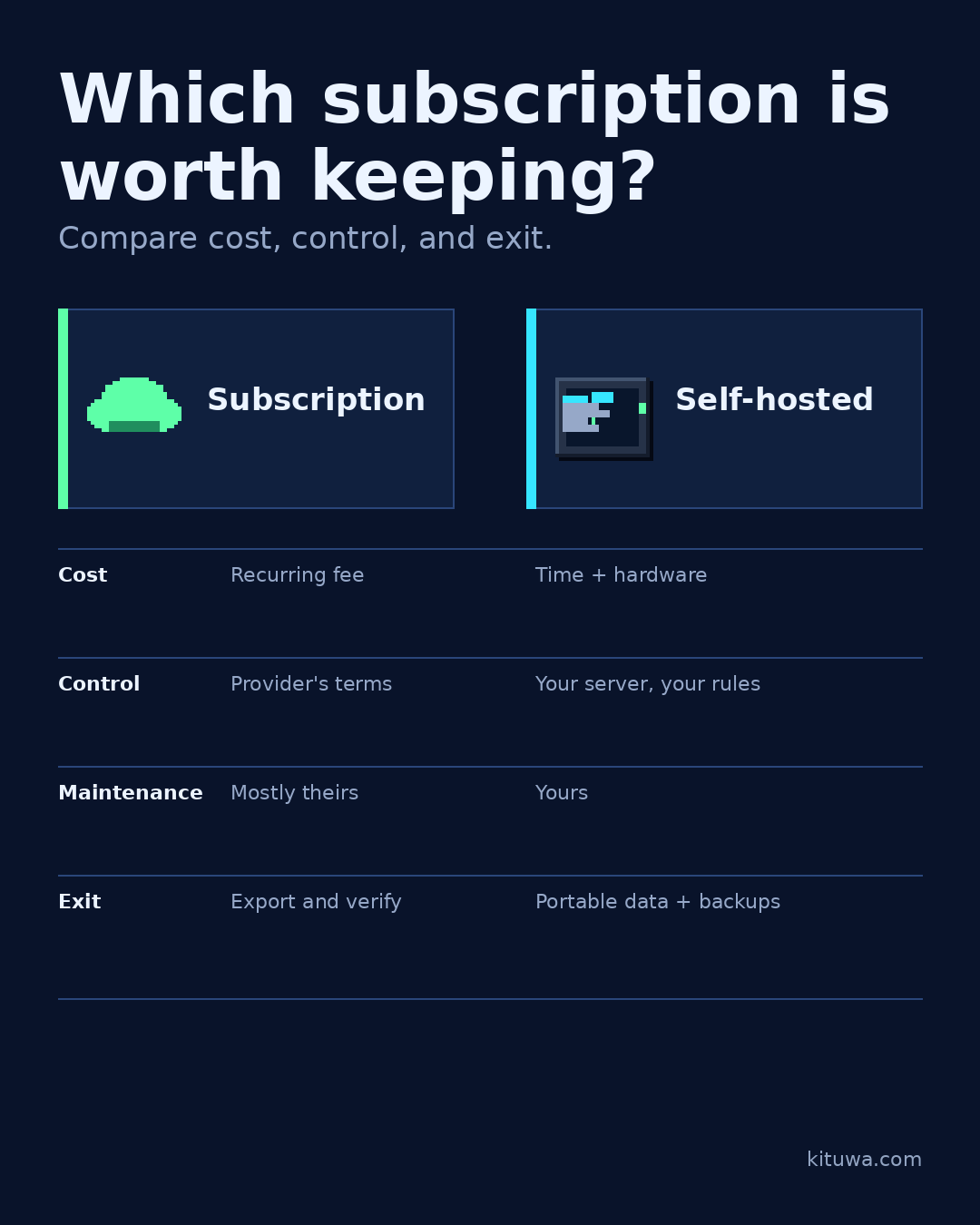
- Compare cost, control, and exit.
- Subscription
- Self-hosted
- Cost — Recurring fee — Time + hardware
- Control — Provider's terms — Your server, your rules
Why it matters
The goal is not to memorize a product name or copy a command blindly. It is to understand what the change affects, verify it against an official reference, test it on spare hardware or a virtual machine when possible, and keep a rollback path.
A practical walkthrough
Protect the data first
Ask: what job does it do, what would replacing it cost in time, and what happens if the provider changes terms or disappears? A self-hosted alternative can reduce recurring cost and increase control, but it adds updates, backups, and responsibility.
Step 2: what to check
Keep a subscription when it saves more time than it costs and the exit path is clear. Replace it when the job is simple, the data is portable, and you will actually maintain the alternative.
Step 3: what to check
Do not self-host just to avoid a small bill; self-hosting is not free.
Your turn
Which subscription are you unsure about?
What to verify
- Use the official documentation for the exact version you run.
- Test on a spare device or virtual machine before changing a working system.
- Keep a backup and a rollback path.
- Record what changed and how you verified it.
Common mistakes
- Changing more than one thing at a time.
- Skipping the official documentation for your version.
- Assuming a warning means you should delete or reset data.
- Not recording what you changed or how you verified it.
Quick checklist
- ☐ Compare cost, control, and exit.
- ☐ Subscription
- ☐ Self-hosted
- ☐ Cost — Recurring fee — Time + hardware
- ☐ Control — Provider's terms — Your server, your rules
- ☐ Maintenance — Mostly theirs — Yours
FAQ
What is the first step?
Audit one subscription at a time.
What should I avoid?
Changing more than one thing at a time.
Where can I verify the current details?
Use the official references below; versions and interfaces change.
References
Related guides
- Paperless document intake
- Password managers: hosted vs self-hosted
- Recovery codes before a lost phone
Need help?
If you want a second opinion on the setup or the rollback plan, Kituwa can review it with you. Start with the checklist above; it makes the conversation more useful.