Kituwa IT · Field guide
Password managers: hosted vs self-hosted
Hosted and self-hosted password managers both store secrets; they move responsibility. A hosted manager handles… Practical checks and official references.
Hosted and self-hosted password managers both store secrets; they move responsibility.
This guide expands the Facebook post into a practical workflow for beginners, home-lab users, and small-business owners who want to understand the trade-offs before changing a working system.
What this guide covers
- Password managers: hosted vs self-hosted
- Both need recovery and backups.
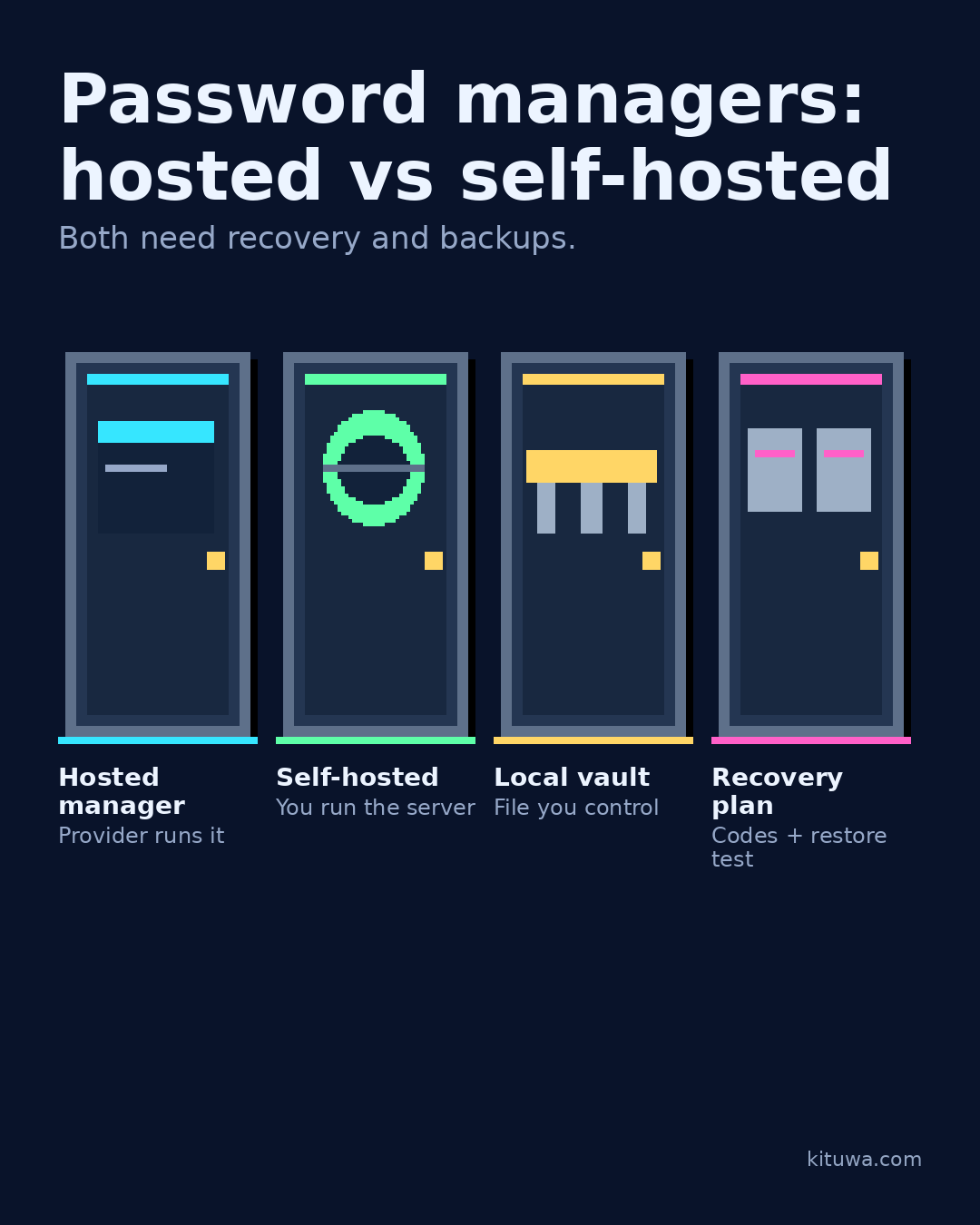
- Hosted manager — Provider runs it
- Self-hosted — You run the server
- Local vault — File you control
- Recovery plan — Codes + restore test
Why it matters
The goal is not to memorize a product name or copy a command blindly. It is to understand what the change affects, verify it against an official reference, test it on spare hardware or a virtual machine when possible, and keep a rollback path.
A practical walkthrough
Make recovery practical
A hosted manager handles servers, sync, and recovery for you. You still need a strong master password, MFA, recovery codes, and a plan for the provider being unavailable.
Protect the data first
A self-hosted manager gives you control over the server and data. You also own uptime, backups, updates, TLS, and access control. If the server is lost and the backup is unreadable, the vault is gone.
Step 3: what to check
A local-only vault (for example KeePassXC) keeps the file in your control, but you must sync and back it up safely.
Protect the data first
Write down the recovery path before you need it: master password, MFA device, recovery codes, and where the backup lives. Whichever you choose: use a unique master password, store recovery codes offline, test a restore, and never post vault secrets in comments. A password manager is critical infrastructure; treat its backup like the vault itself.
Your turn
Which responsibility do you want?
What to verify
- Use the official documentation for the exact version you run.
- Test on a spare device or virtual machine before changing a working system.
- Keep a backup and a rollback path.
- Record what changed and how you verified it.
Common mistakes
- Reusing credentials or recovery material across accounts.
- Storing recovery codes only on the device they protect.
- Skipping MFA or independent verification because it is inconvenient.
Quick checklist
- ☐ Both need recovery and backups.
- ☐ Hosted manager — Provider runs it
- ☐ Self-hosted — You run the server
- ☐ Local vault — File you control
- ☐ Recovery plan — Codes + restore test
FAQ
What is the first step?
Hosted and self-hosted password managers both store secrets; they move responsibility.
What should I avoid?
Reusing credentials or recovery material across accounts.
Where can I verify the current details?
Use the official references below; versions and interfaces change.
References
Related guides
- Which subscription is worth keeping?
- Recovery codes before a lost phone
- Passkeys, passwords, and authenticator codes
Need help?
If you want a second opinion on the setup or the rollback plan, Kituwa can review it with you. Start with the checklist above; it makes the conversation more useful.