Kituwa IT · Field guide
Passkeys, passwords, and authenticator codes
Passkeys, passwords, and authenticator codes are different tools, not replacements for thinking about recovery. A… Practical checks and official references.
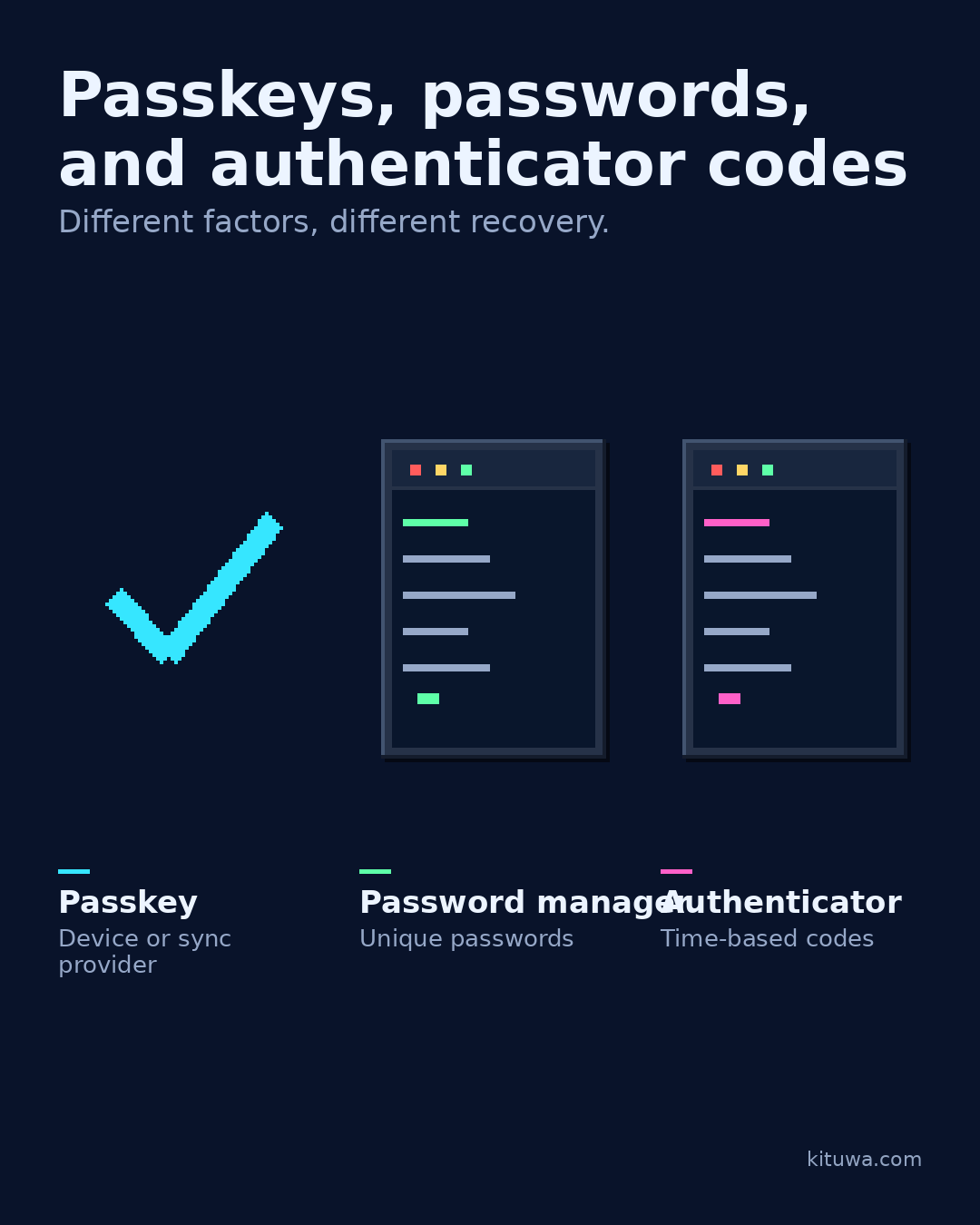
Passkeys, passwords, and authenticator codes are different tools, not replacements for thinking about recovery.
This guide expands the Facebook post into a practical workflow for beginners, home-lab users, and small-business owners who want to understand the trade-offs before changing a working system.
What this guide covers
- Passkeys, passwords, and authenticator codes
- Different factors, different recovery.
- Passkey — Device or sync provider
- Password manager — Unique passwords
- Authenticator — Time-based codes
Why it matters
The goal is not to memorize a product name or copy a command blindly. It is to understand what the change affects, verify it against an official reference, test it on spare hardware or a virtual machine when possible, and keep a rollback path.
A practical walkthrough
Make recovery practical
A passkey is a credential tied to a device or sync provider; it can resist phishing better than a password. A password manager stores unique passwords and can autofill them. An authenticator app generates time-based codes as a second factor.
Make recovery practical
All three need a recovery plan: what happens if the device is lost, the vault is unavailable, or the codes stop working? Keep recovery codes offline and test one account.
Verify the result
Test the change on a spare device or virtual machine first. Check the exact behavior you care about, not just whether the screen looks right. Record what you tested and what you expected.
Your turn
Which factor would you trust with your most important account?
What to verify
- Use the official documentation for the exact version you run.
- Test on a spare device or virtual machine before changing a working system.
- Keep a backup and a rollback path.
- Record what changed and how you verified it.
Common mistakes
- Reusing credentials or recovery material across accounts.
- Storing recovery codes only on the device they protect.
- Skipping MFA or independent verification because it is inconvenient.
Quick checklist
- ☐ Different factors, different recovery.
- ☐ Passkey — Device or sync provider
- ☐ Password manager — Unique passwords
- ☐ Authenticator — Time-based codes
FAQ
What is the first step?
Passkeys, passwords, and authenticator codes are different tools, not replacements for thinking about recovery.
What should I avoid?
Reusing credentials or recovery material across accounts.
Where can I verify the current details?
Use the official references below; versions and interfaces change.
References
Related guides
- Recovery codes before a lost phone
- Home networking in plain English
- Wi-Fi slow: run these checks first
Need help?
If you want a second opinion on the setup or the rollback plan, Kituwa can review it with you. Start with the checklist above; it makes the conversation more useful.