Kituwa IT · Field guide
Document your home network
A home network you cannot describe is hard to troubleshoot. Write down: a simple diagram, the router and access point… Practical checks and official refere…
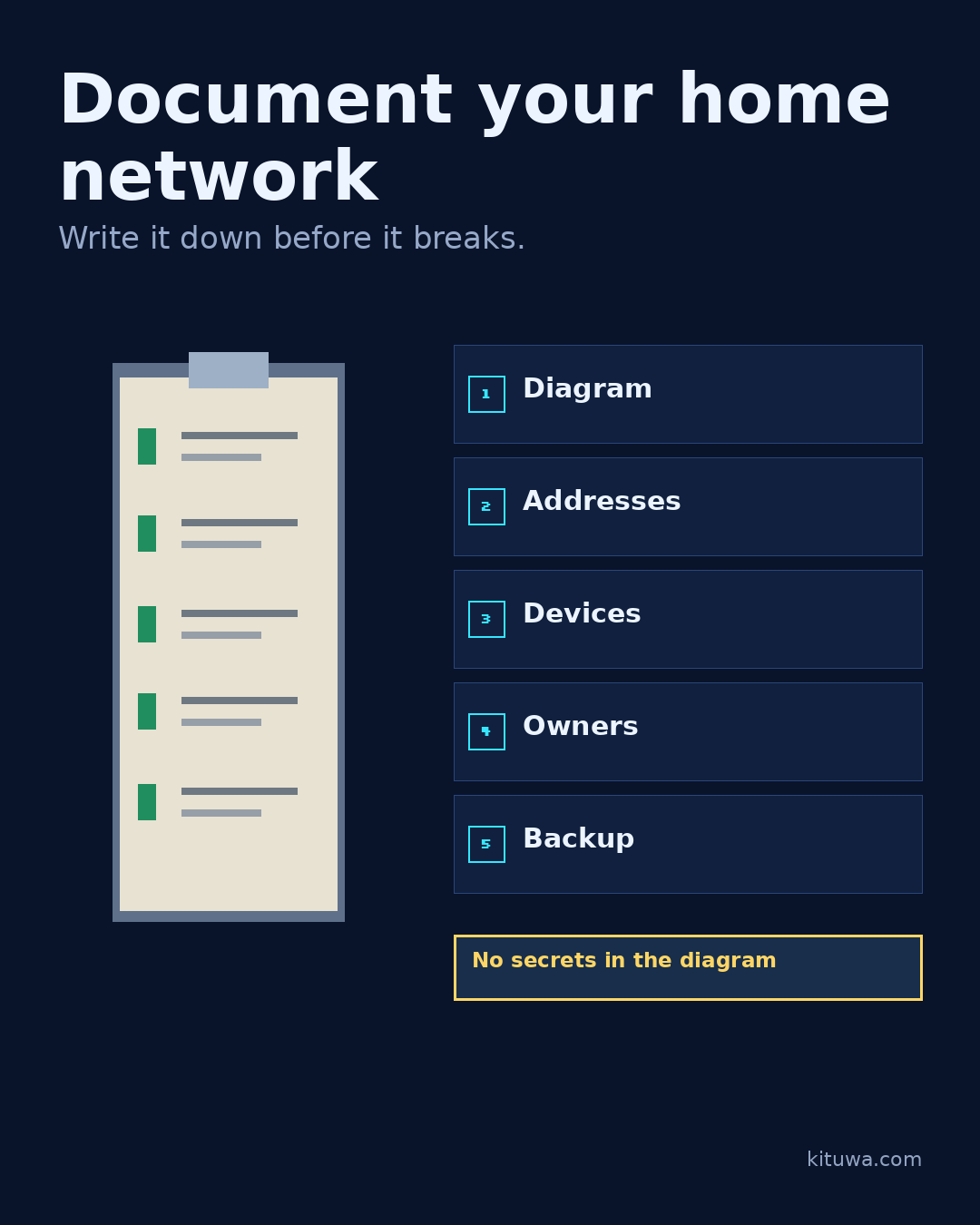
A home network you cannot describe is hard to troubleshoot.
This guide expands the Facebook post into a practical workflow for beginners, home-lab users, and small-business owners who want to understand the trade-offs before changing a working system.
What this guide covers
- Document your home network
- Write it down before it breaks.
- 1 Diagram
- 2 Addresses
- 3 Devices
- 4 Owners
Why it matters
The goal is not to memorize a product name or copy a command blindly. It is to understand what the change affects, verify it against an official reference, test it on spare hardware or a virtual machine when possible, and keep a rollback path.
A practical walkthrough
Protect the data first
Write down: a simple diagram, the router and access point addresses, DHCP range, DNS settings, device names and locations, and which services run where. Add the maintenance owner and where the backup of the configuration lives.
Check the network path
Do not put passwords, Wi-Fi keys, or recovery codes in the diagram. Store credentials separately in a password manager. A diagram is not a secret store.
Use the supported update path
A simple text file or diagram is enough; the goal is shared understanding, not a perfect CMDB. Include the date and a change note so stale details are obvious. Keep the document somewhere you can find it when the network is down, including a printed copy if that helps. Review it after any router or device change. Update it when you add a device or change a setting.
Your turn
What would you need to know if the router failed tonight?
What to verify
- Use the official documentation for the exact version you run.
- Test on a spare device or virtual machine before changing a working system.
- Keep a backup and a rollback path.
- Record what changed and how you verified it.
Common mistakes
- Exposing a service before authentication and updates are ready.
- Changing several network variables at once.
- Forgetting DNS, TTL, firewall, or rollback details.
Quick checklist
- ☐ Write it down before it breaks.
- ☐ 1 Diagram
- ☐ 2 Addresses
- ☐ 3 Devices
- ☐ 4 Owners
- ☐ 5 Backup
FAQ
What is the first step?
A home network you cannot describe is hard to troubleshoot.
What should I avoid?
Exposing a service before authentication and updates are ready.
Where can I verify the current details?
Use the official references below; versions and interfaces change.
References
Related guides
Need help?
If you want a second opinion on the setup or the rollback plan, Kituwa can review it with you. Start with the checklist above; it makes the conversation more useful.