Kituwa IT · Field guide
The guest Wi-Fi question
Guest Wi-Fi is a convenience with boundaries. A separate guest SSID can keep visitors off your main network, but only… Practical checks and official refere…
Guest Wi-Fi is a convenience with boundaries.
This guide expands the Facebook post into a practical workflow for beginners, home-lab users, and small-business owners who want to understand the trade-offs before changing a working system.
What this guide covers
- The guest Wi-Fi question
- Convenience needs boundaries.
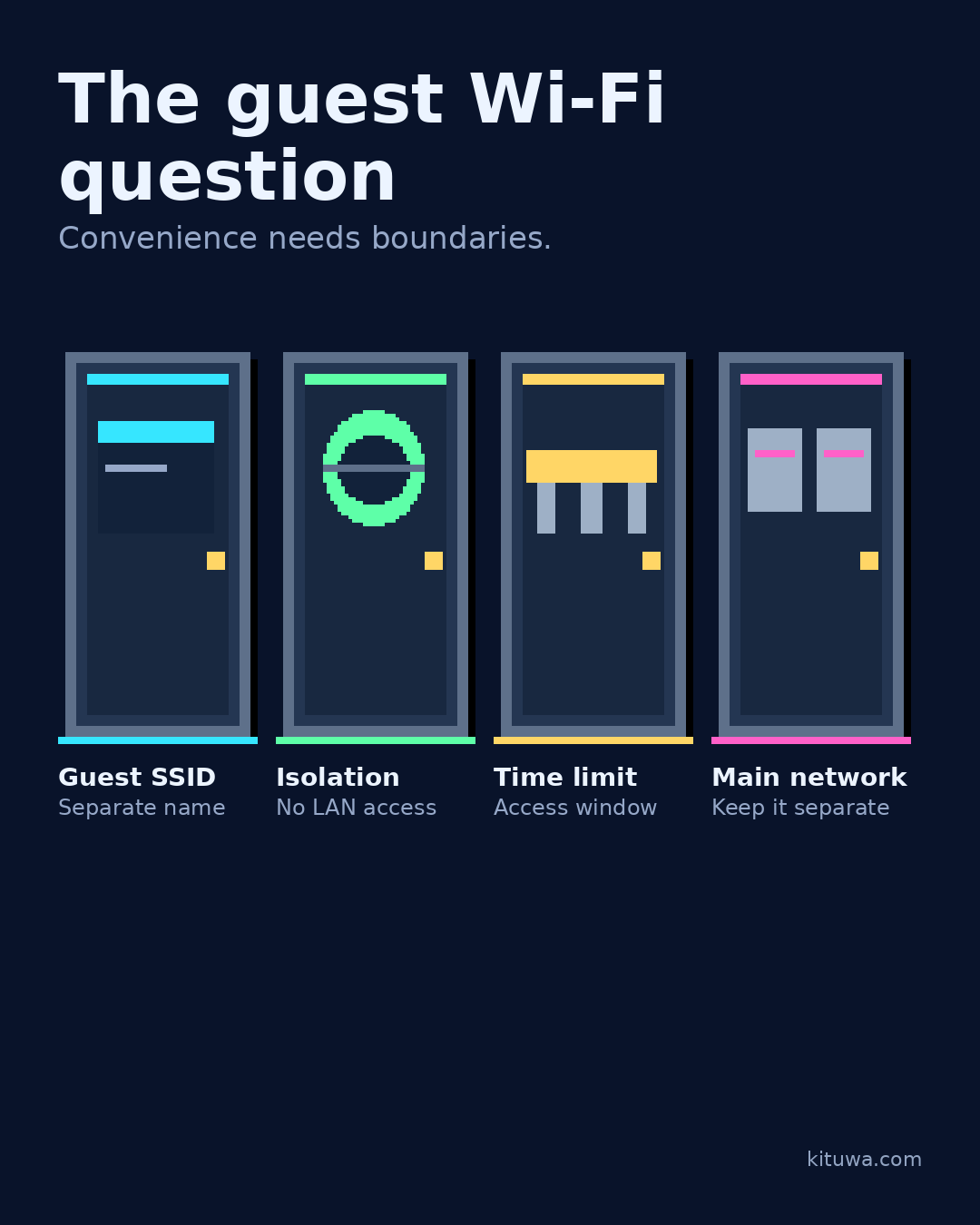
- Guest SSID — Separate name
- Isolation — No LAN access
- Time limit — Access window
- Main network — Keep it separate
Why it matters
The goal is not to memorize a product name or copy a command blindly. It is to understand what the change affects, verify it against an official reference, test it on spare hardware or a virtual machine when possible, and keep a rollback path.
A practical walkthrough
Check the network path
A separate guest SSID can keep visitors off your main network, but only if the router actually isolates guest clients. Check whether guest devices can reach your NAS, printers, or admin page. If they can, it is a different network name, not isolation.
Check the network path
Decide: how long should access last, who gets the password, and what bandwidth or content rules apply? Do not reuse the main Wi-Fi password for guests.
Check the network path
A guest network is not a substitute for securing the devices that matter. Patch them and keep the admin interface off the guest network.
Your turn
What would you want a guest network to block?
What to verify
- Use the official documentation for the exact version you run.
- Test on a spare device or virtual machine before changing a working system.
- Keep a backup and a rollback path.
- Record what changed and how you verified it.
Common mistakes
- Exposing a service before authentication and updates are ready.
- Changing several network variables at once.
- Forgetting DNS, TTL, firewall, or rollback details.
Quick checklist
- ☐ Convenience needs boundaries.
- ☐ Guest SSID — Separate name
- ☐ Isolation — No LAN access
- ☐ Time limit — Access window
- ☐ Main network — Keep it separate
FAQ
What is the first step?
Guest Wi-Fi is a convenience with boundaries.
What should I avoid?
Exposing a service before authentication and updates are ready.
Where can I verify the current details?
Use the official references below; versions and interfaces change.
References
Related guides
Need help?
If you want a second opinion on the setup or the rollback plan, Kituwa can review it with you. Start with the checklist above; it makes the conversation more useful.