Kituwa IT · Field guide
VPNs: private path, not invisibility
A VPN creates a private path between your device and a VPN endpoint. It is not invisibility. Practical checks and official references.
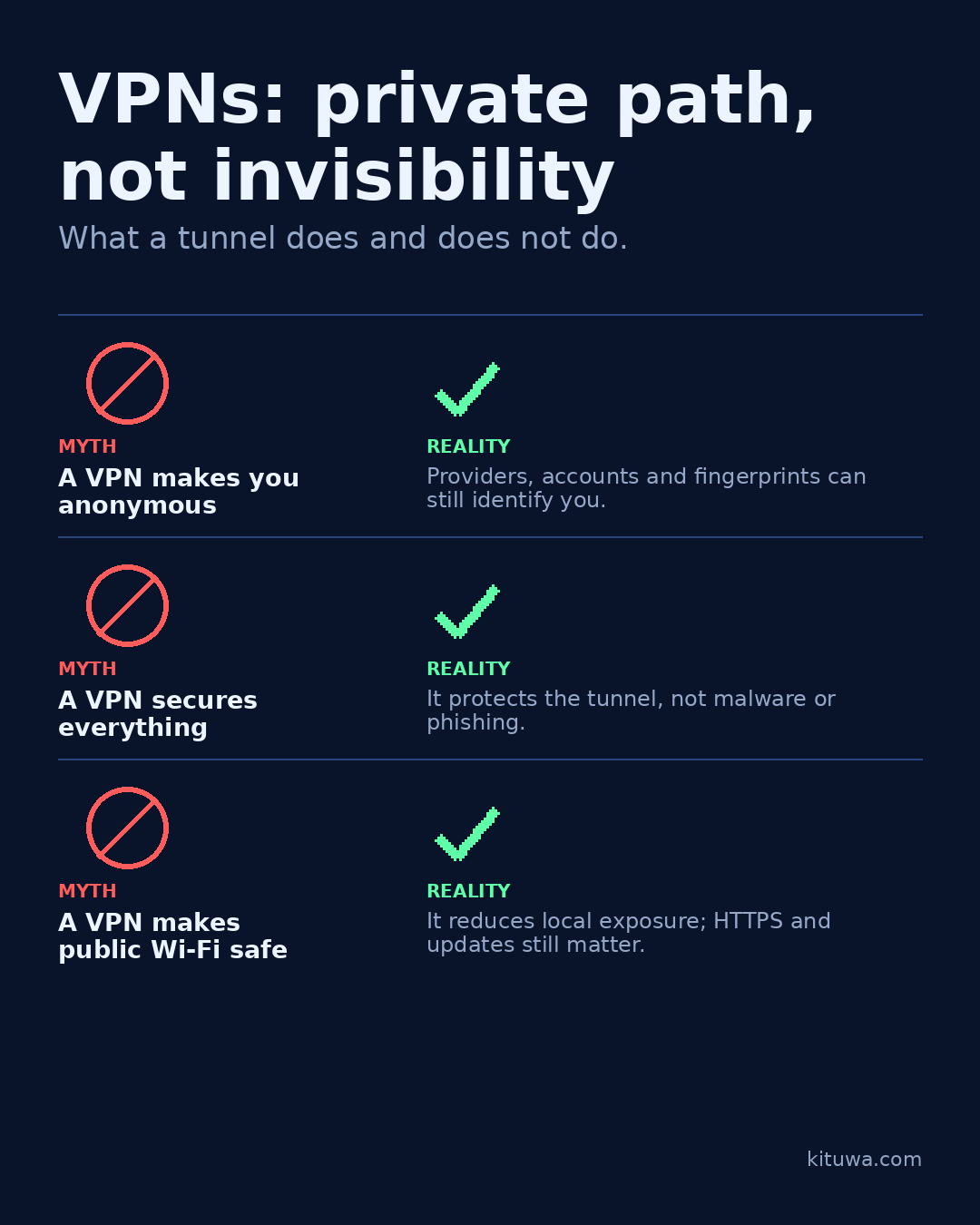
A VPN creates a private path between your device and a VPN endpoint. It is not invisibility.
This guide expands the Facebook post into a practical workflow for beginners, home-lab users, and small-business owners who want to understand the trade-offs before changing a working system.
What this guide covers
- VPNs: private path, not invisibility
- What a tunnel does and does not do.
- MYTH — A VPN makes you anonymous
- REALITY — Providers, accounts and fingerprints can still identify you.
- MYTH — A VPN secures everything
- REALITY — It protects the tunnel, not malware or phishing.
Why it matters
The goal is not to memorize a product name or copy a command blindly. It is to understand what the change affects, verify it against an official reference, test it on spare hardware or a virtual machine when possible, and keep a rollback path.
A practical walkthrough
Step 1: what to check
Myth: a VPN makes you anonymous. Reality: the VPN provider, your account, your browser fingerprint, and the sites you log into can still identify you. A VPN moves trust; it does not erase it.
Step 2: what to check
Myth: a VPN secures everything. Reality: it protects traffic in the tunnel. Malware, phishing, a compromised device, and accounts you are logged into remain risks.
Use the supported update path
Myth: a VPN makes public Wi-Fi safe. Reality: it reduces local network exposure, but you still need HTTPS, updates, and caution.
Check the assumptions
Use a VPN for a specific job: remote access to your own network, a trusted path on an untrusted network, or routing traffic through a location you control. Read the provider's logging and security model. A VPN also adds a dependency: if the endpoint is down, your path is down. Keep a fallback for critical access.
Your turn
What job do you need the VPN to do?
What to verify
- Use the official documentation for the exact version you run.
- Test on a spare device or virtual machine before changing a working system.
- Keep a backup and a rollback path.
- Record what changed and how you verified it.
Common mistakes
- Reusing credentials or recovery material across accounts.
- Storing recovery codes only on the device they protect.
- Skipping MFA or independent verification because it is inconvenient.
Quick checklist
- ☐ What a tunnel does and does not do.
- ☐ MYTH — A VPN makes you anonymous
- ☐ REALITY — Providers, accounts and fingerprints can still identify you.
- ☐ MYTH — A VPN secures everything
- ☐ REALITY — It protects the tunnel, not malware or phishing.
- ☐ MYTH — A VPN makes public Wi-Fi safe
FAQ
What is the first step?
A VPN creates a private path between your device and a VPN endpoint.
What should I avoid?
Reusing credentials or recovery material across accounts.
Where can I verify the current details?
Use the official references below; versions and interfaces change.
References
Related guides
Need help?
If you want a second opinion on the setup or the rollback plan, Kituwa can review it with you. Start with the checklist above; it makes the conversation more useful.