Kituwa IT · Field guide
DNS vs DHCP vs IP address
DNS, DHCP, and IP addresses are three different jobs. An IP address identifies a device on a network. Practical checks and official references.
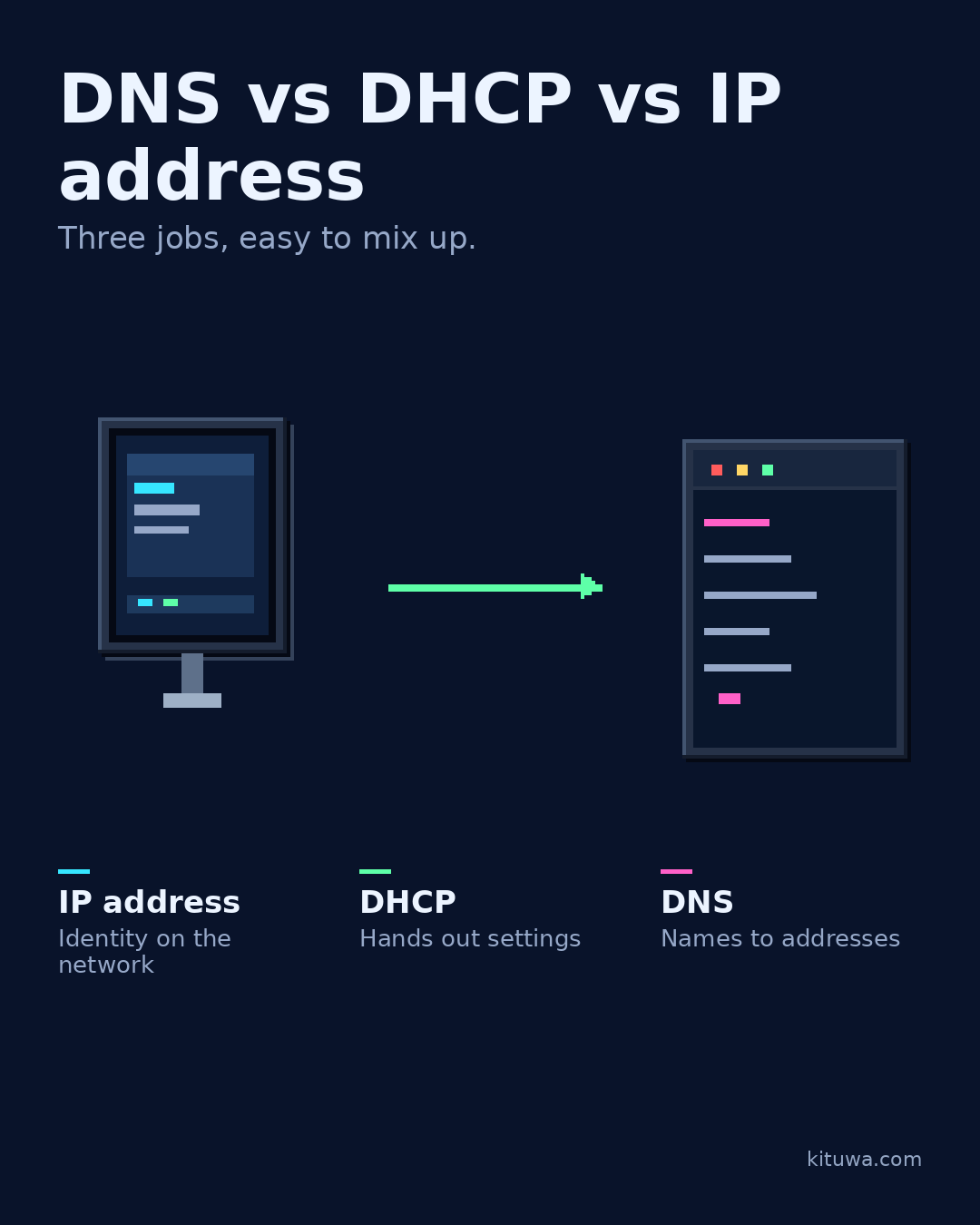
DNS, DHCP, and IP addresses are three different jobs.
This guide expands the Facebook post into a practical workflow for beginners, home-lab users, and small-business owners who want to understand the trade-offs before changing a working system.
What this guide covers
- DNS vs DHCP vs IP address
- Three jobs, easy to mix up.
- IP address — Identity on the network
- DHCP — Hands out settings
- DNS — Names to addresses
Why it matters
The goal is not to memorize a product name or copy a command blindly. It is to understand what the change affects, verify it against an official reference, test it on spare hardware or a virtual machine when possible, and keep a rollback path.
A practical walkthrough
Check the network path
An IP address identifies a device on a network. It can be static or leased. A private address is not directly reachable from the public internet without a translation or tunnel.
Step 2: what to check
DHCP hands out addresses and often other settings, such as the default gateway and DNS servers. It reduces manual configuration, but a bad DHCP setting can affect every device that uses it.
Step 3: what to check
DNS translates names into addresses. If DNS fails, a site may be reachable by IP but not by name. DNS is not the same as DHCP, and neither is the same as the address itself.
Check ip addr
Use ip addr, ip route, and a DNS lookup as read-only checks; they show the address, gateway, and name resolution path. When troubleshooting, ask: does the device have an address, did it get the right settings, and can it resolve a name?
Your turn
Which of the three would you check first?
What to verify
- Use the official documentation for the exact version you run.
- Test on a spare device or virtual machine before changing a working system.
- Keep a backup and a rollback path.
- Record what changed and how you verified it.
Common mistakes
- Exposing a service before authentication and updates are ready.
- Changing several network variables at once.
- Forgetting DNS, TTL, firewall, or rollback details.
Quick checklist
- ☐ Three jobs, easy to mix up.
- ☐ IP address — Identity on the network
- ☐ DHCP — Hands out settings
- ☐ DNS — Names to addresses
FAQ
What is the first step?
DNS, DHCP, and IP addresses are three different jobs.
What should I avoid?
Exposing a service before authentication and updates are ready.
Where can I verify the current details?
Use the official references below; versions and interfaces change.
References
Related guides
Need help?
If you want a second opinion on the setup or the rollback plan, Kituwa can review it with you. Start with the checklist above; it makes the conversation more useful.