Kituwa IT · Field guide
APT, Flatpak, AppImage
APT, Flatpak, and AppImage can all put software on your Linux desktop, but they are not interchangeable. APT uses… Practical checks and official references.
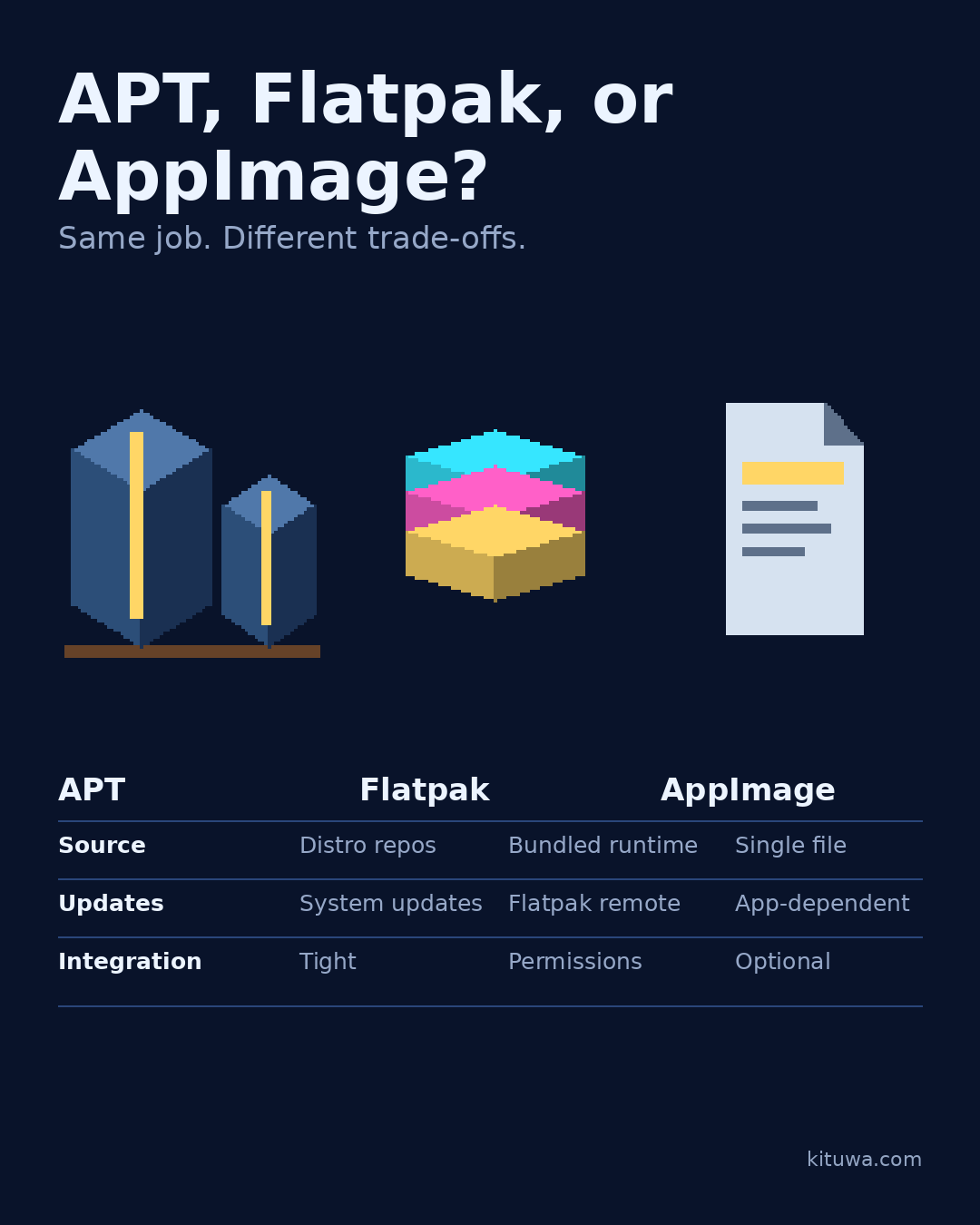
APT, Flatpak, and AppImage can all put software on your Linux desktop, but they are not interchangeable.
This guide expands the Facebook post into a practical workflow for beginners, home-lab users, and small-business owners who want to understand the trade-offs before changing a working system.
What this guide covers
- APT, Flatpak, or AppImage?
- Same job. Different trade-offs.
- APT
- Flatpak
- AppImage
- Source — Distro repos — Bundled runtime — Single file
Why it matters
The goal is not to memorize a product name or copy a command blindly. It is to understand what the change affects, verify it against an official reference, test it on spare hardware or a virtual machine when possible, and keep a rollback path.
A practical walkthrough
Check apt
APT uses your distribution's repositories. Packages are installed system-wide with apt, updates arrive through the normal system update flow, and desktop integration is usually tight. Trust depends on the repository you use.
Check the assumptions
Flatpak packages an app with a runtime and can sandbox it. Sandboxing depends on the permissions the app declares and the settings you grant; not every Flatpak is automatically safe. Updates come through Flatpak remotes such as Flathub. Integration is good, but permissions deserve a look.
Check the assumptions
AppImage is a single executable file. You download it, make it executable, and run it without a traditional install. Updates depend on the app and its update mechanism; sandboxing is not automatic. Desktop integration is optional.
Use the supported update path
A realistic choice: use distro packages for system tools and drivers; use Flatpak for a current desktop app from a publisher you trust; use an AppImage when a vendor ships that format and you accept manual updates.
Step 5: what to check
Check the publisher, the source, and who maintains it before choosing. The format is not a safety guarantee.
Your turn
Which format do you reach for first?
What to verify
- Use the official documentation for the exact version you run.
- Test on a spare device or virtual machine before changing a working system.
- Keep a backup and a rollback path.
- Record what changed and how you verified it.
Common mistakes
- Changing more than one thing at a time.
- Skipping the official documentation for your version.
- Assuming a warning means you should delete or reset data.
- Not recording what you changed or how you verified it.
Quick checklist
- ☐ APT, Flatpak, or AppImage?
- ☐ Same job. Different trade-offs.
- ☐ APT
- ☐ Flatpak
- ☐ AppImage
- ☐ Source — Distro repos — Bundled runtime — Single file
FAQ
What is the first step?
APT, Flatpak, and AppImage can all put software on your Linux desktop, but they are not interchangeable.
What should I avoid?
Changing more than one thing at a time.
Where can I verify the current details?
Use the official references below; versions and interfaces change.
References
Related guides
Need help?
If you want a second opinion on the setup or the rollback plan, Kituwa can review it with you. Start with the checklist above; it makes the conversation more useful.