Kituwa IT · Field guide
Your first Linux frustration
Your first Linux frustration is usually not a broken computer. It is a permission message, an app that will not… Practical checks and official references.
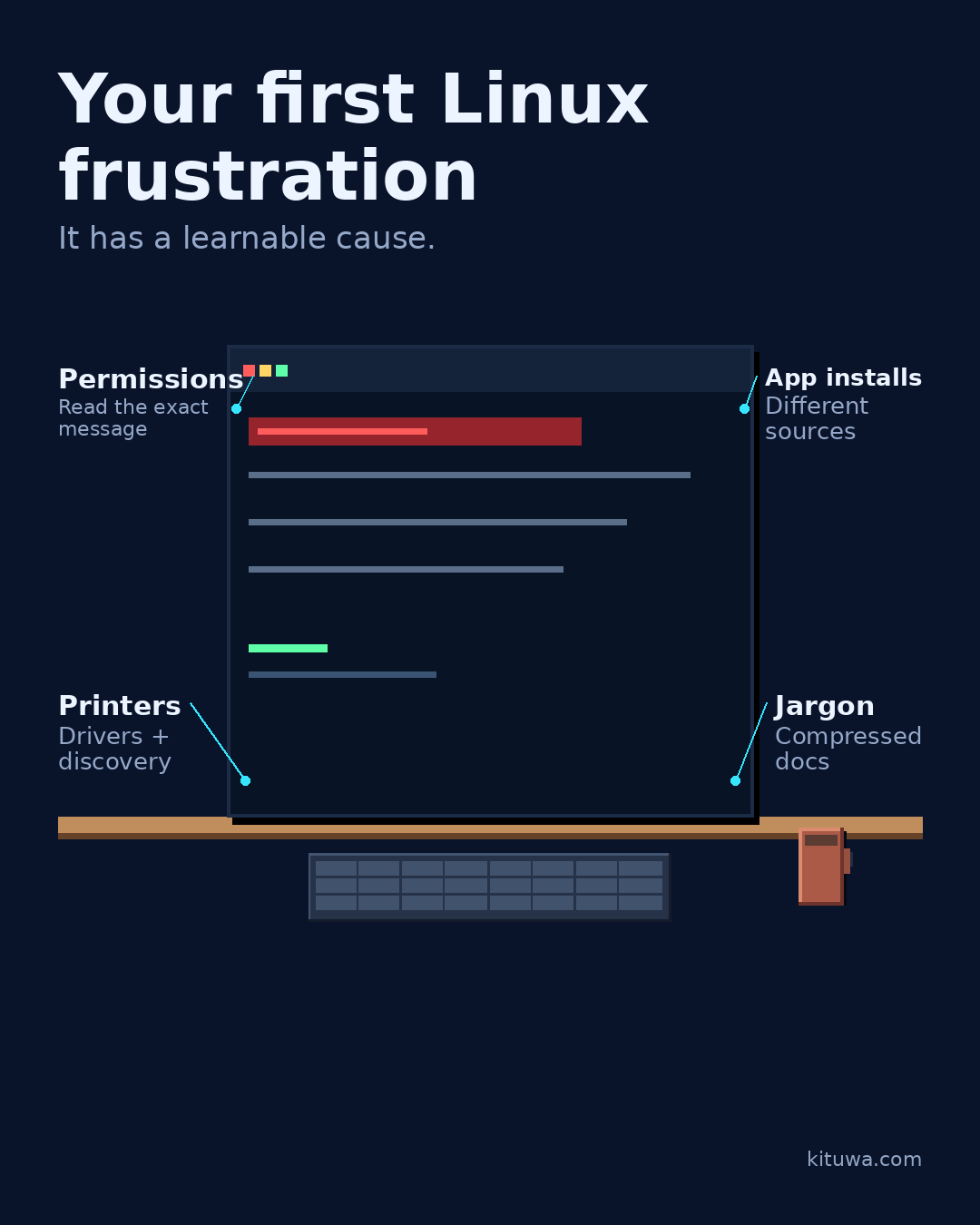
Your first Linux frustration is usually not a broken computer. It is a permission message, an app that will not install, a printer that worked yesterday, or a word you have never seen.
This guide expands the Facebook post into a practical workflow for beginners, home-lab users, and small-business owners who want to understand the trade-offs before changing a working system.
What this guide covers
- Your first Linux frustration
- It has a learnable cause.
- Permissions — Read the exact message
- App installs — Different sources
- Printers — Drivers + discovery
- Jargon — Compressed docs
Why it matters
The goal is not to memorize a product name or copy a command blindly. It is to understand what the change affects, verify it against an official reference, test it on spare hardware or a virtual machine when possible, and keep a rollback path.
A practical walkthrough
Check the assumptions
Permissions exist to stop one user or program from changing everything. Package formats have different sources and update paths. Printers depend on drivers and network discovery. Jargon is compressed documentation, not a secret handshake.
Step 2: what to check
None of that means you are “bad at computers”. It means you met a new system with its own rules. The useful next step is to read the exact message, search the exact wording, and change one thing at a time.
Verify the result
Test the change on a spare device or virtual machine first. Check the exact behavior you care about, not just whether the screen looks right. Record what you tested and what you expected.
Your turn
What was your first stumbling block — and what tip would you give another beginner?
What to verify
- Use the official documentation for the exact version you run.
- Test on a spare device or virtual machine before changing a working system.
- Keep a backup and a rollback path.
- Record what changed and how you verified it.
Common mistakes
- Changing more than one thing at a time.
- Skipping the official documentation for your version.
- Assuming a warning means you should delete or reset data.
- Not recording what you changed or how you verified it.
Quick checklist
- ☐ It has a learnable cause.
- ☐ Permissions — Read the exact message
- ☐ App installs — Different sources
- ☐ Printers — Drivers + discovery
- ☐ Jargon — Compressed docs
FAQ
What is the first step?
Your first Linux frustration is usually not a broken computer.
What should I avoid?
Changing more than one thing at a time.
Where can I verify the current details?
Use the official references below; versions and interfaces change.
References
Related guides
Need help?
If you want a second opinion on the setup or the rollback plan, Kituwa can review it with you. Start with the checklist above; it makes the conversation more useful.