Kituwa IT · Field guide
Immutable Linux explained honestly
Immutable Linux is easier to understand as layers. The base system is protected and updated atomically: the new… Practical checks and official references.
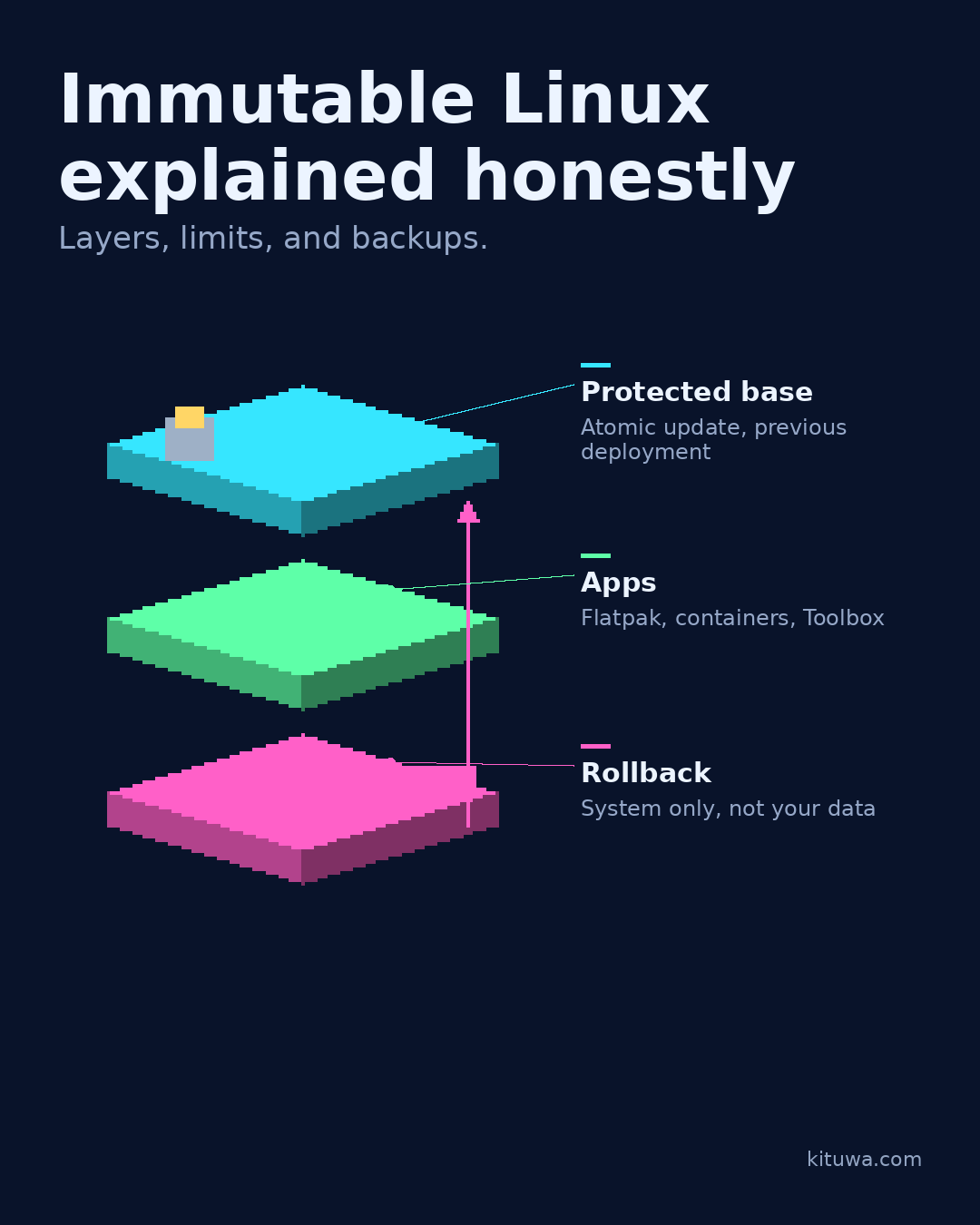
Immutable Linux is easier to understand as layers.
This guide expands the Facebook post into a practical workflow for beginners, home-lab users, and small-business owners who want to understand the trade-offs before changing a working system.
What this guide covers
- Immutable Linux explained honestly
- Layers, limits, and backups.
- Protected base — Atomic update, previous deployment
- Apps — Flatpak, containers, Toolbox
- Rollback — System only, not your data
Why it matters
The goal is not to memorize a product name or copy a command blindly. It is to understand what the change affects, verify it against an official reference, test it on spare hardware or a virtual machine when possible, and keep a rollback path.
A practical walkthrough
Use the supported update path
The base system is protected and updated atomically: the new version is staged, then the system switches to it. Fedora Silverblue and Kinoite are desktop examples. If an update goes wrong, you can often boot the previous deployment.
Check the container state
Apps are installed differently: Flatpak for desktop apps, containers for services, and Toolbox or Distrobox for development environments. The base stays clean.
Protect the data first
Rollback has limits. It rolls back the system deployment, not your documents, databases, or every app's state. It does not replace backups, and it does not prevent all compromise. Talos is a Kubernetes-oriented OS, not a gaming distribution.
Use the supported update path
Atomic updates also change troubleshooting: the base is not meant to be edited in place, so fixes usually go into a layered package, a container, or an upstream image. That discipline is useful, but it is still a model with trade-offs, not a guarantee of safety or simplicity.
Test the model on your task
Immutability changes the maintenance model; it does not remove the need to understand it.
Your turn
What would you want on the protected base?
What to verify
- Use the official documentation for the exact version you run.
- Test on a spare device or virtual machine before changing a working system.
- Keep a backup and a rollback path.
- Record what changed and how you verified it.
Common mistakes
- Trusting a confident answer without a check.
- Skipping a repeatable test set or factual review.
- Sending private data to an endpoint you have not verified.
Quick checklist
- ☐ Layers, limits, and backups.
- ☐ Protected base — Atomic update, previous deployment
- ☐ Apps — Flatpak, containers, Toolbox
- ☐ Rollback — System only, not your data
FAQ
What is the first step?
Immutable Linux is easier to understand as layers.
What should I avoid?
Trusting a confident answer without a check.
Where can I verify the current details?
Use the official references below; versions and interfaces change.
References
Related guides
Need help?
If you want a second opinion on the setup or the rollback plan, Kituwa can review it with you. Start with the checklist above; it makes the conversation more useful.