Kituwa IT · Field guide
What should stay simple?
Two desks can solve one problem. The work desk is the reliable everyday machine: stable release, supported updates,… Practical checks and official references.
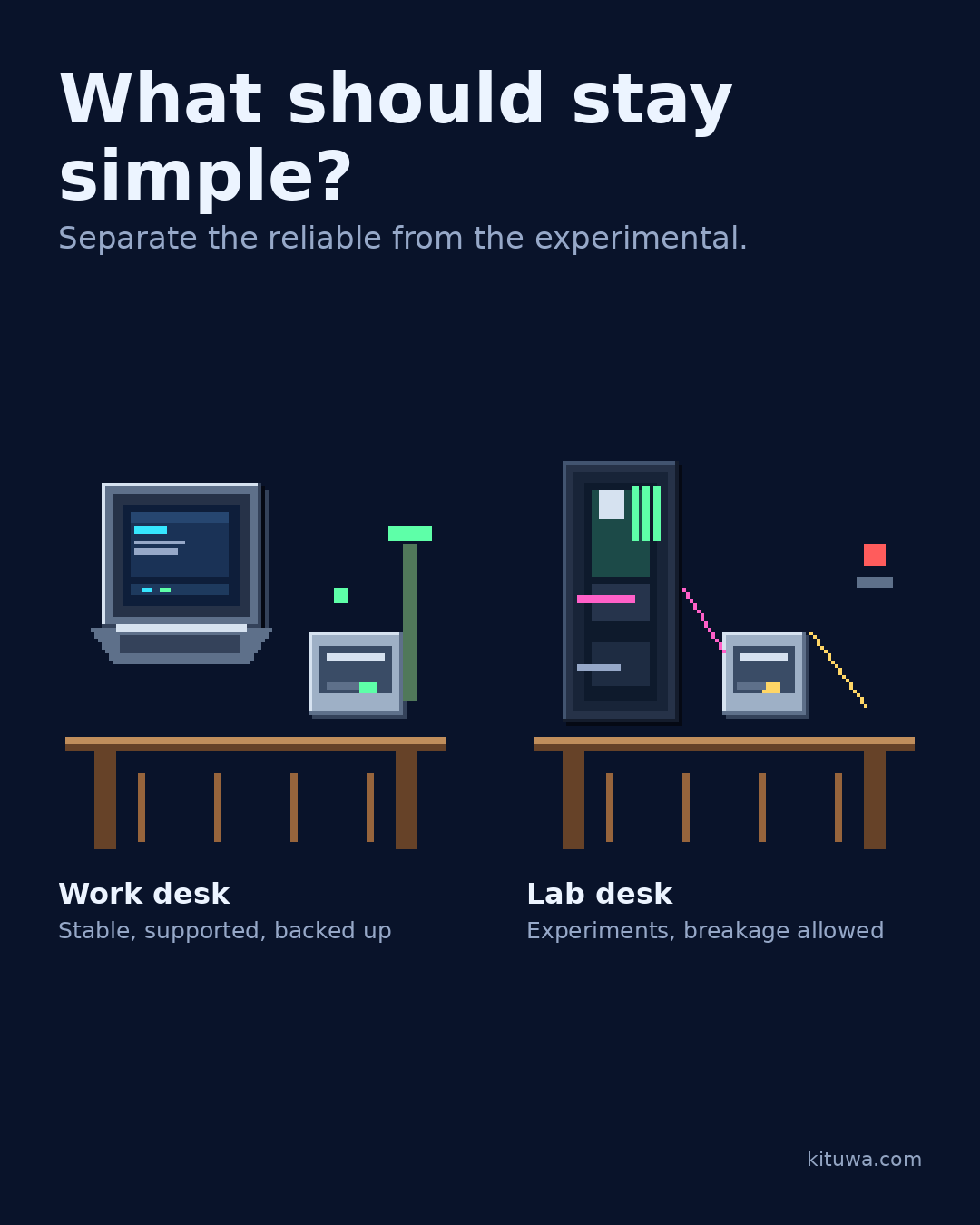
Two desks can solve one problem.
This guide expands the Facebook post into a practical workflow for beginners, home-lab users, and small-business owners who want to understand the trade-offs before changing a working system.
What this guide covers
- What should stay simple?
- Separate the reliable from the experimental.
- Work desk — Stable, supported, backed up
- Lab desk — Experiments, breakage allowed
Why it matters
The goal is not to memorize a product name or copy a command blindly. It is to understand what the change affects, verify it against an official reference, test it on spare hardware or a virtual machine when possible, and keep a rollback path.
A practical walkthrough
Protect the data first
The work desk is the reliable everyday machine: stable release, supported updates, minimal experiments, backups that run.
Check the container state
The lab desk is for testing: new distributions, containers, drivers, and risky changes. If it breaks, work continues.
Protect the data first
Separating them reduces interruptions, but it is not free: another machine, another backup, another thing to maintain. On a tight budget, one machine with a virtual machine or a separate user account can still be reasonable, as long as you keep a restore path.
Your turn
Which service would you never want interrupted by a hobby project?
What to verify
- Use the official documentation for the exact version you run.
- Test on a spare device or virtual machine before changing a working system.
- Keep a backup and a rollback path.
- Record what changed and how you verified it.
Common mistakes
- Changing more than one thing at a time.
- Skipping the official documentation for your version.
- Assuming a warning means you should delete or reset data.
- Not recording what you changed or how you verified it.
Quick checklist
- ☐ Separate the reliable from the experimental.
- ☐ Work desk — Stable, supported, backed up
- ☐ Lab desk — Experiments, breakage allowed
- ☐ Verify the result
- ☐ Record the rollback
FAQ
What is the first step?
Two desks can solve one problem.
What should I avoid?
Changing more than one thing at a time.
Where can I verify the current details?
Use the official references below; versions and interfaces change.
References
Related guides
Need help?
If you want a second opinion on the setup or the rollback plan, Kituwa can review it with you. Start with the checklist above; it makes the conversation more useful.