Kituwa IT · Field guide
Plan a server before installing apps
Plan the server before you install apps. Write down six things: 1. Practical checks and official references.
Plan the server before you install apps.
This guide expands the Facebook post into a practical workflow for beginners, home-lab users, and small-business owners who want to understand the trade-offs before changing a working system.
What this guide covers
- Plan a server before installing apps
- Six questions before the first container.
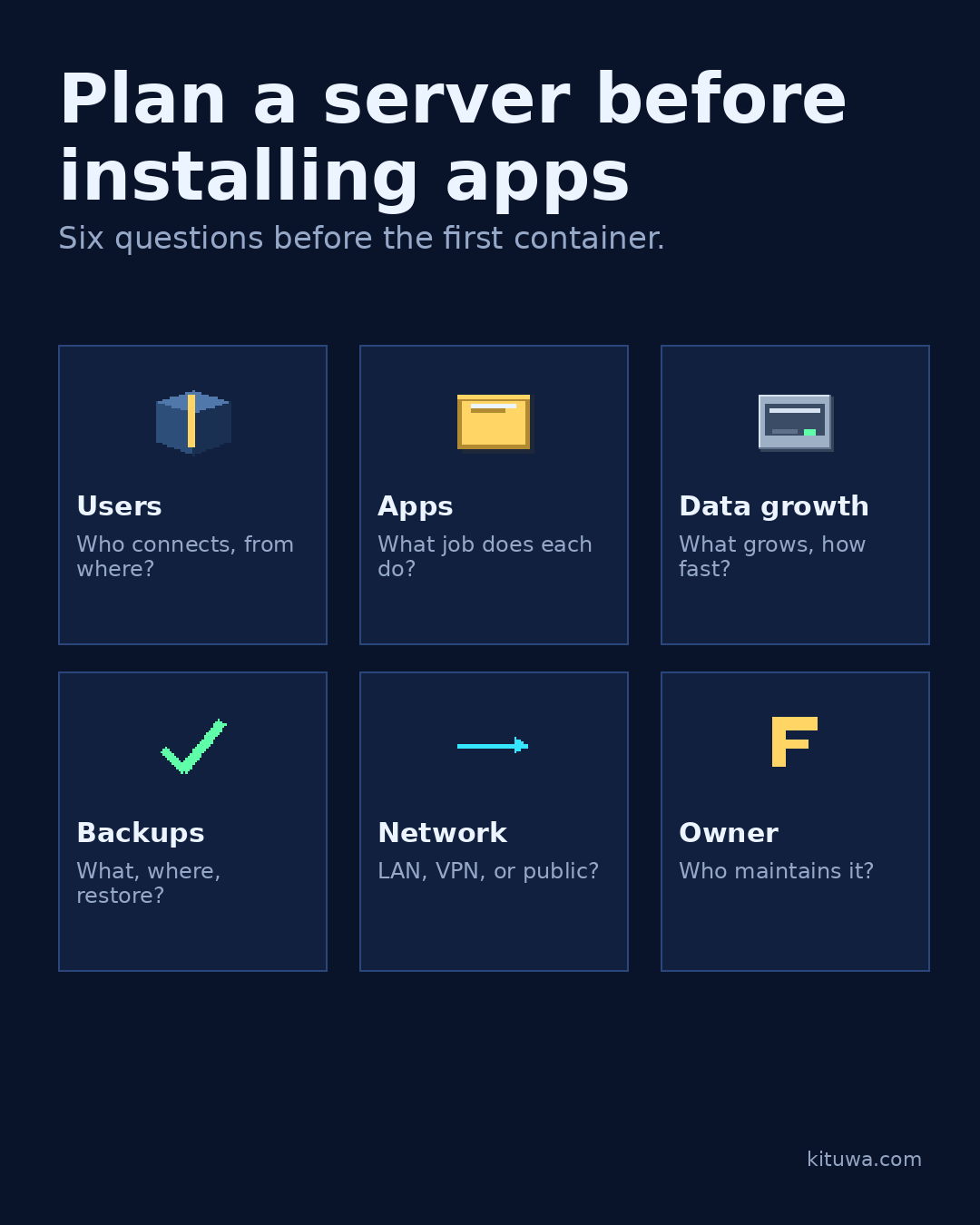
- Users — Who connects, from where?
- Apps — What job does each do?
- Data growth — What grows, how fast?
- Backups — What, where, restore?
Why it matters
The goal is not to memorize a product name or copy a command blindly. It is to understand what the change affects, verify it against an official reference, test it on spare hardware or a virtual machine when possible, and keep a rollback path.
A practical walkthrough
Step 1: what to check
Write down six things:
Protect the data first
- Intended users: who connects, from where, and how often?
- Apps: what job does each one do? Can two jobs share one app?
- Data growth: what grows, how fast, and how much room is left?
- Backups: what is copied, how often, where, and how do you restore?
- Network access: LAN only, VPN, or public? Who manages the firewall?
- Maintenance owner: who updates it, checks alerts, and responds when it breaks?
Plan for growth
A hypothetical household example: two adults, photos, files, a dashboard, and remote access for one person. That is a different plan from a five-person office with chat, email, and customer records.
Step 4: what to check
Write the answers down and revisit them when the workload changes. One low-pressure sentence: if you want help turning the worksheet into a build, Kituwa can scope it with you.
Your turn
Which question is hardest for you to answer?
What to verify
- Use the official documentation for the exact version you run.
- Test on a spare device or virtual machine before changing a working system.
- Keep a backup and a rollback path.
- Record what changed and how you verified it.
Common mistakes
- Changing more than one thing at a time.
- Skipping the official documentation for your version.
- Assuming a warning means you should delete or reset data.
- Not recording what you changed or how you verified it.
Quick checklist
- ☐ Six questions before the first container.
- ☐ Users — Who connects, from where?
- ☐ Apps — What job does each do?
- ☐ Data growth — What grows, how fast?
- ☐ Backups — What, where, restore?
- ☐ Network — LAN, VPN, or public?
FAQ
What is the first step?
Plan the server before you install apps.
What should I avoid?
Changing more than one thing at a time.
Where can I verify the current details?
Use the official references below; versions and interfaces change.
References
Related guides
Need help?
If you want a second opinion on the setup or the rollback plan, Kituwa can review it with you. Start with the checklist above; it makes the conversation more useful.