Kituwa IT · Field guide
Linux myths worth retiring
Three Linux myths worth retiring. Myth: everything requires the terminal. Practical checks and official references.
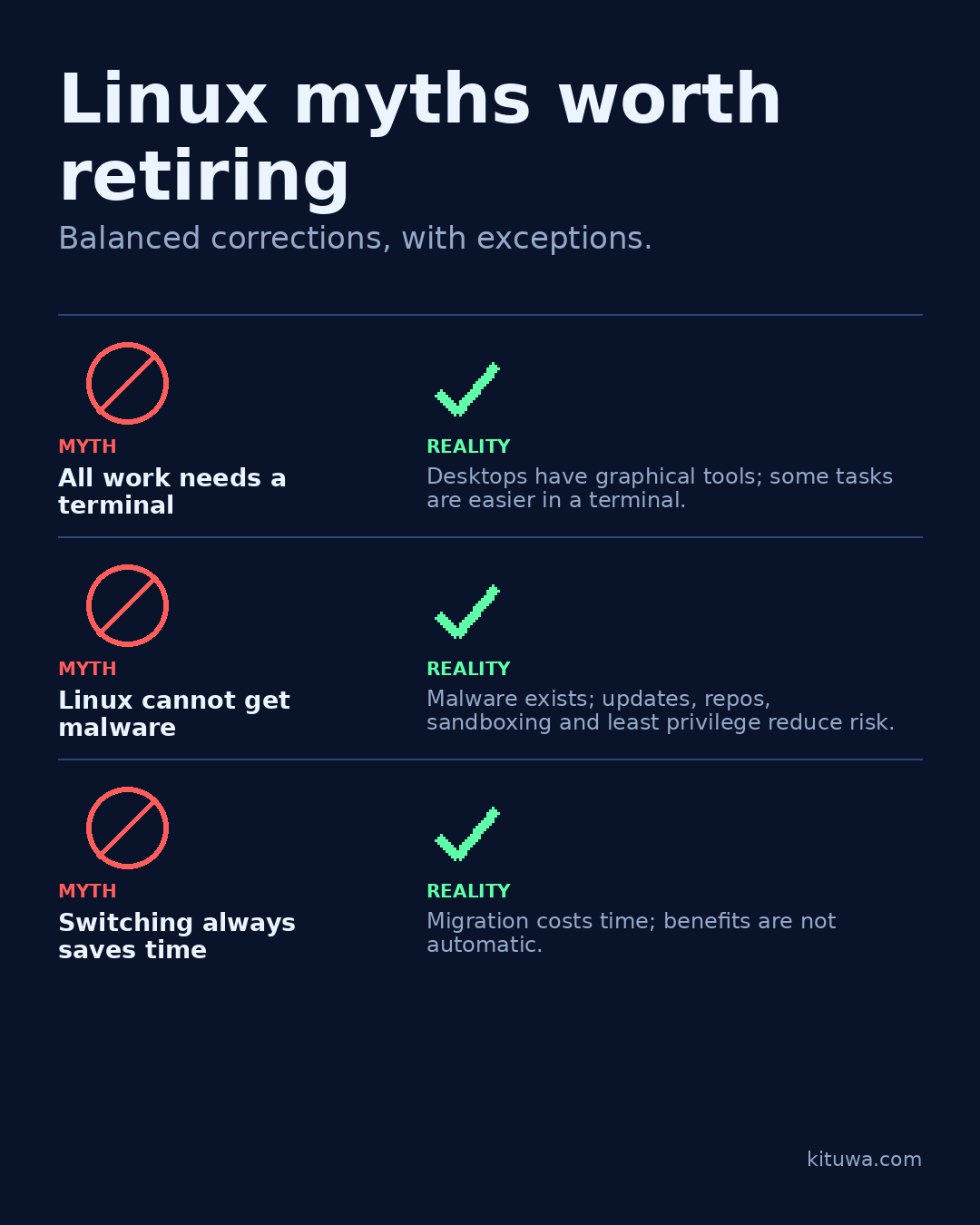
Three Linux myths worth retiring.
This guide expands the Facebook post into a practical workflow for beginners, home-lab users, and small-business owners who want to understand the trade-offs before changing a working system.
What this guide covers
- Linux myths worth retiring
- Balanced corrections, with exceptions.
- MYTH — All work needs a terminal
- REALITY — Desktops have graphical tools; some tasks are easier in a terminal.
- MYTH — Linux cannot get malware
- REALITY — Malware exists; updates, repos, sandboxing and least privilege reduce risk.
Why it matters
The goal is not to memorize a product name or copy a command blindly. It is to understand what the change affects, verify it against an official reference, test it on spare hardware or a virtual machine when possible, and keep a rollback path.
A practical walkthrough
Use the supported update path
Myth: everything requires the terminal. Reality: desktops have graphical software centers, settings, and update tools. Some troubleshooting is easier in a terminal, but it is not a daily requirement for everyone.
Check the assumptions
Myth: Linux cannot get malware. Reality: Linux malware exists. Sandboxing, repository trust, timely updates, and least privilege reduce risk; none makes a system immune. Flatpak sandboxes depend on permissions and configuration.
Protect the data first
Myth: switching always saves time. Reality: a migration costs time: backups, app checks, hardware quirks, and learning. It may pay off later, but it is not automatic.
Your turn
Which misconception kept you from trying Linux?
What to verify
- Use the official documentation for the exact version you run.
- Test on a spare device or virtual machine before changing a working system.
- Keep a backup and a rollback path.
- Record what changed and how you verified it.
Common mistakes
- Changing more than one thing at a time.
- Skipping the official documentation for your version.
- Assuming a warning means you should delete or reset data.
- Not recording what you changed or how you verified it.
Quick checklist
- ☐ Balanced corrections, with exceptions.
- ☐ MYTH — All work needs a terminal
- ☐ REALITY — Desktops have graphical tools; some tasks are easier in a terminal.
- ☐ MYTH — Linux cannot get malware
- ☐ REALITY — Malware exists; updates, repos, sandboxing and least privilege reduce risk.
- ☐ MYTH — Switching always saves time
FAQ
What is the first step?
Three Linux myths worth retiring.
What should I avoid?
Changing more than one thing at a time.
Where can I verify the current details?
Use the official references below; versions and interfaces change.
References
Related guides
Need help?
If you want a second opinion on the setup or the rollback plan, Kituwa can review it with you. Start with the checklist above; it makes the conversation more useful.